16
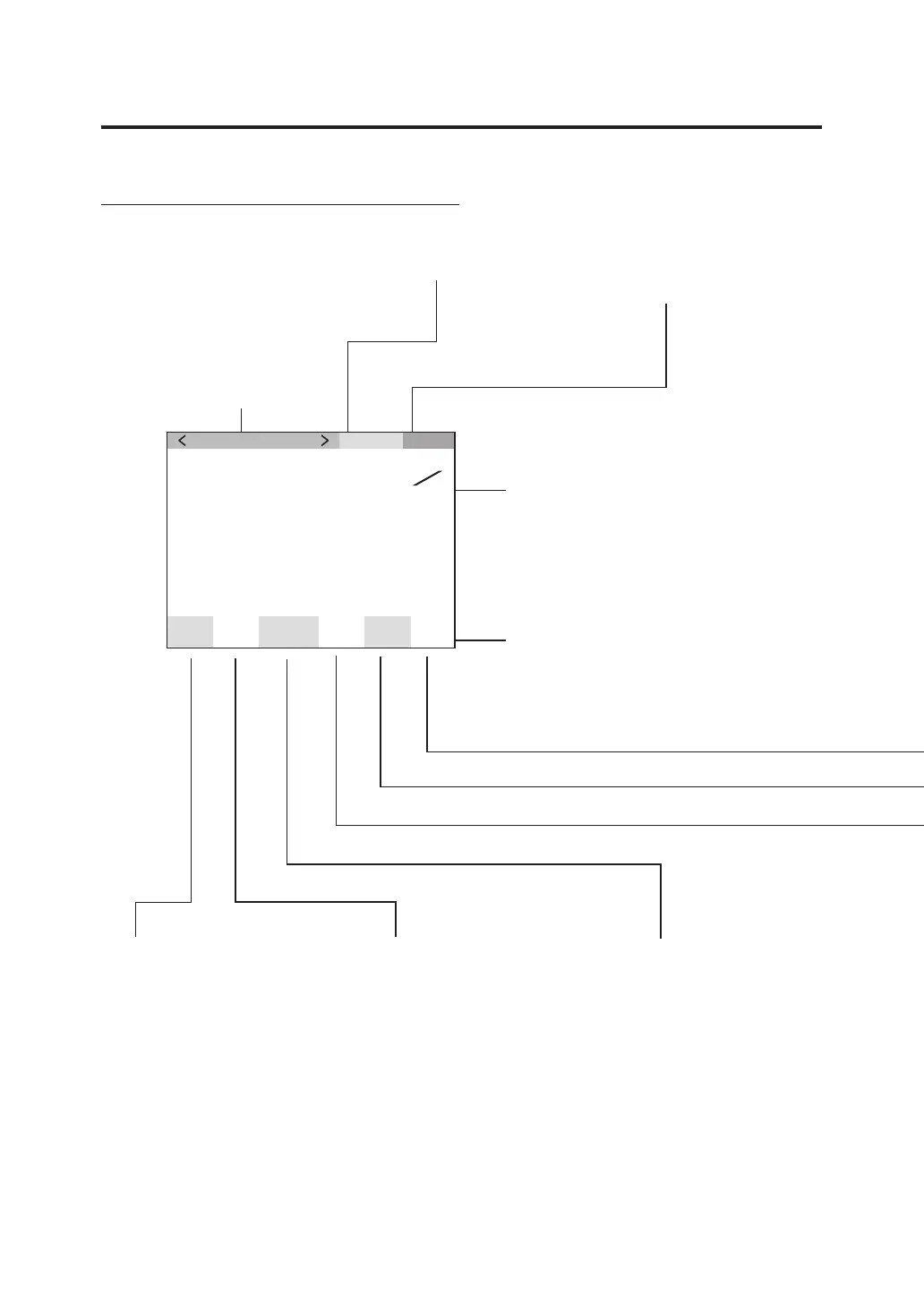
LCD Screen
MEAS (Measurement value) screen
“SNGL” is displayed for the
values obtained during single
measurement, while “CONT”
is displayed for the values
obtained during continuous
measurement. (p.53)
Calibration channel (p.47) Target color channel
(p.61, 65, 67)
Measurement result is displayed in the
currently selected color space.
(L
v
xy, L
v
u’v’, L
v
TΔuv, XYZ, Dominant
wavelength/Excitation purity, Spectral
graph) (p.39)
Display format can be changed. (p.37)
<Obs>
Currently selected
observer angle is
displayed.
(2°,10°) (p.35)
Setting status in this instrument is
displayed.
<SPD>
Currently selected
measuring time is
displayed.
(Nrm, Fst, M-N, M-F,
Mnl) (p.29)
<SYNC>
“Int” is displayed when
the internal sync
measurement mode is
set. “Ext” is displayed
when the external sync
measurement mode.
“Non” is displayed when
the sync measurement
mode is not set. (p.26)
MEAS SNGL
UC00
SPD
M-N
Ob
s
10
˚
SYNC
Non
ND
100
BL
on
LEN
C
-
U
cd
m
2
Lv
80. 00
0 . 0000
0 . 0000
x
y
T01













 To Next Page