85
Explanation
Setting Initialization
Preset measurement conditions can be initialized to the factory default settings according
to the following procedure.
Factory default settings are shown below.
* Synchronizing method : NO SYNC * Measurement time : MULTI INTEG, 1s,
IN-ND: AUTO
* Observer : 2°OBS * Display format : ****.**** [F]
* Color space mode : L
v
xy * Absolute value (ABS)/
Difference (DIFF) display : Absolute value (ABS)
* Lens type : STANDARD * ND filter type : NONE
* Backlight during measurement : ON
Operation Procedure
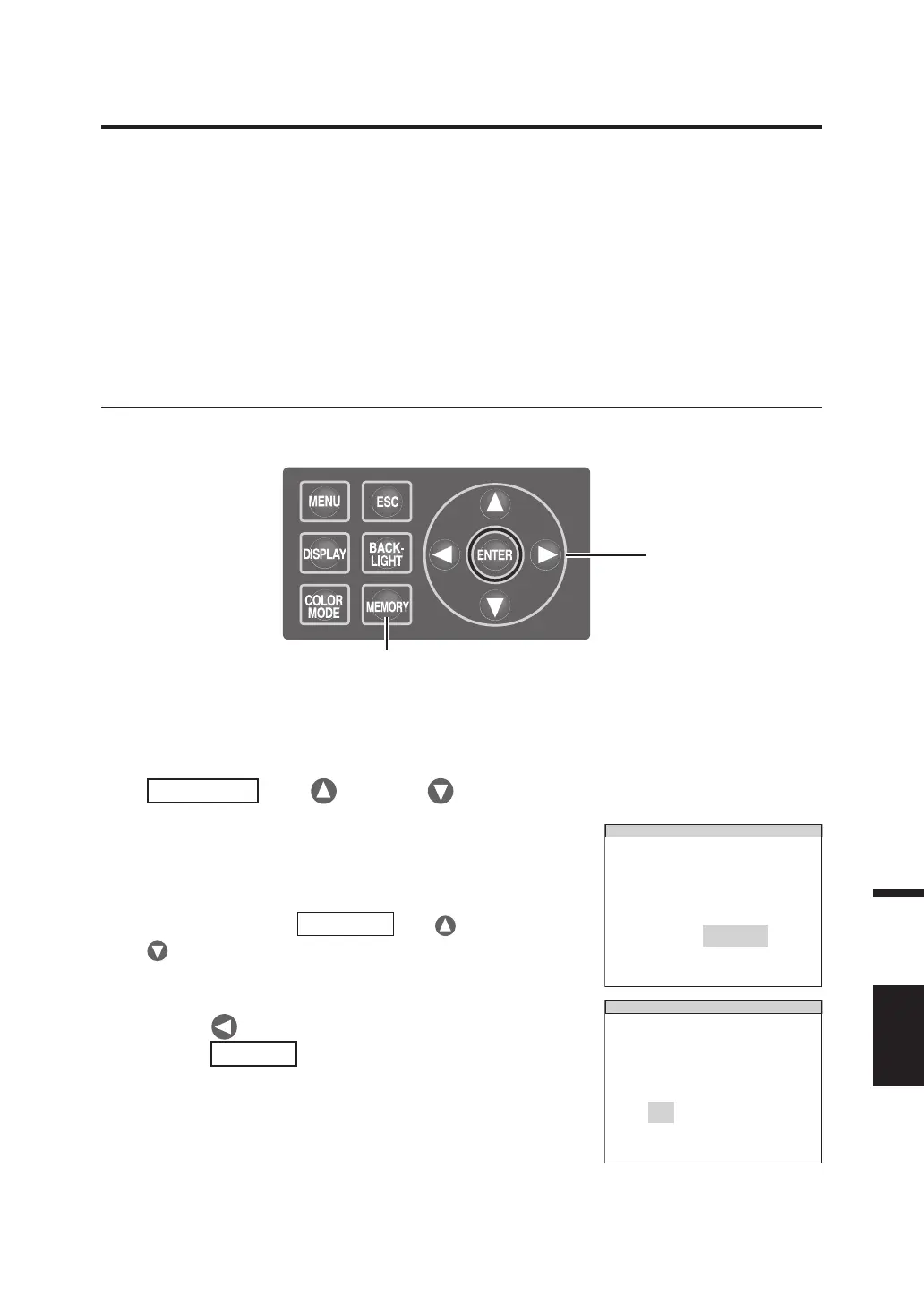
1. When the power switch is OFF (O),
turn it to ON ( I ) while pressing
MEMORY
key,
key and
key
simultaneously.
The INITIALIZE SETTINGS (confirmation of
setting initialization) screen appears approx.
5 seconds after the initial screen on the LCD.
Continue pressing
MEMORY
key, key and
key until the INITIALIZE SETTINGS screen
appears.
I N I T I A L I Z E SETT IN GS
RESET
OK CANCEL
ALL SETTINGS ?
2. Press key to select [OK] and then
press
ENTER
key.
The preset measurement conditions are
initialized and the MEAS screen appears on the
LCD.
I N I T I A L I Z E SETT IN GS
RESET
OK CANCEL
ALL SETTINGS ?
1, 2
1













 To Next Page