17
<LENS>
“C-U” is displayed, if the
closeup lens is attached.
If not, “Std” is displayed
(p.43).
<ND>
The current ND filter type
is displayed.
(Non, 10, 100) (p.45)
<BL>
“On” is displayed, if the
backlight is set to be
turned on during the
measurement. “Off” is
displayed, if the backlight
is set to be turned off
during that time. (p.49)
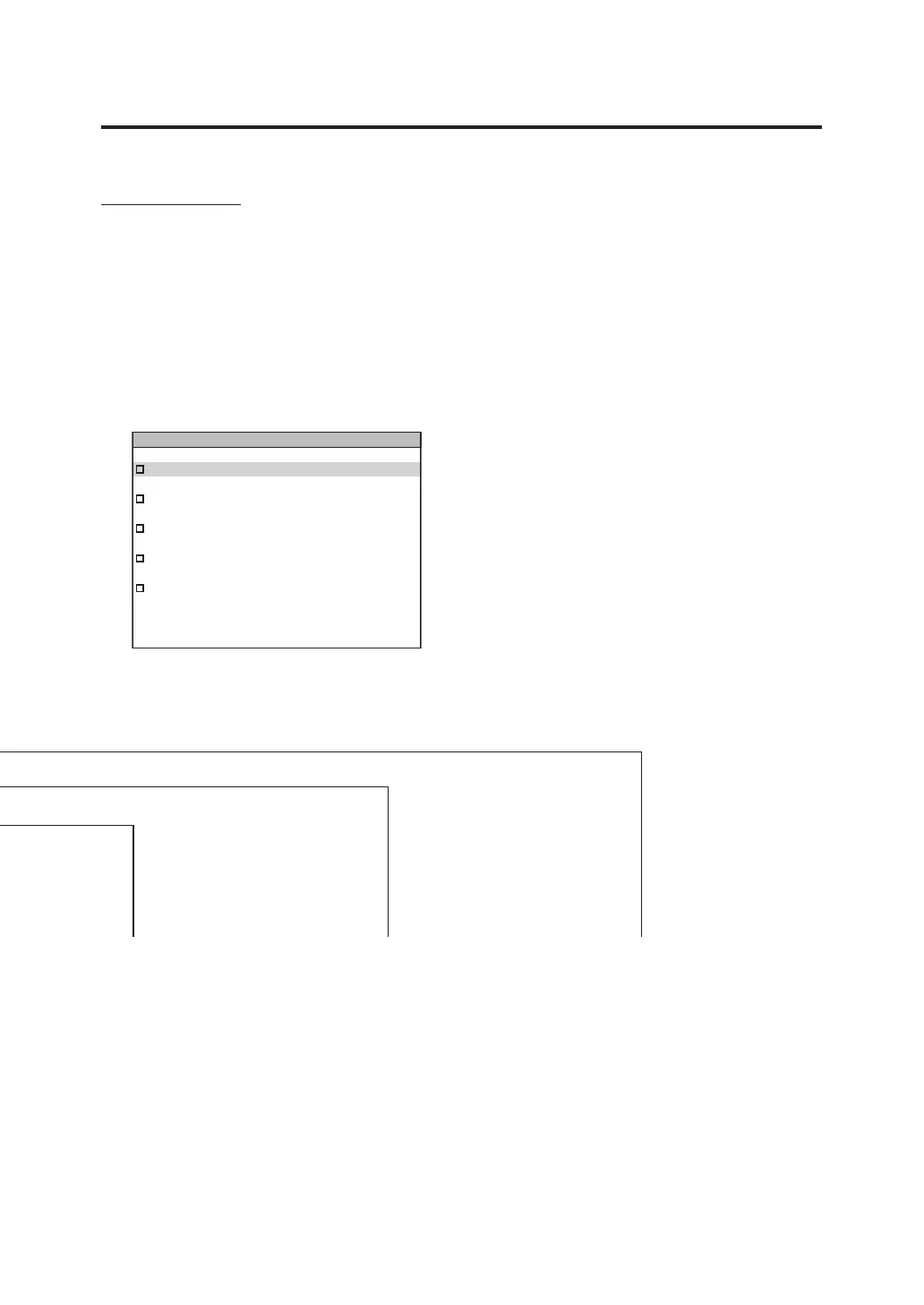
MENU screen
The MENU screen appears if MENU key is pressed when the measurement value screen
is displayed.
MEAS
Used to set measurement time or
synchronizing method. (p.26, 29)
MEMORY
Used to read or delete the measurement
memory data. (p.56, 58)
TARGET
Used to register, select or delete the
target color. (p.61, 65, 67)
OPTION
Used to set the closeup lens, ND filter or
calibration channel. (p.43, 45, 47)
SETUP
Used to set the observer, backlight or
display format. (p.35, 49, 37)
MEAS
MEMORY
TARGET
OPTION
SETUP
MENU













 To Next Page