Replacing Consumables
129
3
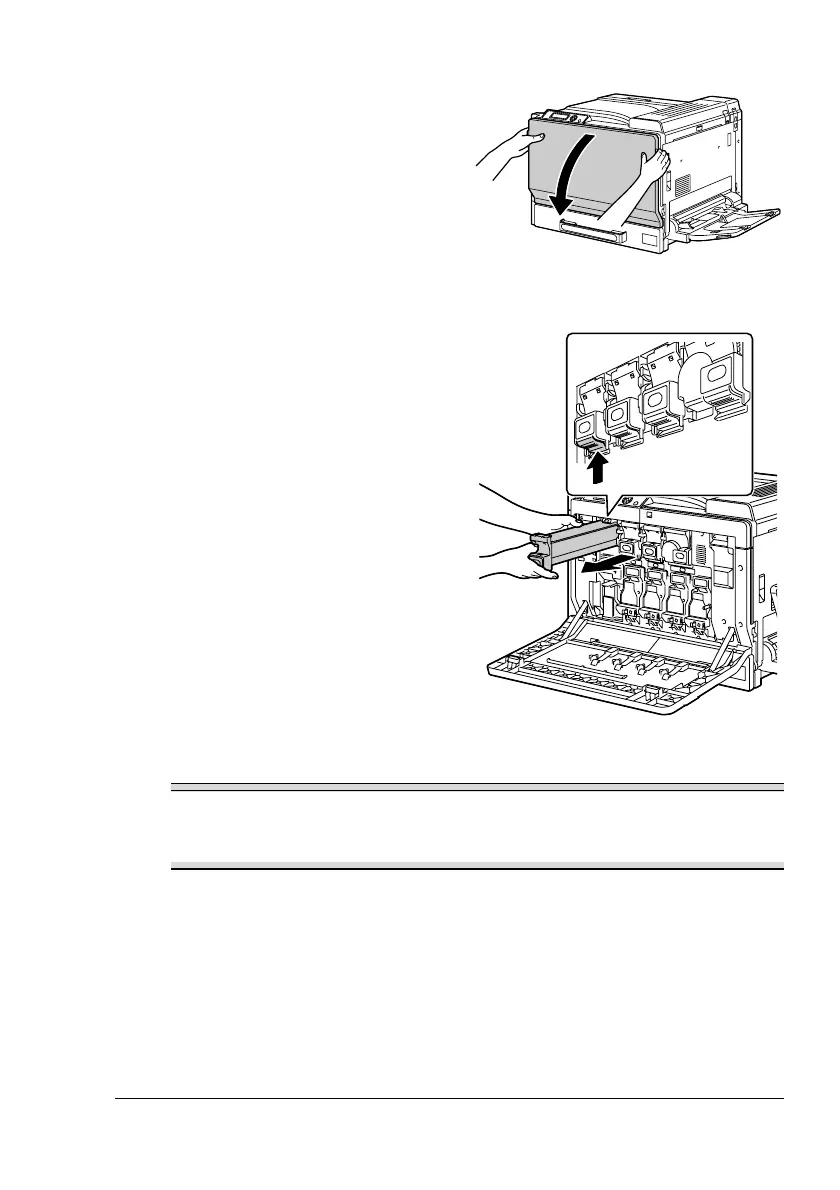
Open the printer’s front cover.
4
Pull up the locking tab of the
empty toner cartridge to unlock
it. Pull out the toner cartridge as
far as possible, and then pull it
up to remove it.
Note
Dispose of the used toner cartridge according to your local regulations.
Do not burn the toner cartridge.
For details, refer to “About Toner Cartridges” on page 126.
5
Check the color of the new toner cartridge to be installed.















 To Next Page