Configuration Menu Overview82
SERVICE MENU
With this menu, the service representative can adjust the printer and perform
maintenance operations. This menu cannot be used by the user.
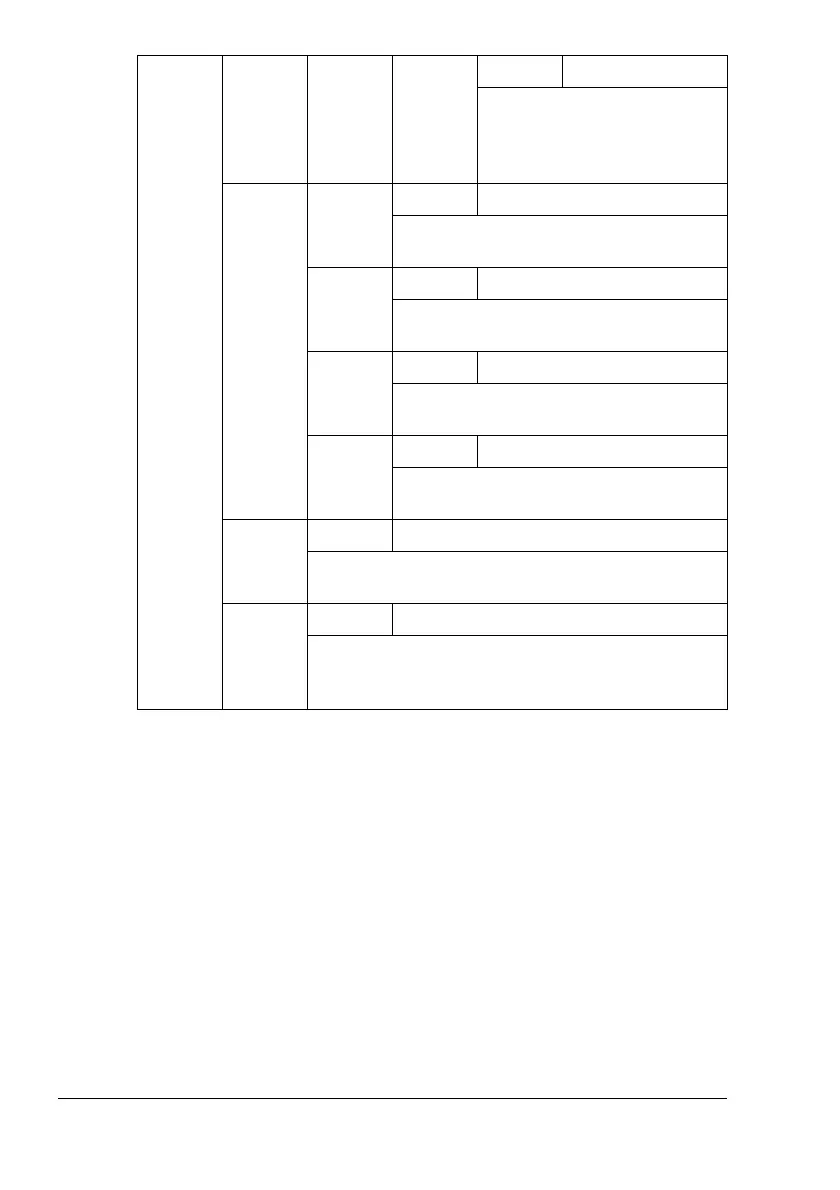
ENVE-
LOPE
Settings
-30-0-30
When printing on envelope
using duplex pass, correct the
secondary image transfer cur-
rent.
IMG
ADJ
THICK
CYAN
Settings
-5-0-5
When printing on thick paper, adjust the
cyan in the image.
MAGENTA
Settings
-5-0-5
When printing on thick paper, adjust the
magenta in the image.
YELLOW
Settings
-5-0-5
When printing on thick paper, adjust the
yellow in the image.
BLACK
Settings
-5-0-5
When printing on thick paper, adjust the
black in the image.
IMG
ADJ
BLACK
Settings
-2-0-2
When printing in grayscale, adjust the black in the
image.
FUSER
LOOP
ADJ
Settings
-2-0-2
Adjust the timing of media transfer to the fusing
roller so that envelopes do not wrinkle when they
are printed.















 To Next Page