Configuration Menu Overview
81
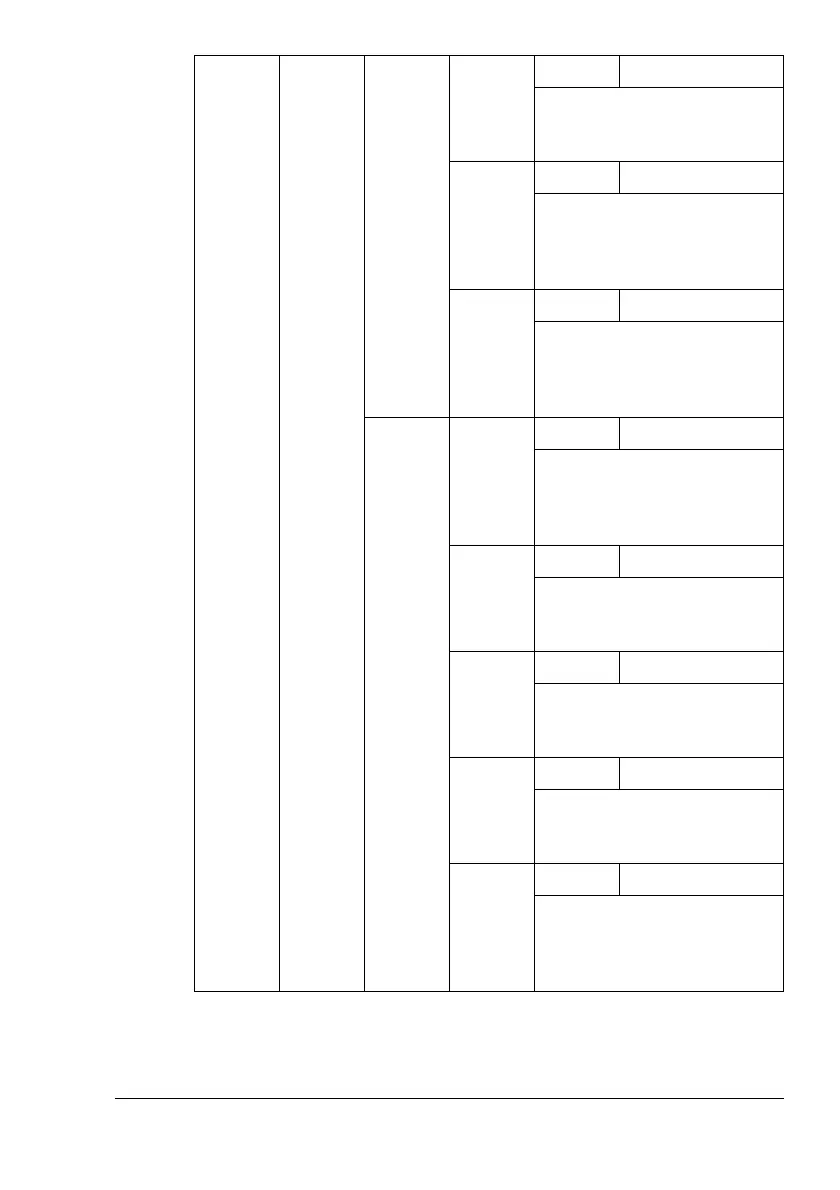
THICK
3
Settings
-5-0-5
When printing on thick 3 using
simplex pass, correct the sec-
ondary image transfer current.
POST-
CARD
Settings
-5-0-5
When printing on postcard
using simplex pass, correct
the secondary image transfer
current.
ENVELO
PE
Settings
-5-0-5
When printing on envelope
using simplex pass, correct
the secondary image transfer
current.
DUPLEX
PASS
PLAIN
PAPER
Settings
-30-0-30
When printing on plain paper
using duplex pass, correct the
secondary image transfer cur-
rent.
THICK
1
Settings
-30-0-30
When printing on thick 1 using
duplex pass, correct the sec-
ondary image transfer current.
THICK
2
Settings
-30-0-30
When printing on thick 2 using
duplex pass, correct the sec-
ondary image transfer current.
THICK
3
Settings
-30-0-30
When printing on thick 3 using
duplex pass, correct the sec-
ondary image transfer current.
POST-
CARD
Settings
-30-0-30
When printing on postcard
using duplex pass, correct the
secondary image transfer cur-
rent.















 To Next Page