Replacing Consumables128
#
Level during handling and storage.
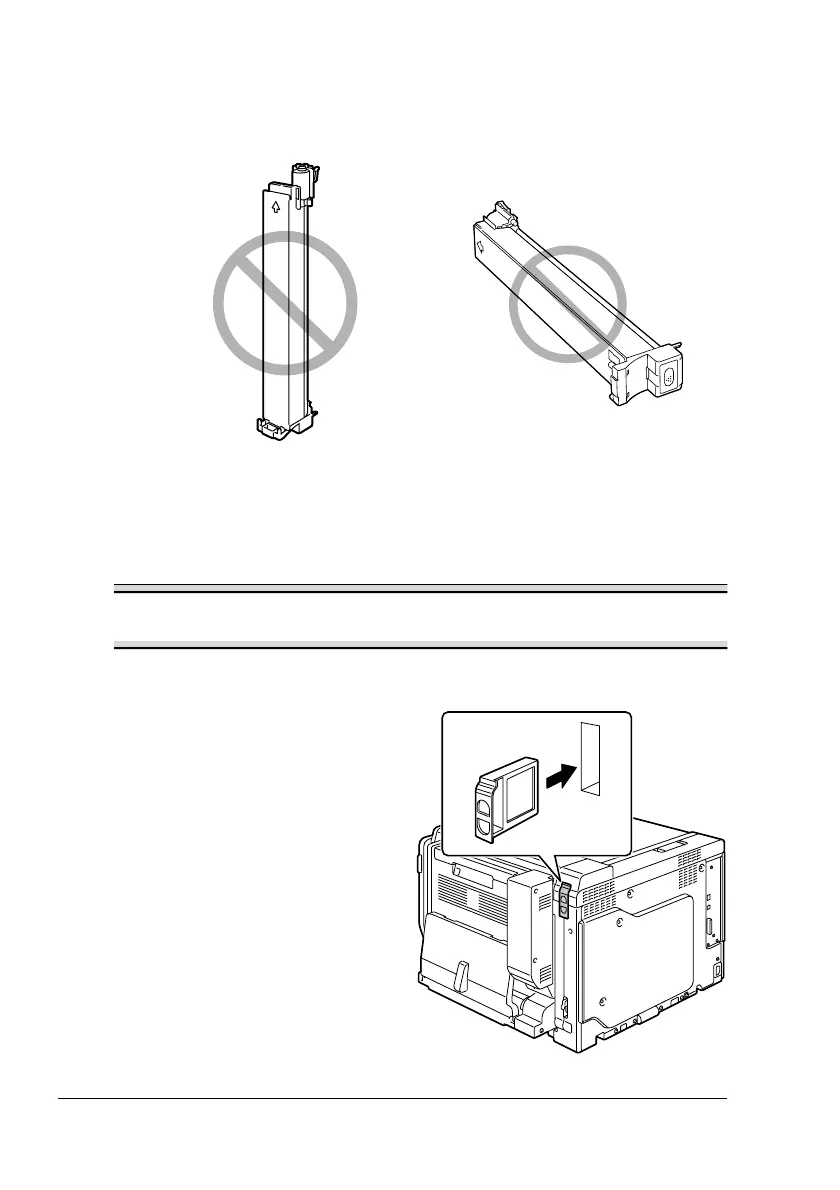
Do not hold, stand or store cartridges on their ends or turn them upside
down; the toner inside the cartridges may become caked or unequally
distributed.
#
Away from salty air and corrosive gases such as aerosols.
Replacing a Toner Cartridge
Note
Be careful not to spill toner while replacing a toner cartridge. If toner
spills, immediately wipe it off with a soft, dry cloth.
1
Check the message window to see which color of toner is empty.
2
Remove the air filter from the
printer, and then slide the new
filter into the printer until it snaps
into place.
!"
It is necessary to replace
the air filter only when
replacing the black toner
cartridge. An air filter is
included with the black
toner cartridge.















 To Next Page