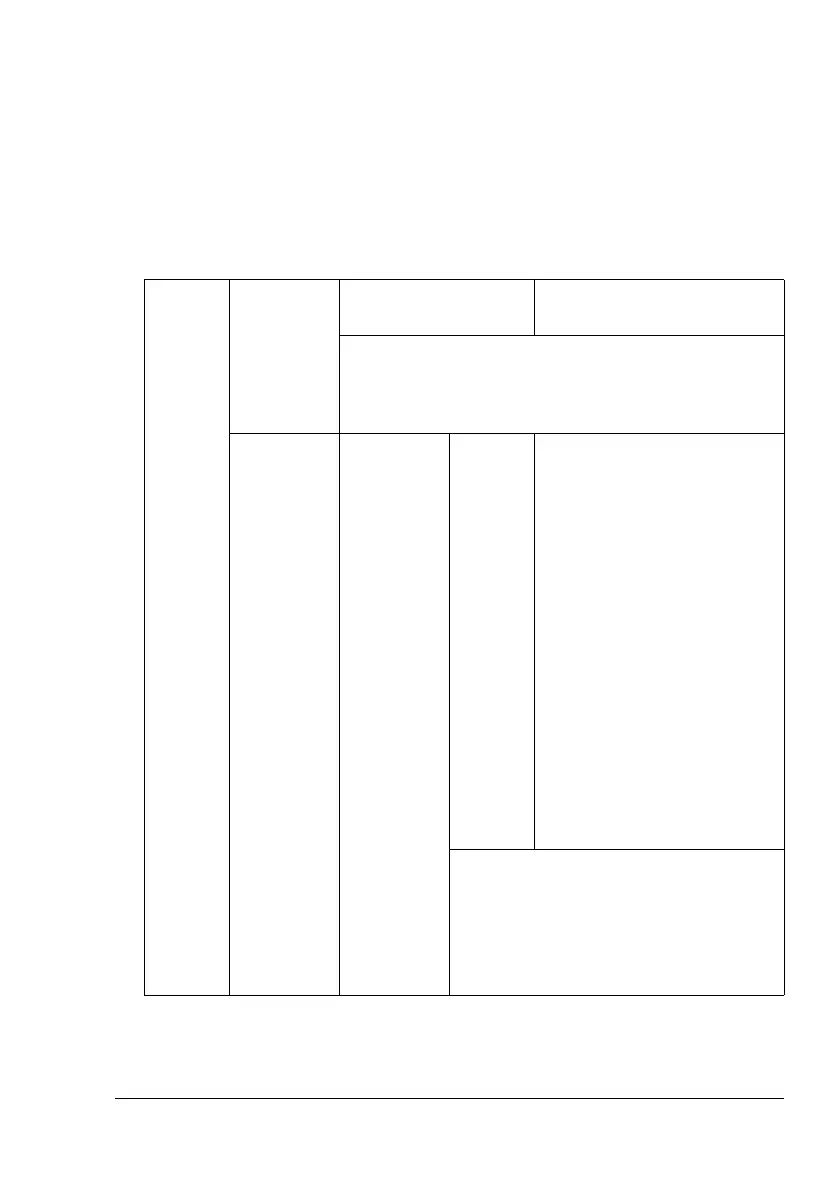
Configuration Menu Overview
39
!"
* This menu item appears only if the optional duplex unit is installed.
** This menu item appears only if an optional hard disk is installed.
*** These menu items appear only if corresponding optional lower
feeder unit is installed.
****This menu item appears only when you select CUSTOM from the
TRAY 1/PAPER SIZE menu.
*****This menu item appears only when you select CUSTOM from the
TRAY 2/PAPER SIZE menu.
!"
All factory default values are shown in bold.
PAPER
SOURCE
DEFAULT
TRAY
Settings
TRAY 1/TRAY 2/
TRAY 3/TRAY 4/TRAY 5
The tray that is normally used can be specified.
!"
TRAY 3/4/5
appear only if an optional lower
feeder unit is installed.
TRAY 1 PAPER
SIZE
Settings
ANY/LETTER/LETTER-R/
11x17/LEGAL/EXECU-
TIVE/A3WIDE/A3/A4/
A4-R/A5/A6/B4(JIS)/
B5(JIS)/B5(JIS)-R/
B6(JIS)/GOVT LETTER/
STATEMENT/FOLIO/SP
FOLIO/UK QUARTO/
FOOLSCAP/GOVT LEGAL/
16K/12x18/11x14/4x6/
D8K/KAI 8/KAI 16/KAI
32/ENV C5/ENV C6/ENV
DL/ENV MONARCH/ENV
CHOU#3/ENV CHOU#4/
B5(ISO)/ENV #10/ENV
YOU#4/JPOST/JPOST-D/
CUSTOM
Select the setting for the size of media
loaded into Tray 1.
!"
“-R” added at the end of the name
for media sizes indicates that the
media is loaded vertically.















 To Next Page