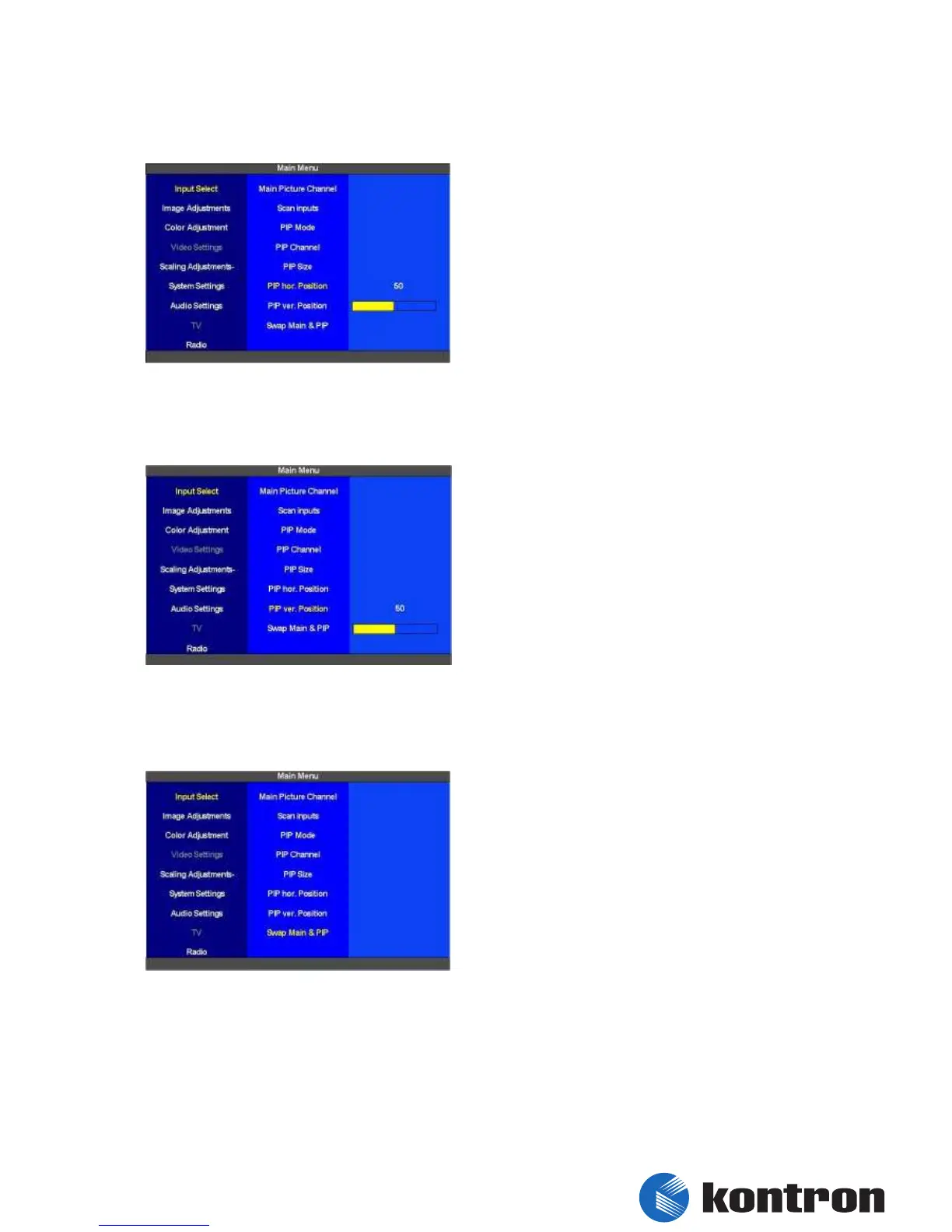
5.2.6 Input Select - PIP hor. Position
The horizontal position of the “PIP” can be set
from 0 (left margin) to 100 (right margin).
figure 7: Input Select - PIP hor. Position
5.2.7 Input Select - PIP ver. Position
The vertical position of the “PIP” can be set from
0 (upper margin) to 100 (bottom margin).
figure 8: Input Select - PIP ver. Position
5.2.8 Input Select - Swap Main & PIP
By pressing “Swap Main & PIP” the input signals
for the “Main Picture Channel” and the “PIP
Channel” are switched.
figure 9: Input Select - Swap Main & PIP


 To Next Page