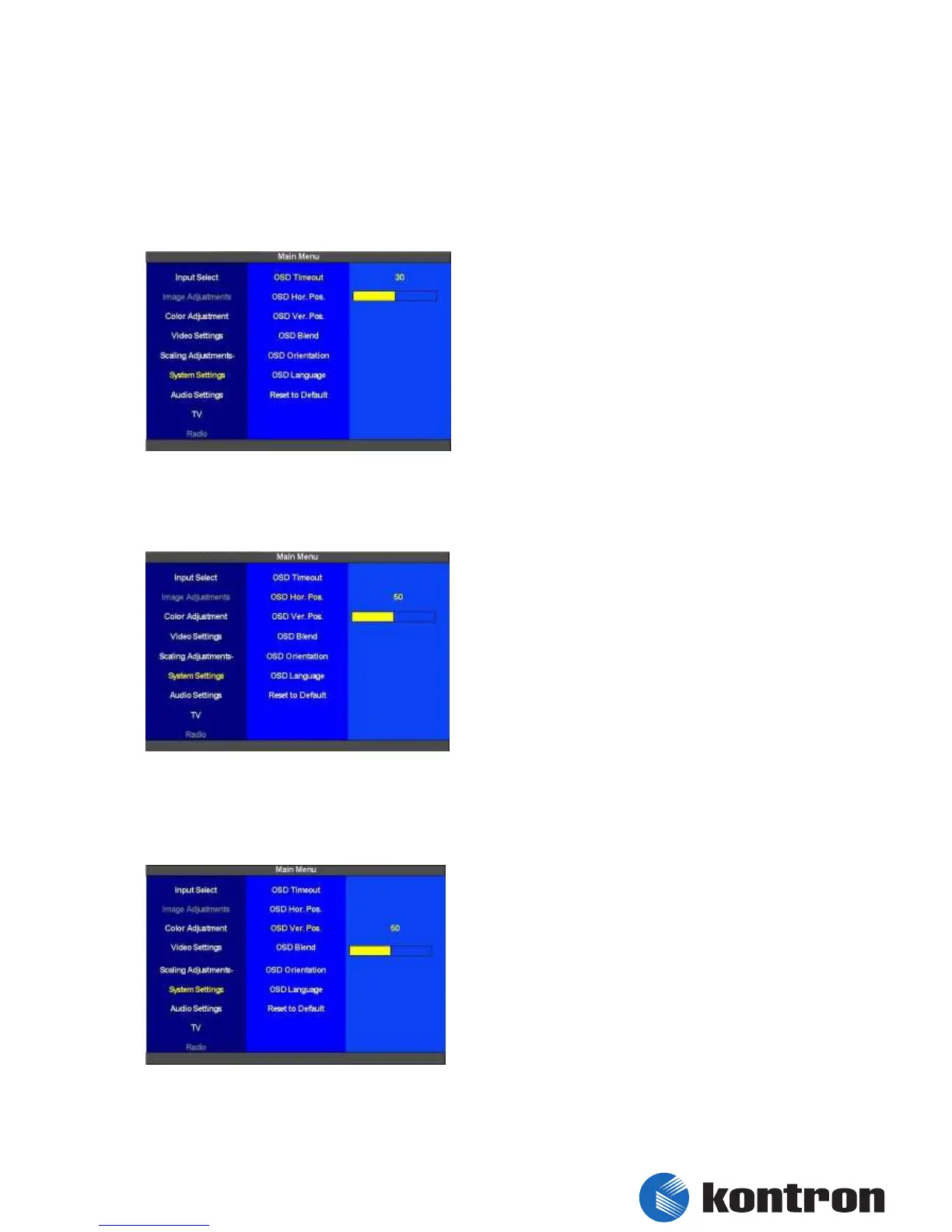
5.10 System Settings
In this section some general settings for the OSD can be set.
5.10.1 System Settings – OSD Timeout
The “OSD Timeout” is set in this section. The
default value for the timout is 30 seconds. The
level of adjustment is 0 to 60 seconds in 5 second
steps. 0 seconds stands for an infinite value. The
OSD won´t be switched of when 0 is selected
here.
figure 53: System Settings – OSD Timeout
5.10.2 System Settings – OSD Hor. Pos.
In this section the “Horizontal Position” of the
OSD is set. The level of adjustment is 0 (left
margin) to 100 (right margin). The default value
is 0 (center of the Display).
figure 54: System Settings – OSD Hor. Pos.
5.10.3 System Settings – OSD Ver. Pos.
In this section the vertical position of the OSD is
set. The level of adjustment is 0 (upper margin) to
100 (bottom margin). The default value is 0
(center of the Display).
figure 55: System Settings – OSD Ver. Pos.


 To Next Page