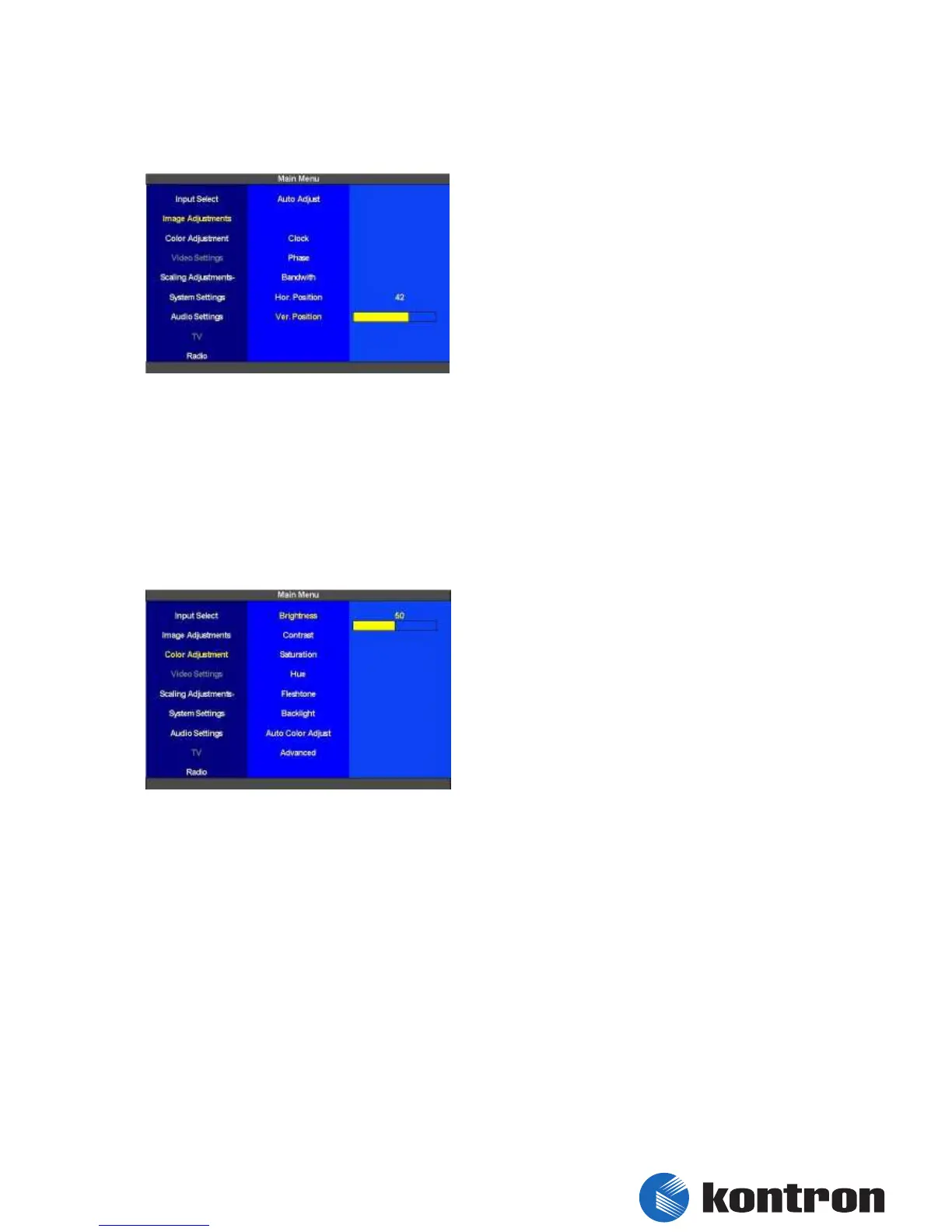
5.3.6 Image Adjustments - Ver. Position
The “vertical Position” of the picture can be set
for the “Main Picture Channel” here.
figure 15: Image Adjustments –Ver. Position
5.4 Color Adjustment
In this section the color of the picture can be optimized for the “Main Picture Channel”. The
settings made in this section don´t affect the “PIP” This section is also only available when VGA
is selected as “Main Picture Channel”
5.4.1 Color Adjustment – Brightness
The “Brightness” can be set from 0 (dark) to 100
(light) for the “Main Picture Channel”. The
default value is 50.
figure 16: Color Adjustment - Brightness


 To Next Page