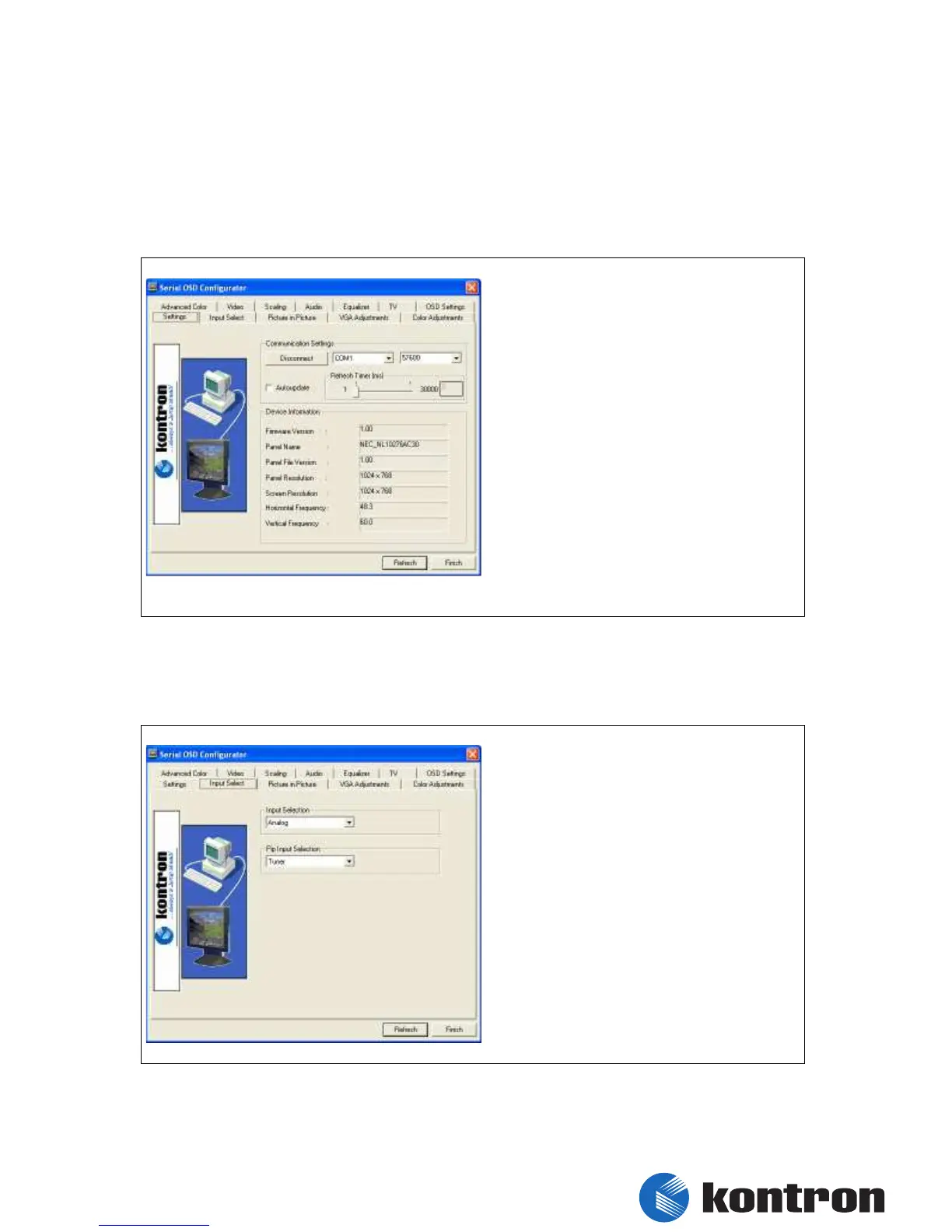
6. Serial OSD
6.1 Settings
(connection and basic information)
6.2 Input Select
(Main and PIP default input selection)
Input Selection
Select source for main input
PIP Input Selection
Select source for Picture In Picture input
Connect / Disconnect
Let you establish or relieve
connection to the CRTtoLCD-7
Auto update
Automatically refreshes OSD
settings
Device Information
Shows information about the
current Firmware, the Panelfile,
physically resolution of the panel
and let you see information about


 To Next Page