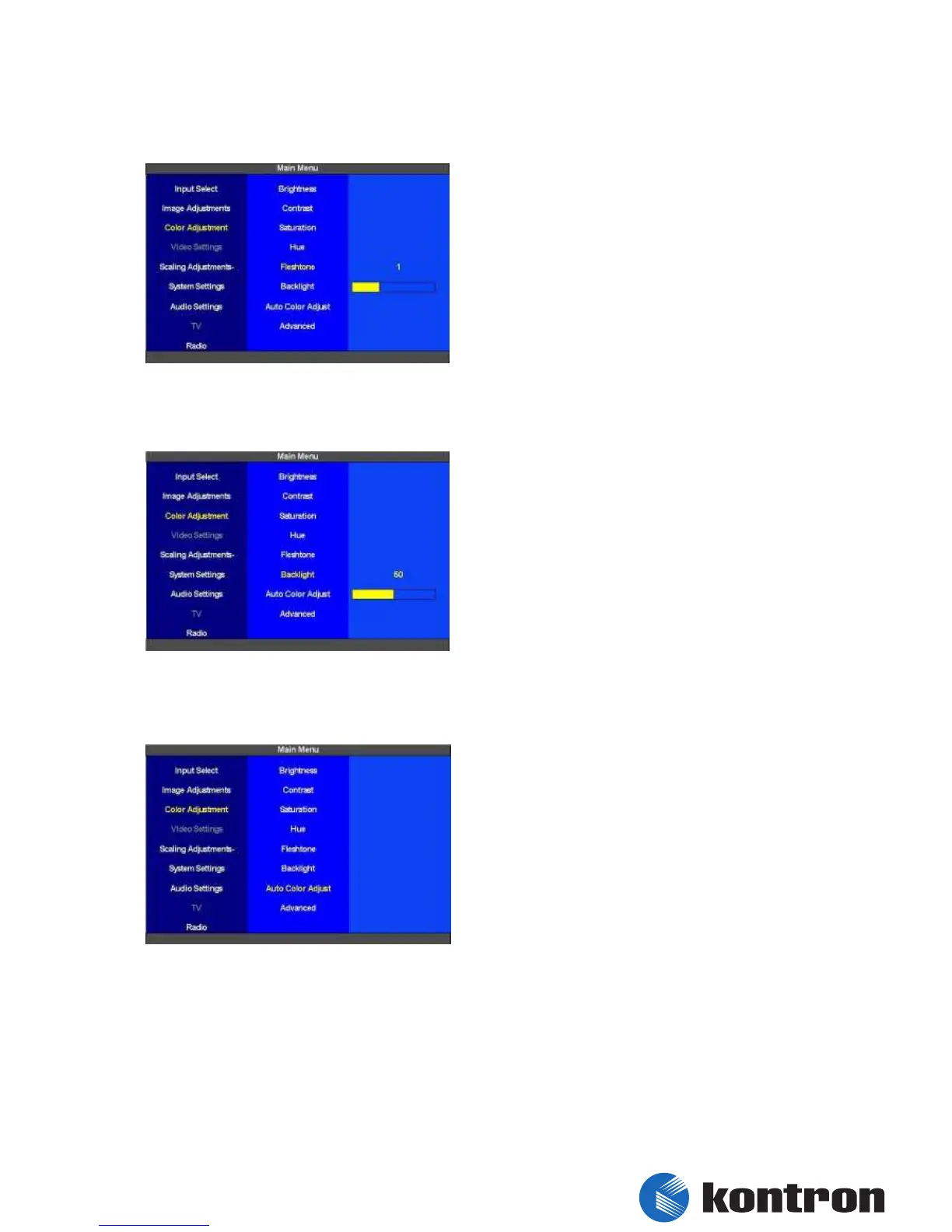
5.4.5 Color Adjustment – Fleshtone
The “Fleshtone” for the “Main Picture Channel”
can be selected here. The range of adjustment is
0 to 3. The dafault vaule is 0.
figure 20: Color Adjustment - Fleshtone
5.4.6 Color Adjustment – Backlight
The backlight brightness for the “Main Picture
Channel” is set here. The range of adjustment is 0
(bright backlight) to 100 (dark backlight). The
dafault vaule is 25.
figure 21: Color Adjustment - Backlight
5.4.7 Color Adjustment - Auto Color Adjust
The “Auto Color Adjust” function automatically
adjusts the colors for the “Main Picture Channel”.
figure 22: Color Adjustment – Auto Color Adjustment


 To Next Page