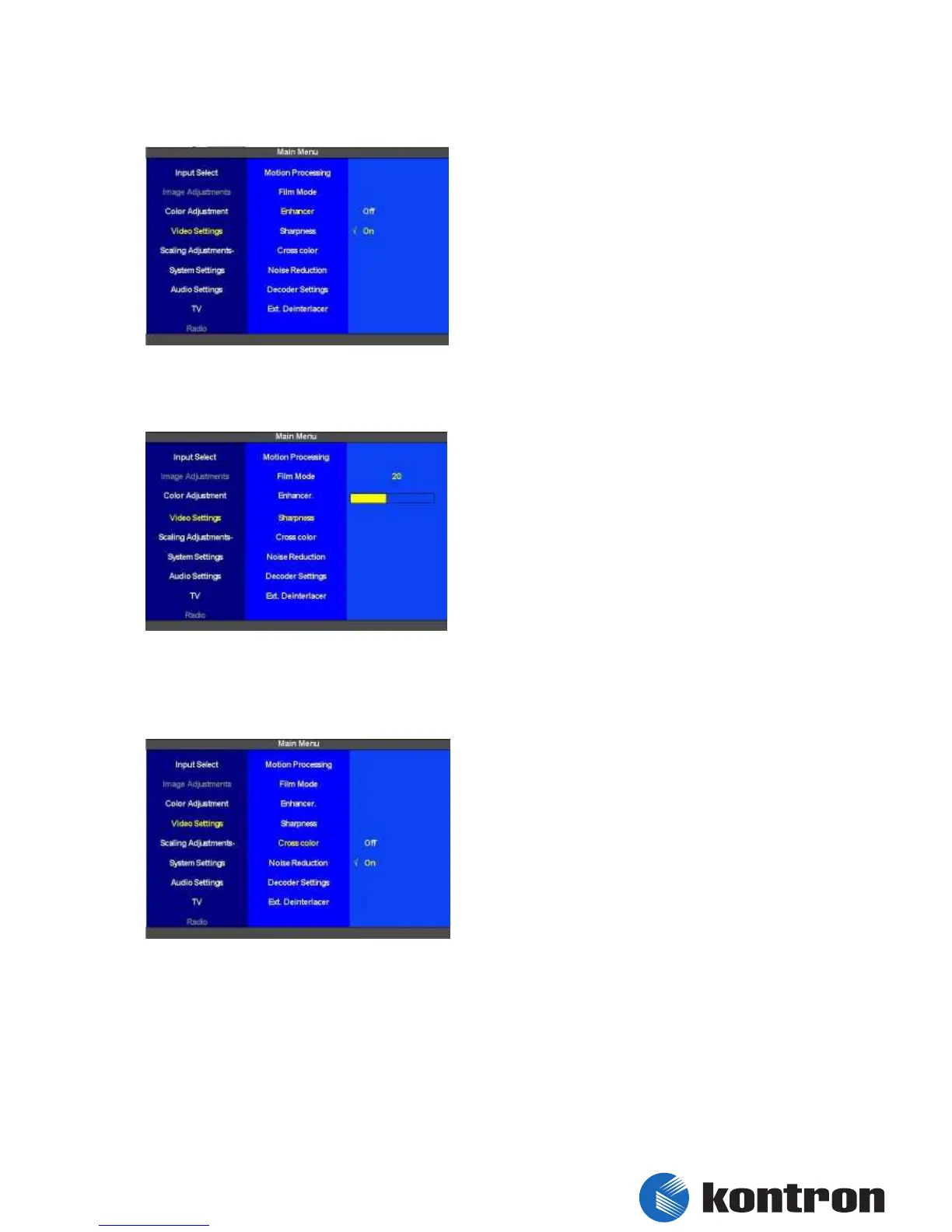
5.8.3 Video Settings – Enhancer (CRTtoLCD7 multimedia)
The “Enhancer” is configured here. It can be
switched either on or off. As default the
“Enhancer” is turned on.
figure 43: Video Settings – Enhancer (CRTtoLCD7 multimedia)
5.8.4 Video Settings – Sharpness (CRTtoLCD7 multimedia)
The level for the “Sharpness” is set here. The
range of adjustment is 0 to 50. The default value
is 20.
figure 44: Video Settings – Sharpness (CRTtoLCD7 multimedia)
5.8.5 Video Settings – Cross Color (CRTtoLCD7 multimedia)
The “Cross Color” is set here. It can be switched
on or off. As default “Cross Color” is turned on.
figure 45: Video Settings – Cross Color (CRTtoLCD7 multimedia)


 To Next Page