EasyManua.ls Logo

Kramer WP-5VH2 - Page 60

Kramer WP-5VH2
101 pages
Print Icon
To Next Page IconTo Next Page
To Previous Page IconTo Previous Page
Loading...
54
WP-5VH2 - Protocol 3000
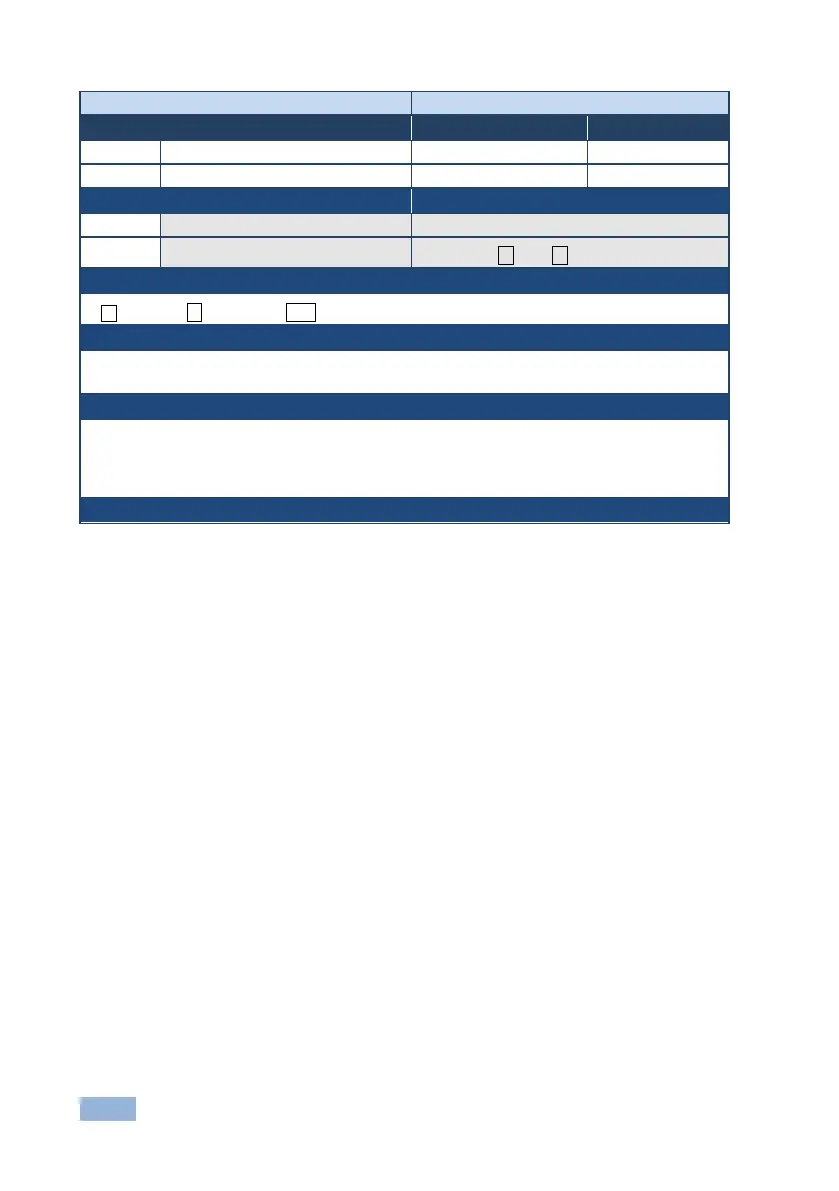
Command - DISPLAY?
Command Type - System
Command Name
Permission
Transparency
Set:
-
-
-
Get
DISPLAY?
End User
Public
Description
Syntax
Set:
-
-
Get:
Get output HPD status
#DISPLAY? out_id
Response
~ nn@DISPLAYout_id,status ␍␊
Parameters
out_id - output number
status - HPD status according to signal validation
Response Triggers
After execution, response is sent to the com port from which the Get was received
Response is sent after every change in output HPD status ON to OFF
Response is sent after every change in output HPD status OFF to ON and ALL parameters (new
EDID, etc.) are stable and valid
Notes

Table of Contents

Related product manuals