27
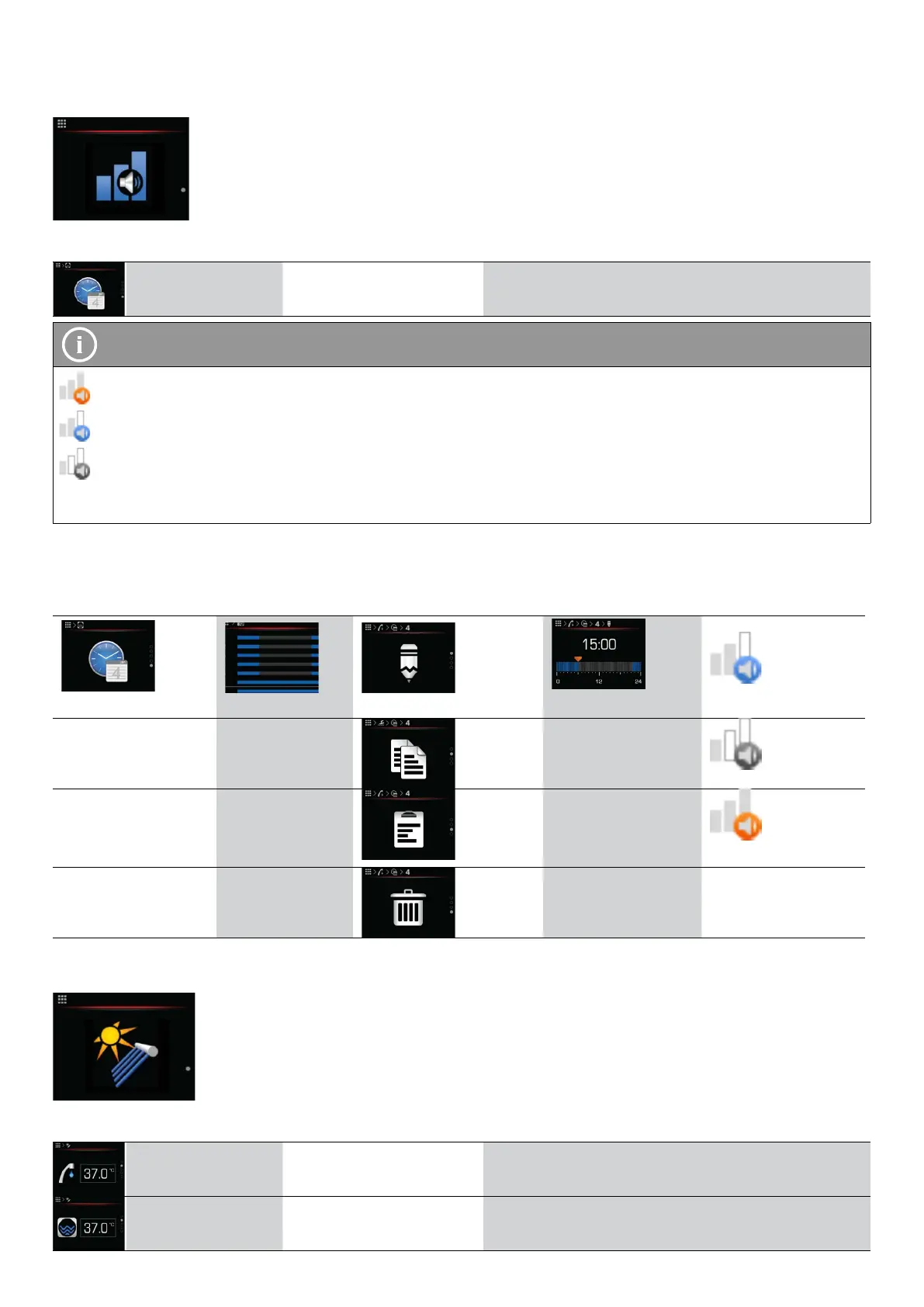
6.11 OPERATIONAL MODE MENU
Operational mode
Menu
Parameter name Parameter value range Note
Setting the
schedule
NOTE
Boost mode: the appliance is more powerful, less efficient, and louder.
Optimal mode: the appliance is optimized in terms of heating capacity, noise, and efficiency.
Silent mode: the appliance is quieter and less powerful.
WPLV appliances do not support the Boost operational mode.
6.11.1 SETTING APPLIANCE OPERATIONAL MODE
The schedule allows for up to 6 different operational modes in a single day, every day of the week.
Menu Weekly overview Choose settings Settings Operational mode
Schedule Choose day Edit Setting interval Optimal mode
Copy
Silent mode
Paste
Boost mode
Delete
6.12 SOLAR BIOMASS MENU
Solar (biomass) source
Menu
Parameter name Parameter value range Note
Desired DHW
temperature
+20 0C/ +80 0C Set the temperature of the water in the DHW tank
Desired buffer tank
temperature
+20 °C / +80 °C Set the temperature of the water in the DHW tank
Operating instructions
ADAPT, VERSI, ETERA and WPLV systems
17-19-45-6702-07


 To Next Page