29
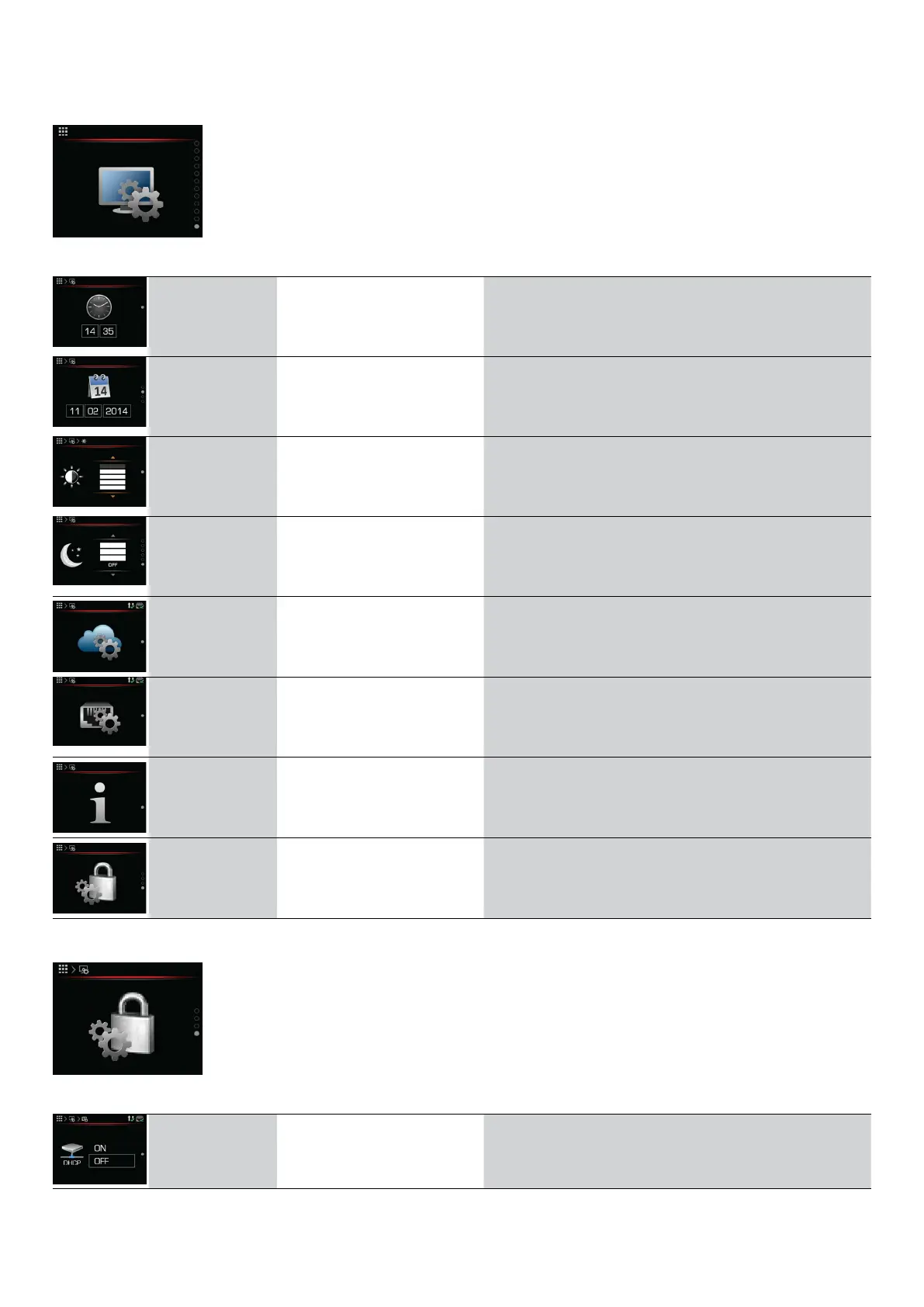
6.14 MENU SETTING THE REGULATOR
Regulator settings
Menu
Parameter name Parameter value range Note
Setting the
hour
0 − 24 h Setting the hour.
Setting the
date
1 − 31 days
1 − 12 months
Setting the date.
Setting
brightness
0 − 100% See Table 1.
Setting
night–time
mode
ON – Turn on
OFF – Turn off
See Table 2.
Cloud settings
Generating a registration
UID code (Cloud.
Kronoterm).
Network
settings
See chapter 6.13.1.
System
information
Regulator information See chapter 6.13.2.
Advanced
settings
Accessing the service menu Access allowed only for authorized persons.
6.14.1 NETWORK SETTINGS
Network settings
Menu
Parameter name Parameter value range Note
Setting DHCP
ON – Turn on
OFF – Turn off
Operating instructions
ADAPT, VERSI, ETERA and WPLV systems
17-19-45-6702-07


 To Next Page