25
26
Step 8-2
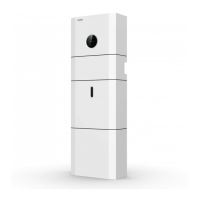
Connect the Backup and Grid cables in advance according to the connector
mode, and connect them to the Backup and Grid board connectors in turn.
(8) Use tool to clamp the AC wiring terminal and wire rod; screw the nut, but do not
tighten it. Make sure that the cable is free to pass through the waterproof components.
Once the terminal is connected to the right site of the inverter, tighten the nut.
(9) Connect the AC wiring terminal to the corresponding hole site of the inverter and
lock it with a screw driver or electric screw driver (suggestion: stem diameters and
torsion of screwdriver or electric screwdriver should be 4mm and 8~12kg-f.cm
respectively)
(10) Tighten the nut.
(11) Circuit breaker parameters are recommended:
Back-up 25A/400Vac 6KA
On-grid32A/400Vac 6KA
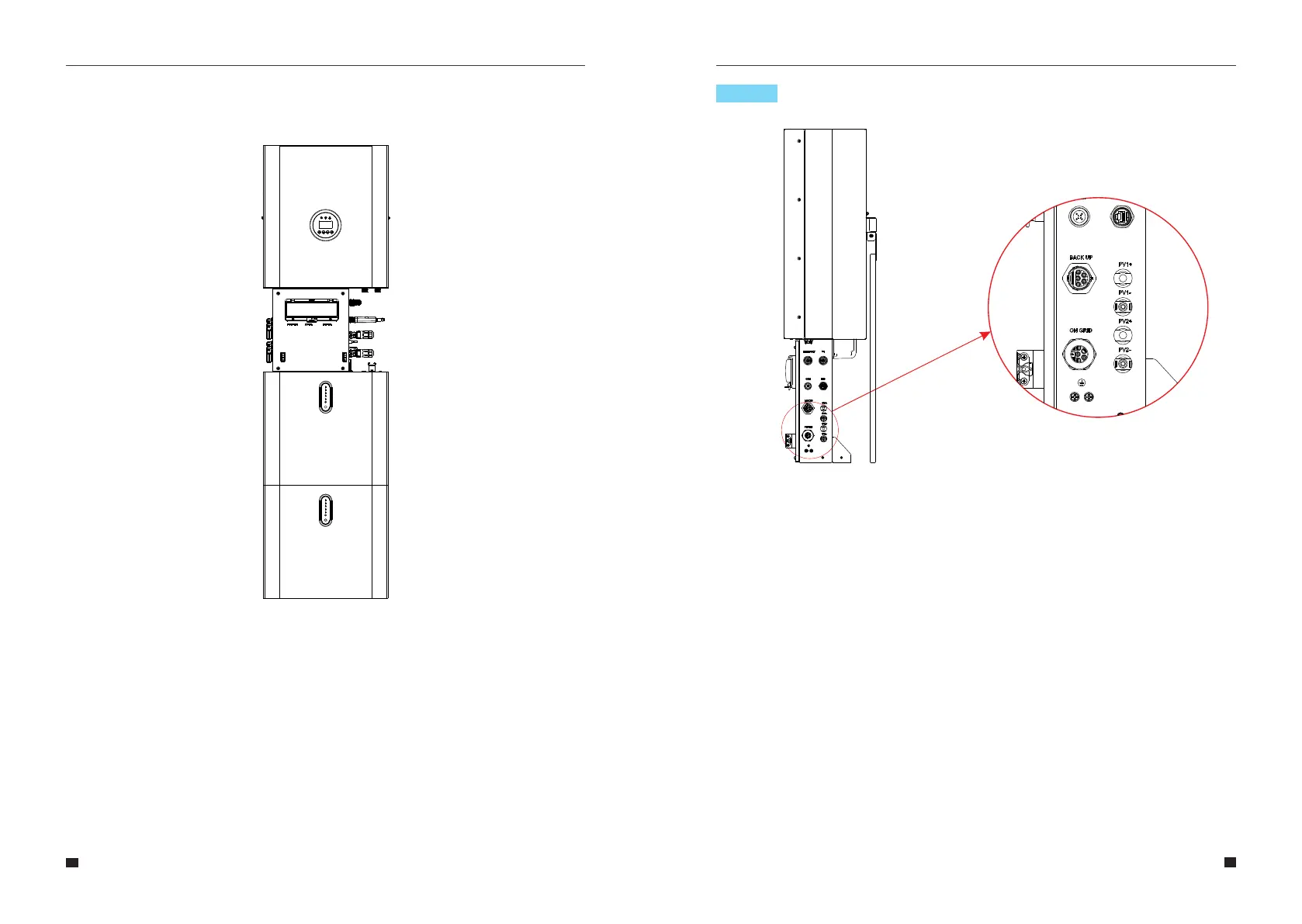
Figure 16
Figure 17 Cable Box Bottom View, Wiring Connectors
User Manual User Manual



 To Next Page