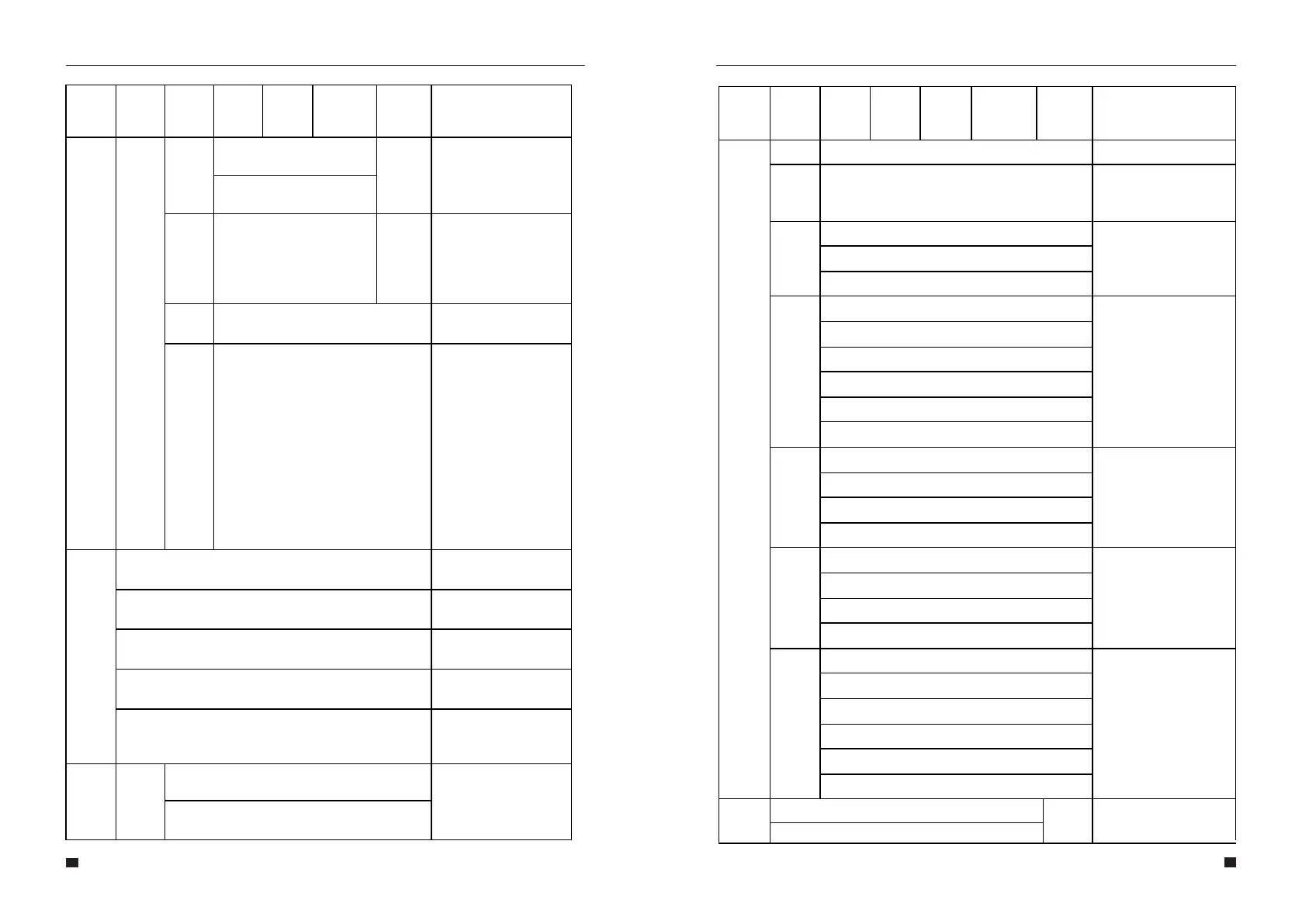
Password
New password
Maintenance
User cannot access
Auto
Test
Only applicable in Italy Only applicable in Italy.
CT self-
check
Cut off all load then comfirm
Inquire
INV Module
Module SN
Firmware
Record
BMS Info
Statistic
Run:
Grid:
Unit: hours
Conne
Time
Times:
Peak
Power
History:
Today:
Units: watts
E-Today
PV: xx kWh
Meter: xx kWh
Grid: xx kWh
Load: xx kWh
Charge: xx kWh
Discharge: xx kWh
E-Month
PV: xx kWh
Meter: xx kWh
Grid: xx kWh
Load: xx kWh
E-Year
PV: xx kWh
Meter: xx kWh
Grid: xx kWh
Load: xx kWh
E-Total
PV: xx kWh
Meter: xx kWh
Grid: xx kWh
Load: xx kWh
Charge: xx kWh
Discharge: xx kWh
57
58
User Manual User Manual
Allows the user to change the
programming password.
Not accessible to user.
This action must be performed
when the inverter is externally
connected to the CT.
Before the CT self-check, the
inverter needs to be connected
to the power grid and the
battery. The backup circuit
breaker and normal load
breaker needs to be
disconnected. The CT self-
check takes about 1~5
minutes.
Shows the user what model of
inverter is in use.
Shows the user the serial
number of the inverter.
Shows the user the firmware
version.
Shows the user the active
faults or errors.
Shows the user the battery
modules connected and
connection state.
Shows the user the hours run
of Inverter and Grid connection.
Shows the number of times
the inverter is connected to
the grid.
Shows the user the total
generated watts and
today's generated watts.
Shows the user what was
generated today.
Shows the user what was
generated this month.
Shows the user what was
generated this year.
Shows the user what has
been generated sinced the
system was installed.
Time stat
Confirm new password
Menu
Level 1
Menu
Level 2
Menu
Level 3
Menu
Level 4
Menu
Level 5
Menu
Level 6
Default
Selection
Comment
Menu
Level 1
Menu
Level 2
Menu
Level 3
Menu
Level 4
Menu
Level 5
Menu
Level 6
Default
Selection
Comment
Factory
RESET
Cancel
Cancel
Confirm
Resets the system to factory
default settings.



 To Next Page