CONFIDENTIAL - This document is the property of K.T.C. S.r.l. and cannot be reproduced or issued to third parties without written
authorization. K.T.C. S.r.l. shall safeguard its rights to the full extent of the law.
OPERATION AND INSTALLATION MANUAL
COD. 091114 – COMPACK 2 ECO / SPECIAL - REV. 08 - DATE 10/2020 page 39 of 63
9.1.1 BUTTON LAYOUT
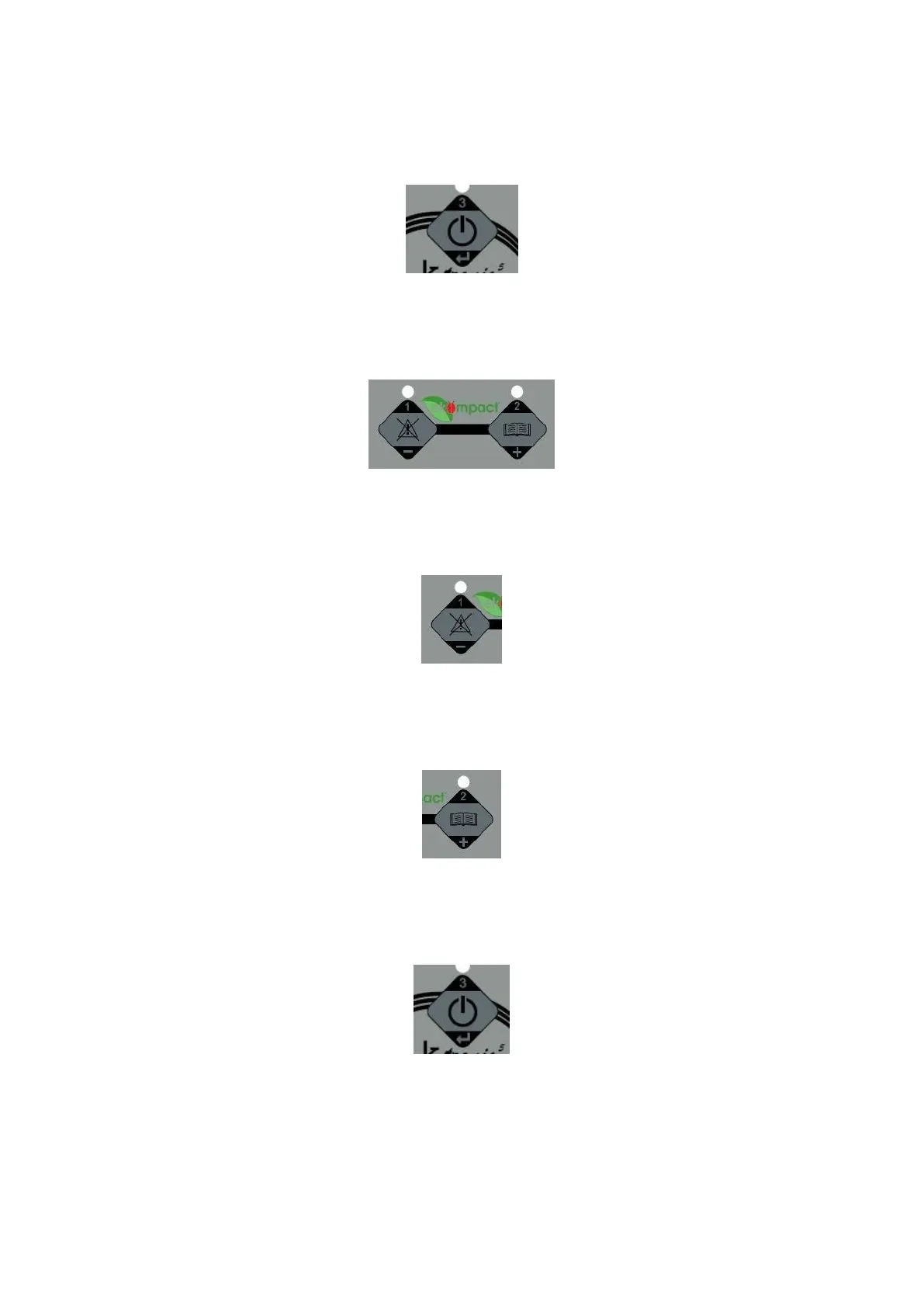
START STOP BUTTON
when pressed, this button starts and stops the compressor
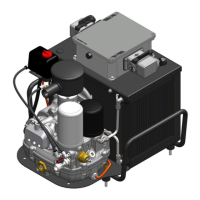
MENU’ BUTTONS (1-2)
In programming mode, when pressed, those buttons change parameters values
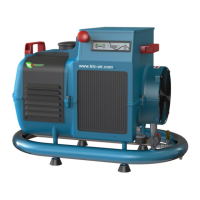
BUTTON PROGRAMMING (1)
When pressed, it shows the total work hours.
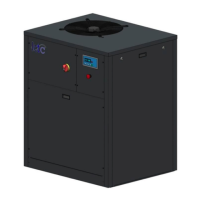
BUTTON PROGRAMMING (2)
In working mode, when pressed, it compares system temperature.
ALLARM RESET BUTTON (3)
In alarm mode, if pressed for more than 2 seconds, it resets the alarms.



 To Next Page