7 COMBINATION INSTRUMENT 73
Info
Not every cellphone and headset is suitable for pairing with the combination instru-
ment.
The standard Bluetooth
®
2.1 must be supported.
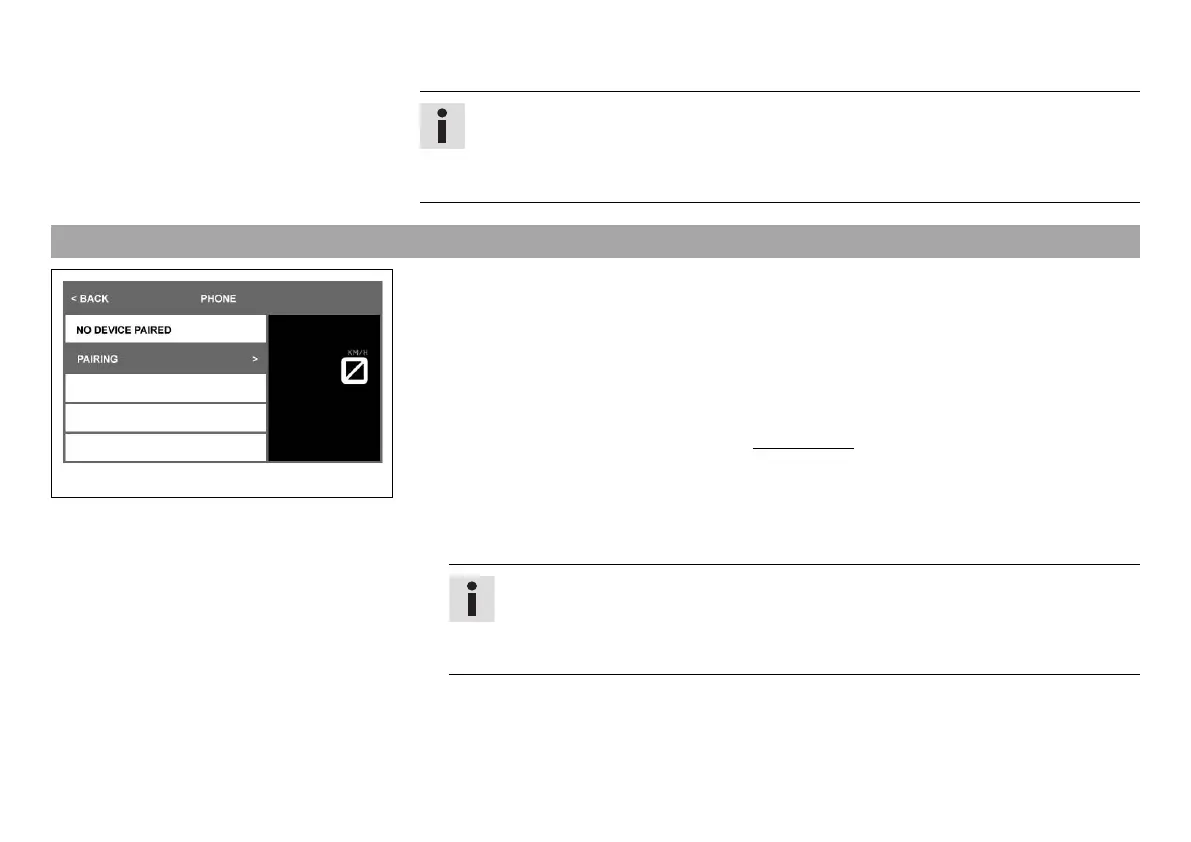
7.23 Pairing (optional)
K00788-01
Condition
• The motorcycle is stationary.
• Function KTM MY RIDE activated (optional).
• Function Bluetooth
®
activated.
• The Bluetooth
®
function should also be activated in the device to be paired.
– Press the SET button when the menu is closed.
– Press the UP or DOWN button until the KTM MY RIDE menu appears on the display. Press
the SET button to open the menu.
– Press the UP or DOWN button until KTM MY RIDE Setup appears marked on the display.
– Press the SET button.
– Press the UP or the DOWN button until the menu item PHONE or HEADSET is marked.
Info
Two cellphones or headsets can never be paired simultaneously with the combi-
nation instrument. Only one cellphone and one headset can be paired with the
combination instrument at the same time.
– A suitable cellphone can be paired with the combination instrument in the PHONE sub-
menu.
– A suitable headset can be paired with the combination instrument in the HEADSET sub-
menu.


 To Next Page
 Loading...