7 COMBINATION INSTRUMENT 75
7.24 Audio (optional)
K00784-01
Condition
• Function KTM MY RIDE activated (optional).
• Function Bluetooth
®
activated.
• Similarly, the Bluetooth
®
function is also activated when devices are paired.
• Headset connected to suitable audio device.
– Press the SET button when the menu is closed.
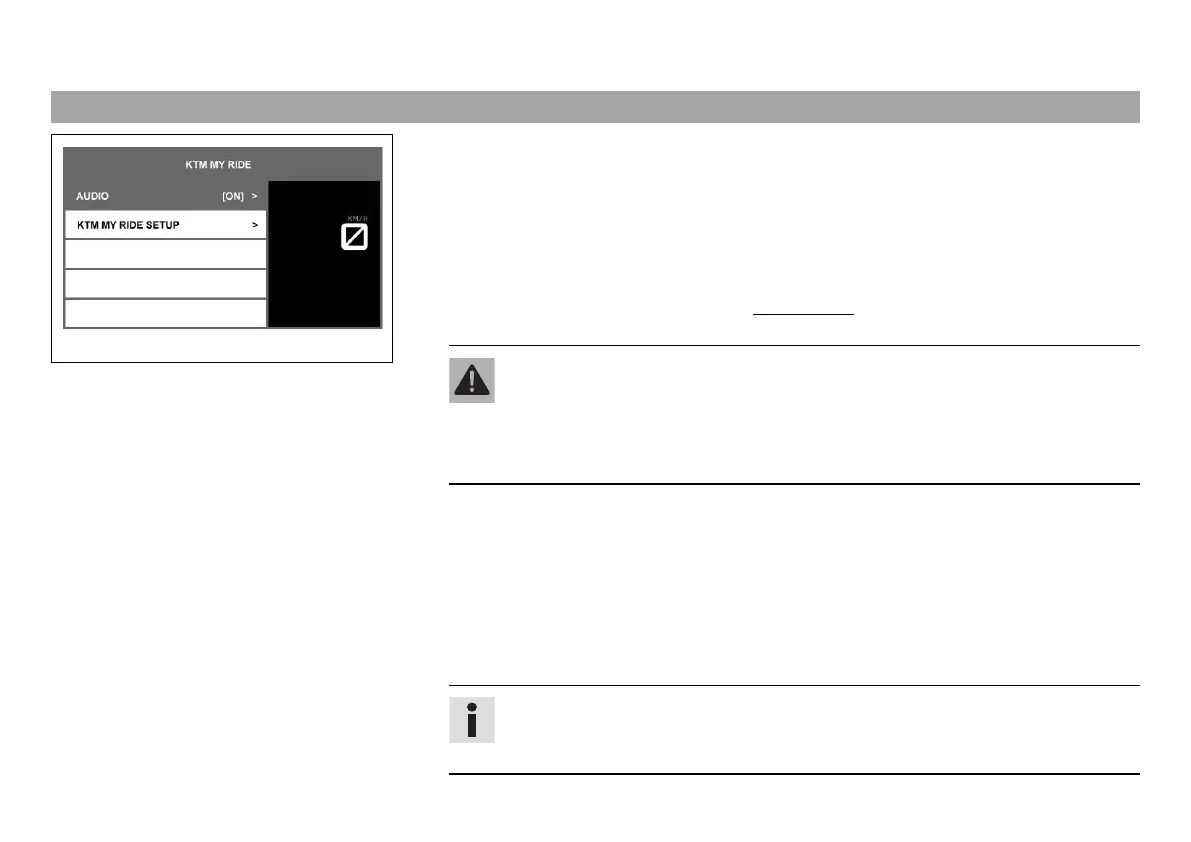
– Press the UP or DOWN button until the KTM MY RIDE menu appears on the display. Press
the SET button to open the menu.
Warning
Danger of accidents Headphone volume which is too high distracts attention
from traffic activity.
– Always select headphone volume which is low enough for you to still clearly
hear acoustic signals.
– Press the UP or DOWN button until Audio is marked on the display. Press the SET button
to open the menu.
– Press and hold the UP button to increase the audio volume.
– Press and hold the DOWN button to reduce the audio volume.
– Press the UP button briefly to change to the next audio track.
– Press the DOWN button briefly to change to the previous audio track.
– Press the SET button to play or pause the audio track.
Tip
The audio function can be added to Quick Selector 1 or Quick Selector 2 for eas-
ier operation.


 To Next Page
 Loading...