7 COMBINATION INSTRUMENT 59
KTM start screen
Menu buttons
"Favorites"
"Trip 1"
"Trip 2"
"General Info"
"Set Favorites"
"Settings"
"Warning" (only active if there are messages)
"Heat Grip" (optional)
"MTC/ABS"
"Drive Mod"
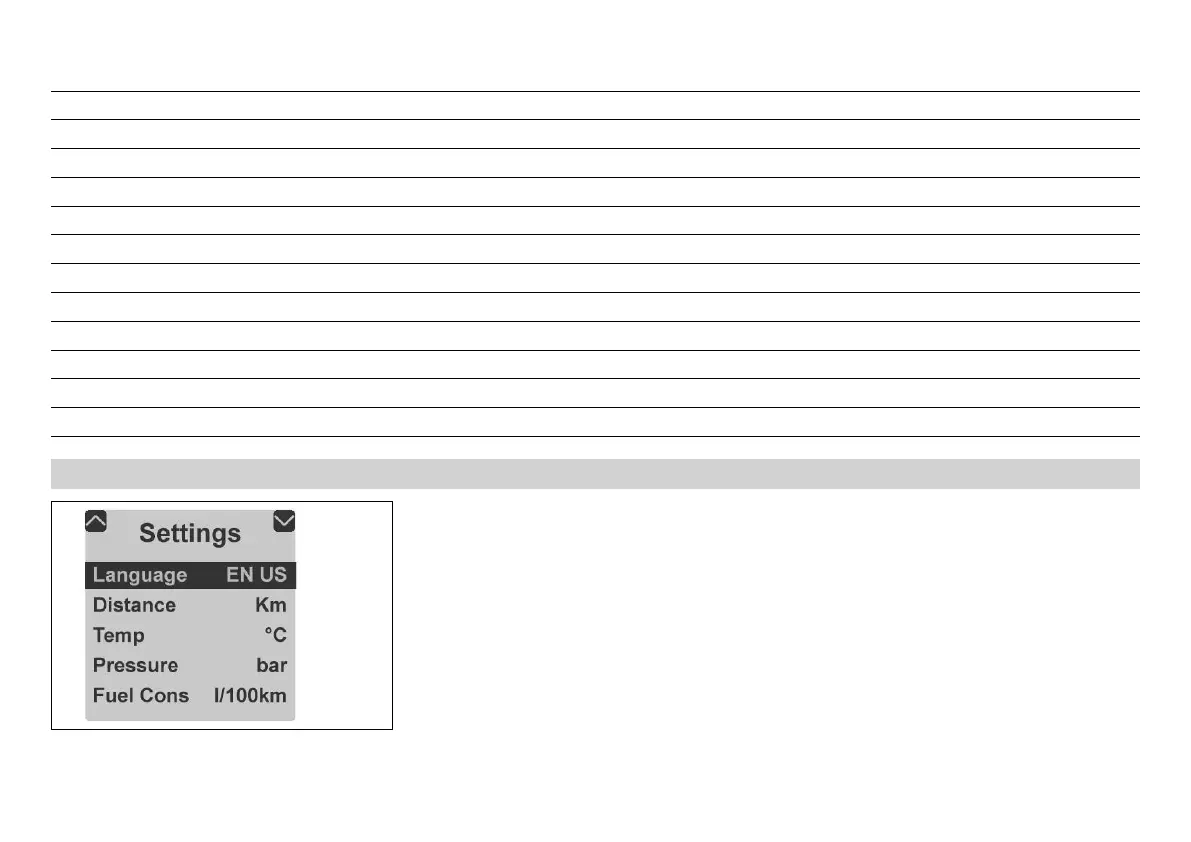
7.9.12 "Language"
402431-10
Condition
• The vehicle is stationary.
– Press the UP or DOWN button until the "Settings" menu appears on the matrix display.
Pressing the SET button opens the menu.
– Press the SET button again to select the language.
The menu languages are US English, UK English, German, Italian, French, and Spanish.


 To Next Page
 Loading...