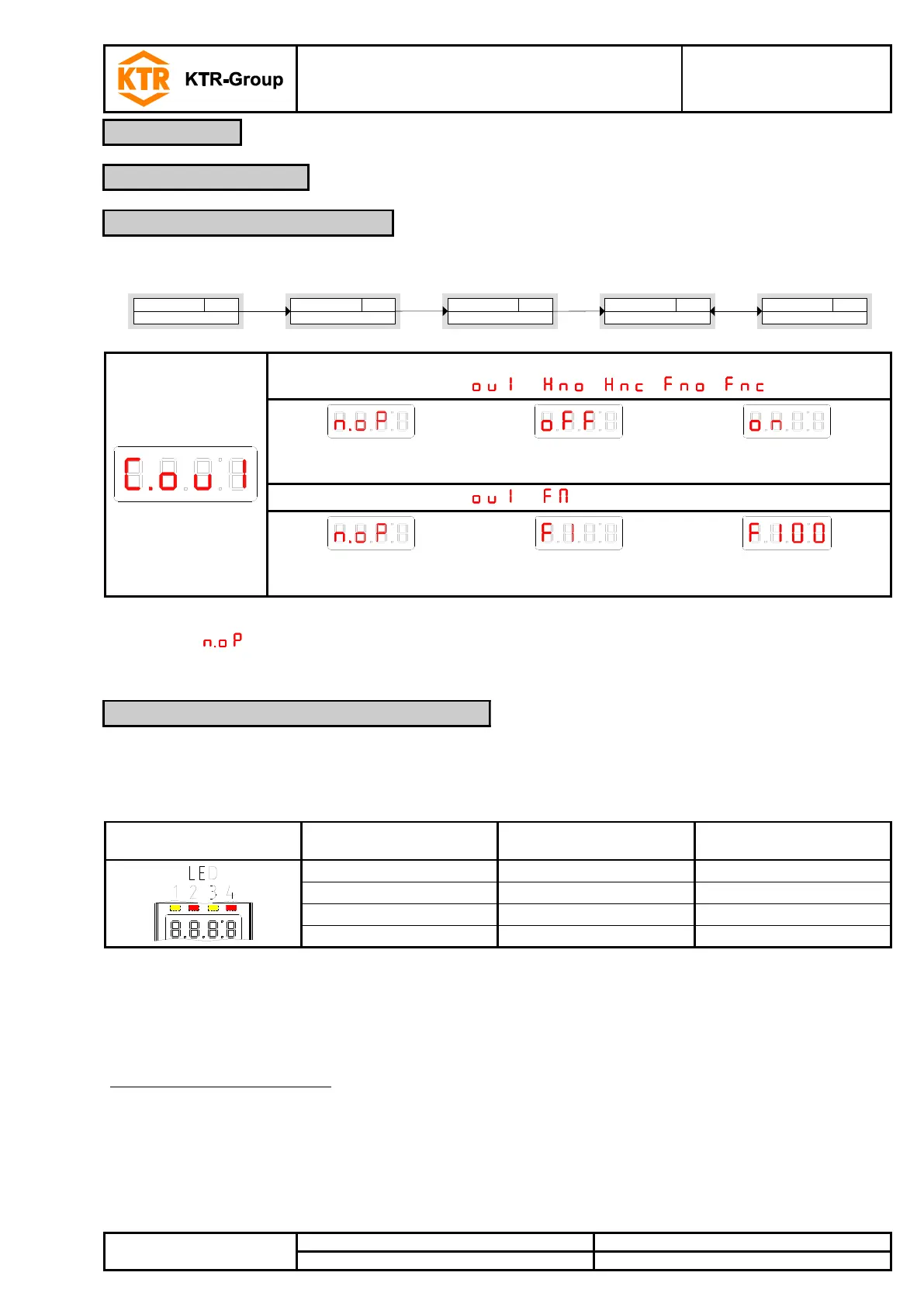
The switching status of the output is indicated by the LEDs in the display. The assignment of LEDs to the
switching output is shown in the table below:
Table 7:
In the factory settings the LED displays the physical condition of the PNP switching output
(switching output closed - LED is illuminated).
In some cases the logical function of the display is to act differently from the physical signal on the switching
output. Therefore, the display in this menu item can also be reverted
(switching output opened - LED is illuminated).
Example based on temperature:
Two switching outputs are available for temperature which are set as follows:
• Upper switching contact: maximum contact, ascending make contact. The LED is illuminated when the
maximum value of temperature is exceeded and the temperature is beyond the requested range. Thus, the
status displayed is “error” if the LED is illuminated.
• Lower switching contact: minimum contact, ascending break contact. The LED is illuminated with the factory
settings when the minimum value of temperature is exceeded. In this case the LED would be illuminated if the
status was in order.


 To Next Page