NVT-E
Operating/Assembly instructions
Please observe protection
note ISO 16016.
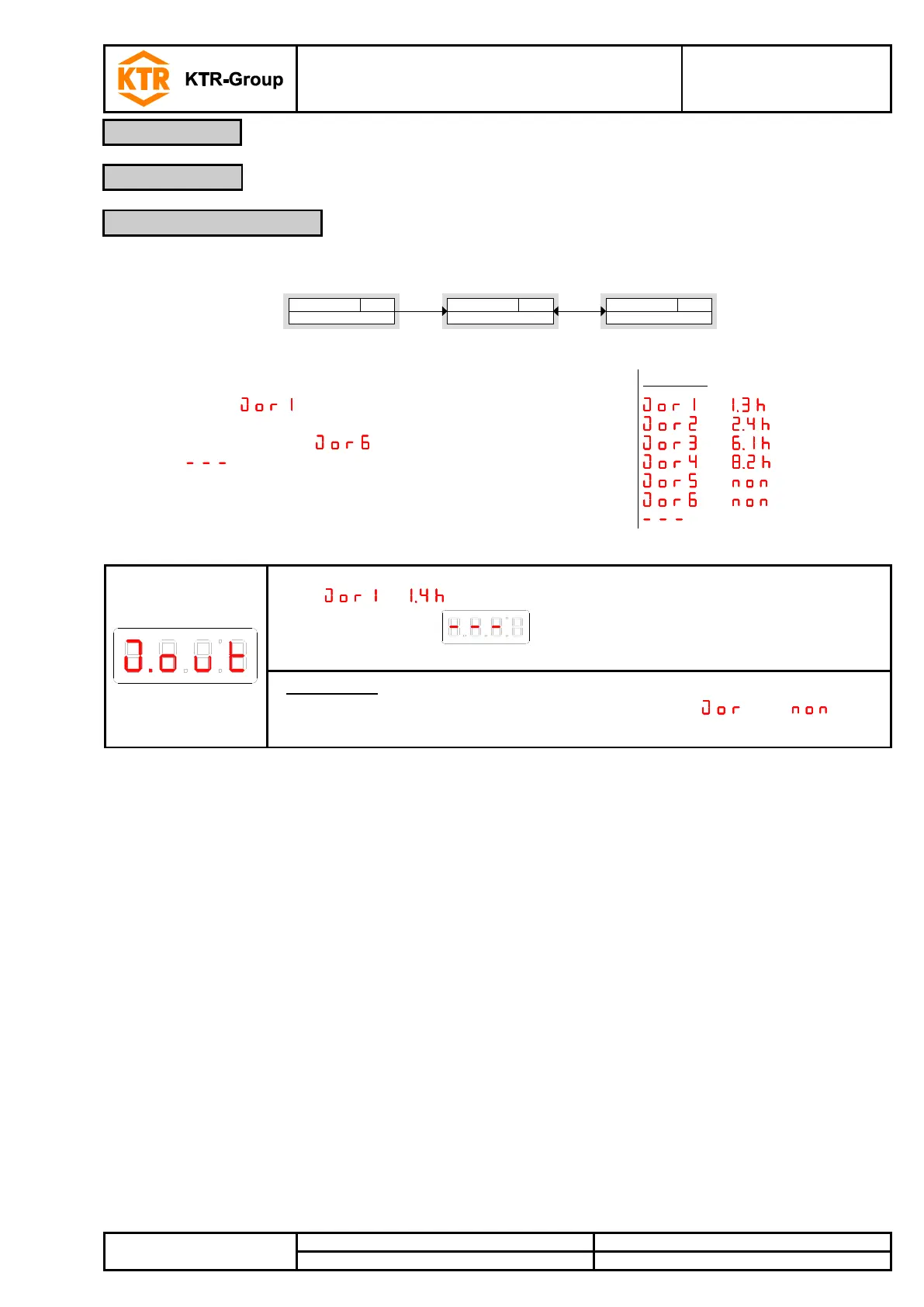
The last 6 incidents recorded of the switching output can be retrieved or deleted here.
Display recorded output
Journal Out
J)out
Diagnostics menu
Diagnostic
di A
Jor 1 - - - -
Parameter
____
►►
The journal entries are indicated in the following way:
• Latest incident took place x hours ago (h) / days ago (d)
• Incidents 2 to 5 took place x hours / days ago
• Latest incident took place x hours / days ago
• Delete ( ).
* not yet recorded, only 4 incidents have taken place
,Button
, Button ,
, Button ,
, Button ,
*, Button ,
*, Button ,
, Button ; = delete
The display toggles between the index of recording x and the time when it occurred,
e. g. for the latest incident 1.4 hours ago.
Accepting the display via the button deletes the journal and returns to
the submenu.
Please note:
• If no incident was recorded, the display toggles between x and .
• The data stored are overwritten after 6 months.
4.9.1 Opening the journal


 To Next Page