―
22
―
6.2RCDTesting
6.2.1Preparation
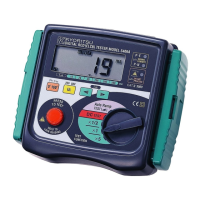
(1)TurnFunctionswitchandpowerontheinstrument.SelectRCD.
(2)PressRCDFunctionswitchtoselectRCDFunctionfortest.
SelectedfunctionwillbedisplayedonLCD.
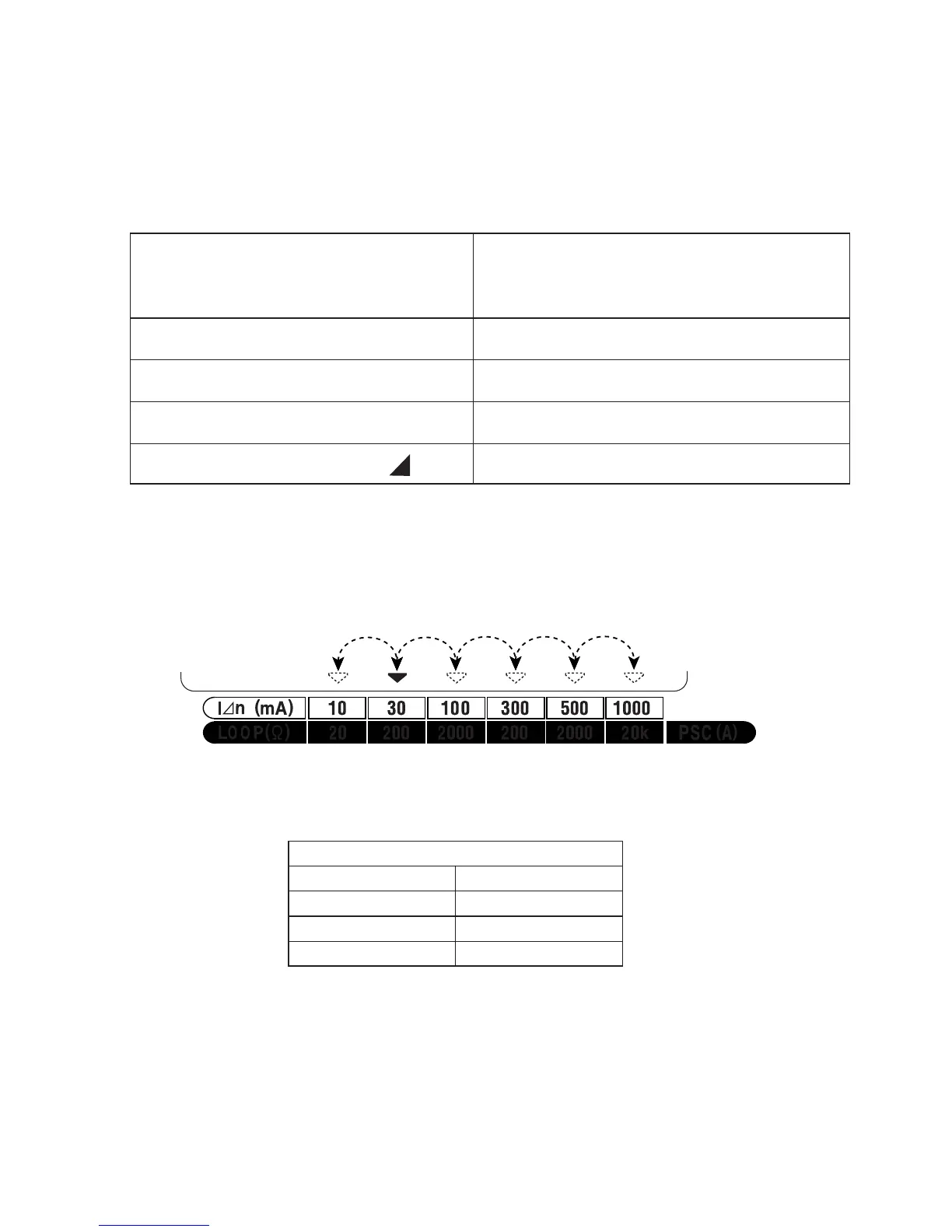
(3)Pressthe"I⊿n/LOOP/PSC"SELECTSWITCHtosettheRated
TrippingCurrent (I⊿n) to the rated trip current of the RCD. Every
time"I⊿n/LOOP/PSC"SELECTSWITCHispressed,▼markon
LCDshifts.SelectI⊿nwithaboveswitch.
(4)Pressthe UL value select switch to select switch ULvalue (25 or
50V).
6.2.2WiringCheck
(1)InserttheTestLeadintotheinstrument.(Fig.15)
(2)Connecttestleadtoobjecttobetested.(Fig.16,17)
(3)MakesurethattheP-EandP-NwiringCheckLEDsarelitandthe
wiringincorrectLED is notlit.Ifitisnotcorrect,disconnectthe
testerandcheckthewiringforapossiblefault.
FortestingRCD'stoverifythat
theyarenottoosensitive.
Formeasuringthetriptime.
FortestingatI⊿n×5.
FortestingDCsensitiveRCD's.
Formeasuringthetripoutcurrent.
×1/2
×1
×5
DC
AUTORAMPTEST( )
RCDFunction
I⊿n
0°/180°
UL
×1/2
30mA
0°
50V
TheInitialvalue


 To Next Page