LaCie Network Space 2 • DESIGN BY NEIL POULTON Introduction
User Manual page 9
1.3.3. LED Behavior
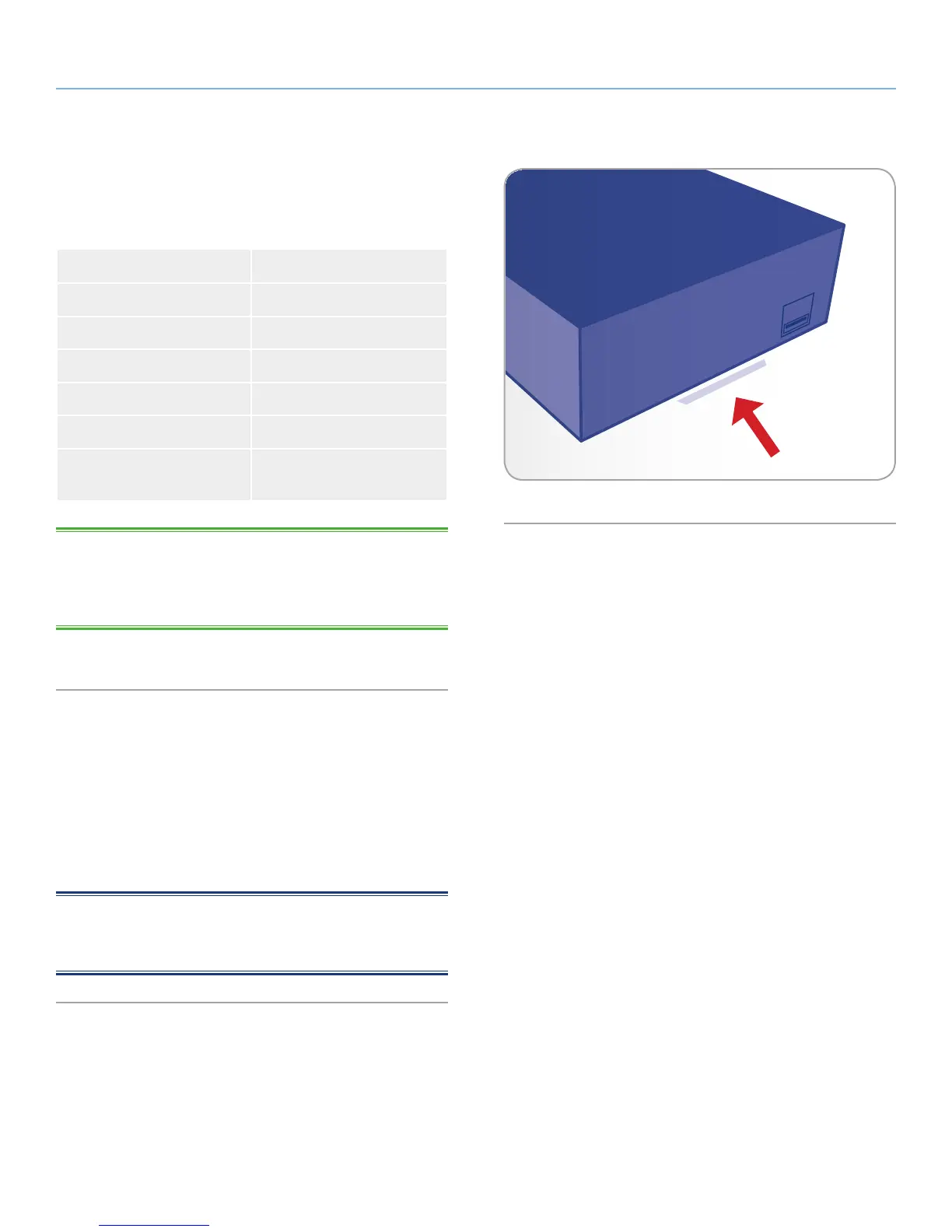
The front LED changes to indicate different drive behavior (Fig. 03).
The following table sums up these behaviors.
LED Behavior Indication
Off Drive is turned off
Blue: Fast blinking Drive is initializing
Blue: Static Drive is ready
Blue: Flickering Disk access
Red: Static Disk failure
Red/Blue: blinking Automatic backup in prog-
ress*
TECHNICAL NOTE: Even if you have turned off the front LED us-
ing the administration page (“Dashboard”, see 4.10. Dashboard:
Eco Management), events triggering a red light will always cause the
front LED to turn on.
• For details, refer to section 4.13.2. Auto Import of the USB Device.
1.4. Power Button Functions
Switching on the drive: Turn on the drive by pressing the power but-
ton on the back of the drive for two seconds. The front LED will turn
on then begin blinking.
Switching off the drive: To turn off the drive, press and hold the
power button for 5 seconds until the LED blinks. When the LED turns
off, the drive has shut down.
NOTE: Another way to change the on/off/standby state of the Net-
work Space 2 is to use the Dashboard (see 4.5. Dashboard: Restart/
Shutdown and 4.10. Dashboard: Eco Management).
Fig. 03














 To Next Page