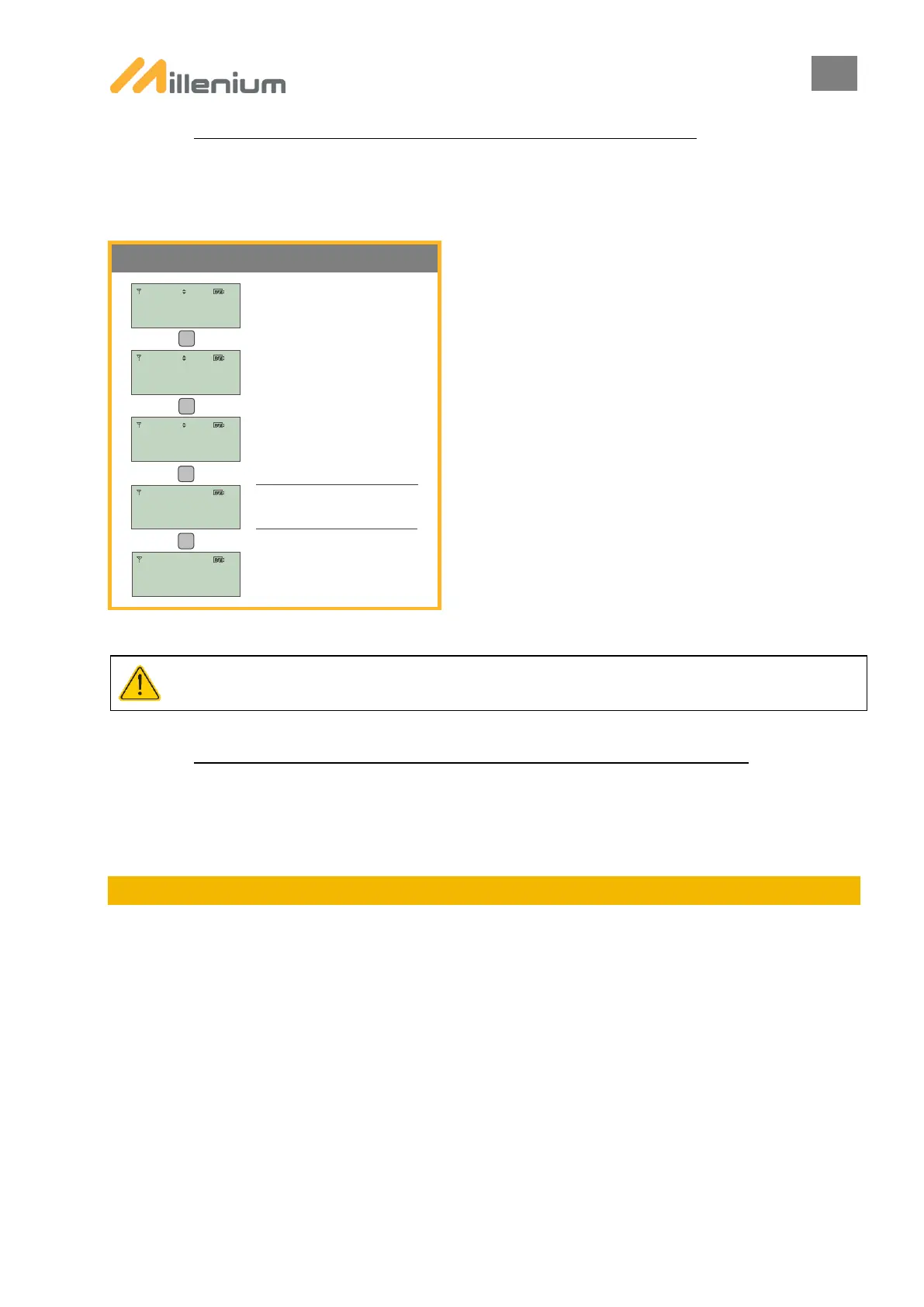
B. PROCEDURE FOR ADDING A PTL TO AN EXISTING SYSTEM:
Adding a light to an existing system makes it possible to switch from a 2-light system to a 3- or 4-light system.
The ADD LIGHT function is available from the PARAMETERS menu.
ADDING A PTL WHEN THERE IS A CYCLE IN PROGRESS INTERRUPTS THE CYCLE AND CAUSES THE PTLs TO
CHANGE TO RED.
C. PROCEDURE FOR REMOVING A PTL FROM AN EXISTING SYSTEM:
To remove or replace a PTL, a new pairing is required.
Refer to the PAIRING chapter for more information.
7. PROGRAMMING THE PTLs
Once the PTLs have been PAIRED, the PROGRAMMING menu appears. This menu gives you a choice of 7
programmable modes for your PTLs:
The following modes are available on MILLENIUM :
- STANDARD MODE
- STANDARD + WORKSITE EXIT MODE (3 paired PTLs minimum)
- MANUAL ALTERNATING MODE (2 paired PTLs maximum)
- FLASHING YELLOW MODE
- MANUAL MODE
SMART MILLENIUM – Traffic Regulation traffic feature 2 additional modes:
- VEHICULE ACTUATED MODE
- GREEN ON DETECTION


 To Next Page