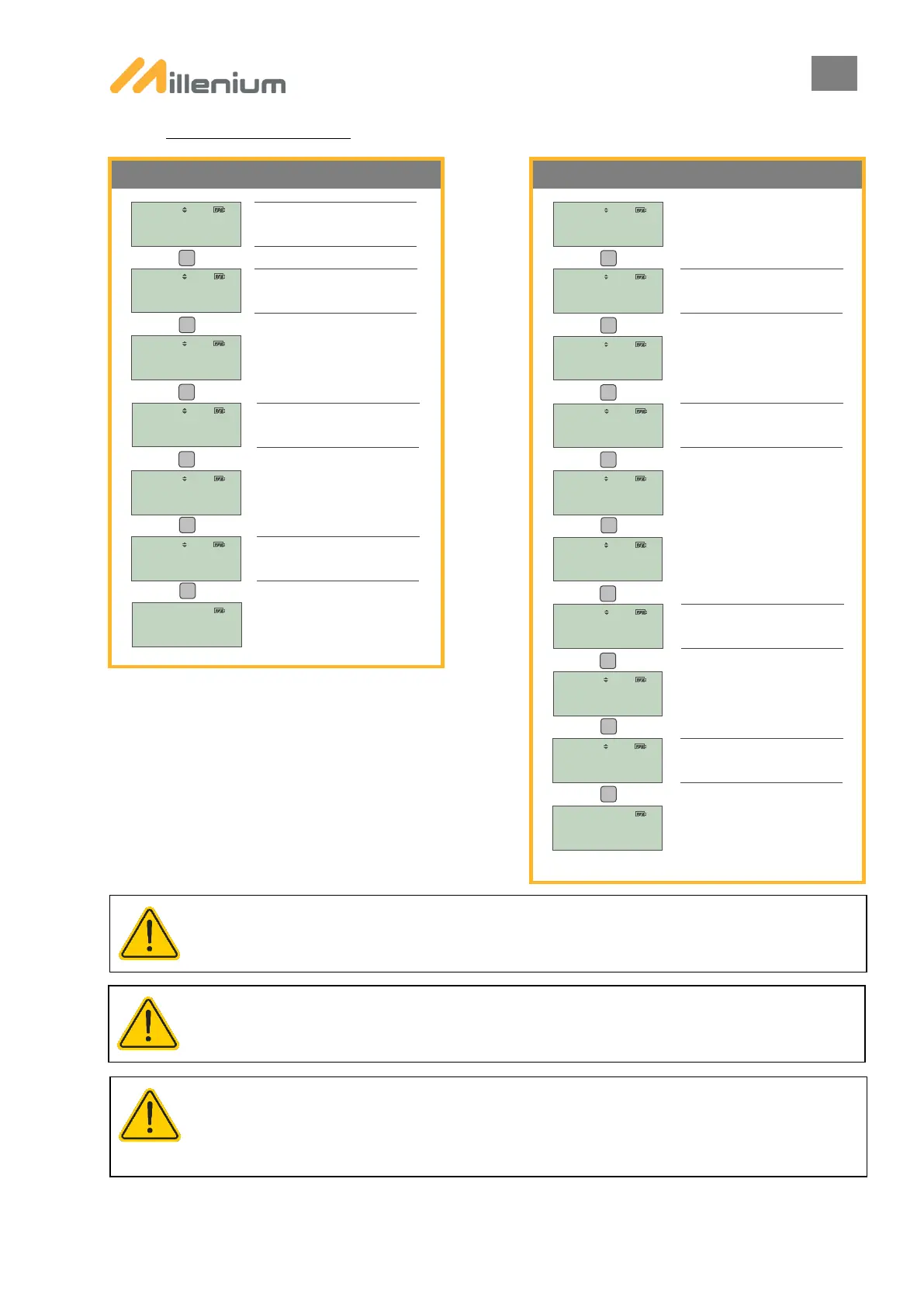
A. PAIRING PROCEDURE
ENSURE THAT THE PTL TO BE PAIRED ARE POWERED BEFORE BEGINNING THE PAIRING PHASE.
WHEN THE PTL ARE SWITCHED OFF BY DISCONNECTING THE BATTERIES, THE PAIRING IS SAVED BY THE
LIGHTS SYSTEM. THERE IS NO NEED TO REPEAT THIS STEP ON THE NEXT TIME DEPLOYMENT IF THE SYSTEM
COMPRISES THE SAME LIGHTS AND THE SAME REMOTE CONTROL.
IF THE REMOTE CONTROL GOES INTO STANDBY MODE BEFORE PAIRING IS FINISHED, THE PAIRING IS LOST.
ENSURE THE REMOTE CONTROL IS KEPT ACTIVE DURING THE PROCESS BY PRESSING THE BUTTONS ON THE LEFT
OR RIGHT. THE STANDBY TIME (1 MIN BY DEFAULT) CAN BE CHANGED FROM THE PARAMETERS MENU, REMOTE
CONTROL SETTINGS.
Next PTL: when there are 4 PTL to pair.
Position the remote control opposite the
infrared signal window located on the
Position the remote control opposite the
infrared signal window located on the
Position the remote control opposite the
infrared signal window located on the
Position the remote control opposite the
infrared signal window located on the
Position the remote control opposite the
infrared signal window located on the
Select the PAIRING menu from the
Select OK to complete pairing.


 To Next Page