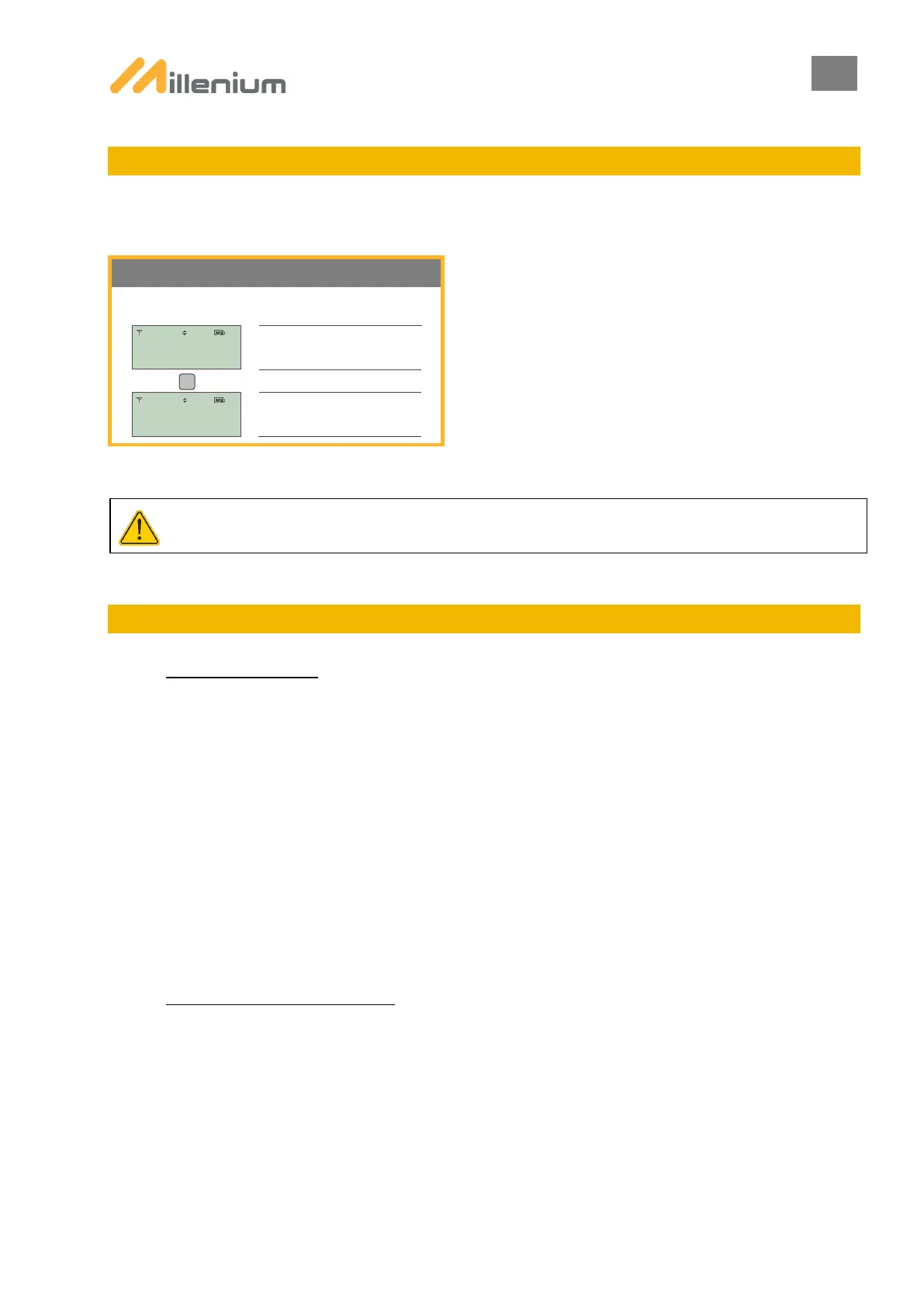
10. SMART MILLENIUM MENU
Intended for those leasing, this menu is used to activate or deactivate SMART MILLENIUM functionality.
Menu only accessible when all paired PTLs are SMART MILLENIUM.
TO OBTAIN THE PASSWORD, CONTACT LACROIX CITY TECHNICAL SUPPORT (PRESENT PROOF OR PURCHASE).
11. PTL SHUTDOWN / STANDBY
A. SHUTDOWN PTLs:
There are 2 ways to shut down the PTLs:
1) From the SYSTEM SHUTDOWN menu → SYSTEM SHUTDOWN
2) By disconnecting the battery on each PTL (see procedure in the BATTERY section below)
Note: when the batteries are disconnected without going through the SYSTEM SHUTDOWN menu, the PTL pairing is
retained.
Note: the SYSTEM SHUTDOWN menu is equivalent to the end of a worksite and thus when shutting down paired PTLs,
the pairing is removed and will have to be performed again if the same system is redeployed.
Note: as a connected battery will discharge (even one that is not used), ensure that the battery cables are disconnected
after use.
B. PLACE PTLs ON STANDBY:
Placing the PTLs on standby allows the lenses to be switched off whilst retaining the current programming in the
background. When standby mode is deactivated, the lenses come back on and the PTLs resume their cycle.
Placing the PTLs on standby from the SYSTEM SHUTDOWN menu → PTL STANDBY



 To Next Page