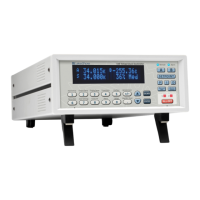
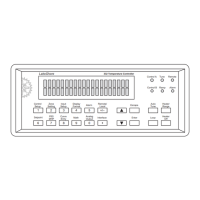
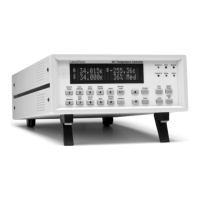
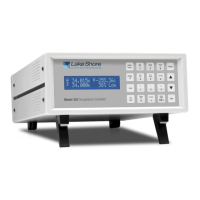
Lake Shore Model 325 Temperature Controller User’s Manual
Operation 4-5
Display Format And Source (Units) Selection (Continued)
Use the s or t key to cycle between Input A, Input B, or None. For this example, select Input A then press the Enter
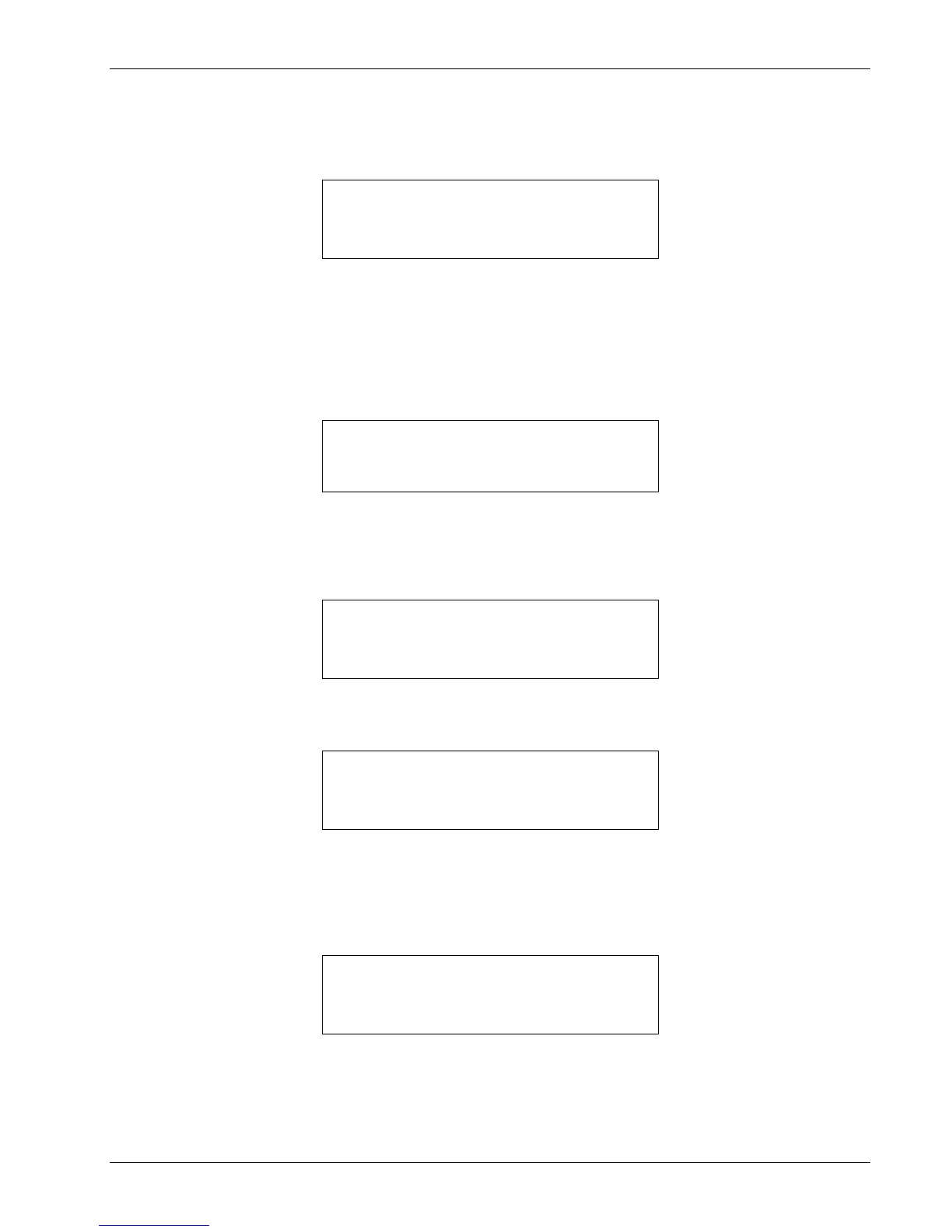
key. You will see the following display
Use the s or t key to cycle through the following data sources: Temp K, Temp C, Sensor. For this example, select
Temp K then press the Enter key.
NOTE: The sensor reading of the instrument can always be displayed in sensor units. If a temperature
response curve is selected for an input, its readings may also be displayed in temperature.
With the settings from the previous example, Display Location 1 will resemble the following.
The process is the same for the other three display locations. However, additional choices are provided for Display
Location 3 and 4, being Setpoint and Heater Out respectively.
In the following example, we will setup Display Location 3 to show the setpoint. Press the Display Format key.
Use the s or t key to increment or decrement through Display Locations 1 through 4. For this example, select Display
Location 3, then press the Enter key. You will see the following display
Use the s or t key to cycle between Input A, Input B, Setpoint, or None. For this example, select Setpoint then press
the Enter key.
With the settings from the previous example, and assuming you setup Display Location 1 detailed above, the display will
resemble the following.
To change the setpoint units, refer to Control Setup, Section 4.7.


 To Next Page