Lake Shore Model 325 Temperature Controller User’s Manual
Operation 4-19
AutoTune (Continued)
Once AutoTune mode is selected, no activity takes place until the setpoint is changed at least 0.5 K. At that time, the
control channel annunciator blinks to indicate the instrument is gathering data. This process takes from 1 to 17 minutes
depending on the system reaction time. The control channel annunciator stops blinking when calculations are complete
and new parameter values have been stored. The annunciator will also stop blinking if the algorithm is unable to
complete. Possible reasons include: setpoint change too small, manual control parameter changed during tuning, heater
not turned on, or control sensor curve not selected.
If the controller is not tuned satisfactorily on the first attempt, make several small (2 degree) setpoint changes to see if
better parameter values are calculated.
To select an AutoTune mode press the AutoTune key, and press the s, t, or AutoTune key to cycle the display to
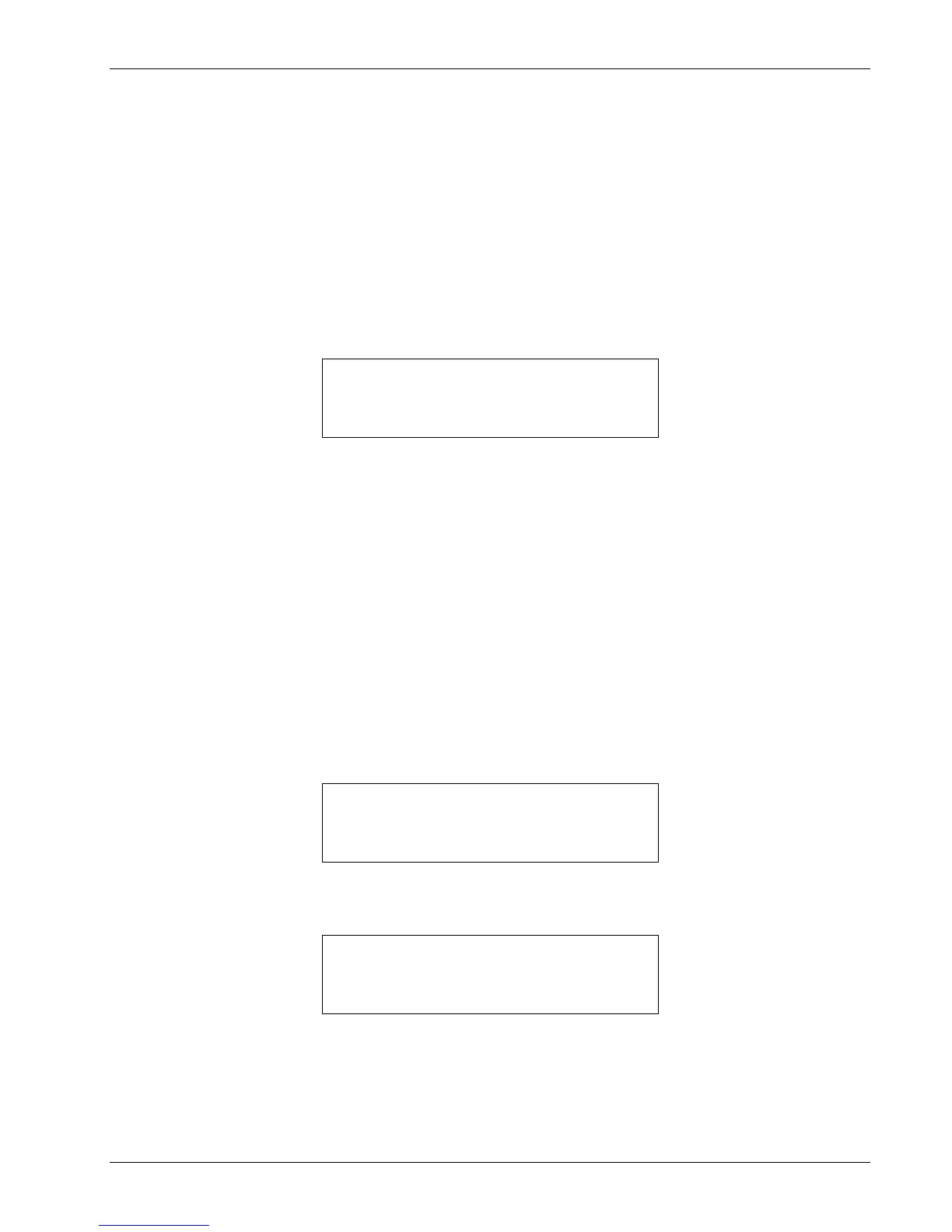
AutoTune PID. You will see the following display.
Use the s or t key to cycle between Auto PID, Auto PI, and Auto P. Press the Enter key. The controller is now in
AutoTuning mode.
4.10 ZONE SETTINGS (Closed-Loop Control Mode)
The Model 325 allows the user to establish up to 10 custom contiguous temperature zones where the controller will
automatically use pre-programmed PID values and heater ranges. Zone control can be active for both control loops at the
same time. The user should configure the zones using 01 as the lowest to 10 as the highest zone. Zone boundaries are
always specified in kelvin (K). The bottom of the first zone is always 0 K, therefore, only the upper limit is required for
all subsequent zones. Make a copy of Figure 4-4 to plan your zones.
Once all zone parameters have been programmed, the controller must be placed in zone tuning mode. To do this, press
the AutoTune key. Use the s or t key to select Zone. Then press Enter to accept the new tuning mode. Once zone is
turned on, the instrument will update the control settings each time the setpoint is changed to a new zone. If the settings
are changed manually, the controller will use the new setting while it is in the same zone and update to the zone table
settings when the setpoint is changed to a value outside that zone.
To enter parameter values into the zone table, press the Zone Settings key. You will see the following display.
Use the s or t key to cycle through the ten zones. Once the desired zone is displayed, press the Enter key. You will
see the next display.
The upper setpoint limit is entered using the numeric keypad, which includes the numbers 0 – 9, +/–, and decimal point.
During numeric entry, you can press the Escape key one time to clear the entry, and a second time to exit to the normal
display.
NOTE: The default setting for all the zone setpoints is zero (0). The Model 325 will not search for additional
zones once it encounters a setpoint of zero.


 To Next Page