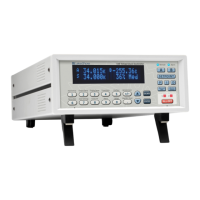
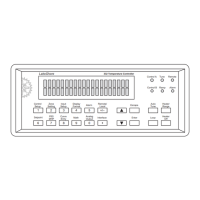
Lake Shore Model 325 Temperature Controller User’s Manual
4-26 Operation
Interface (Continued)
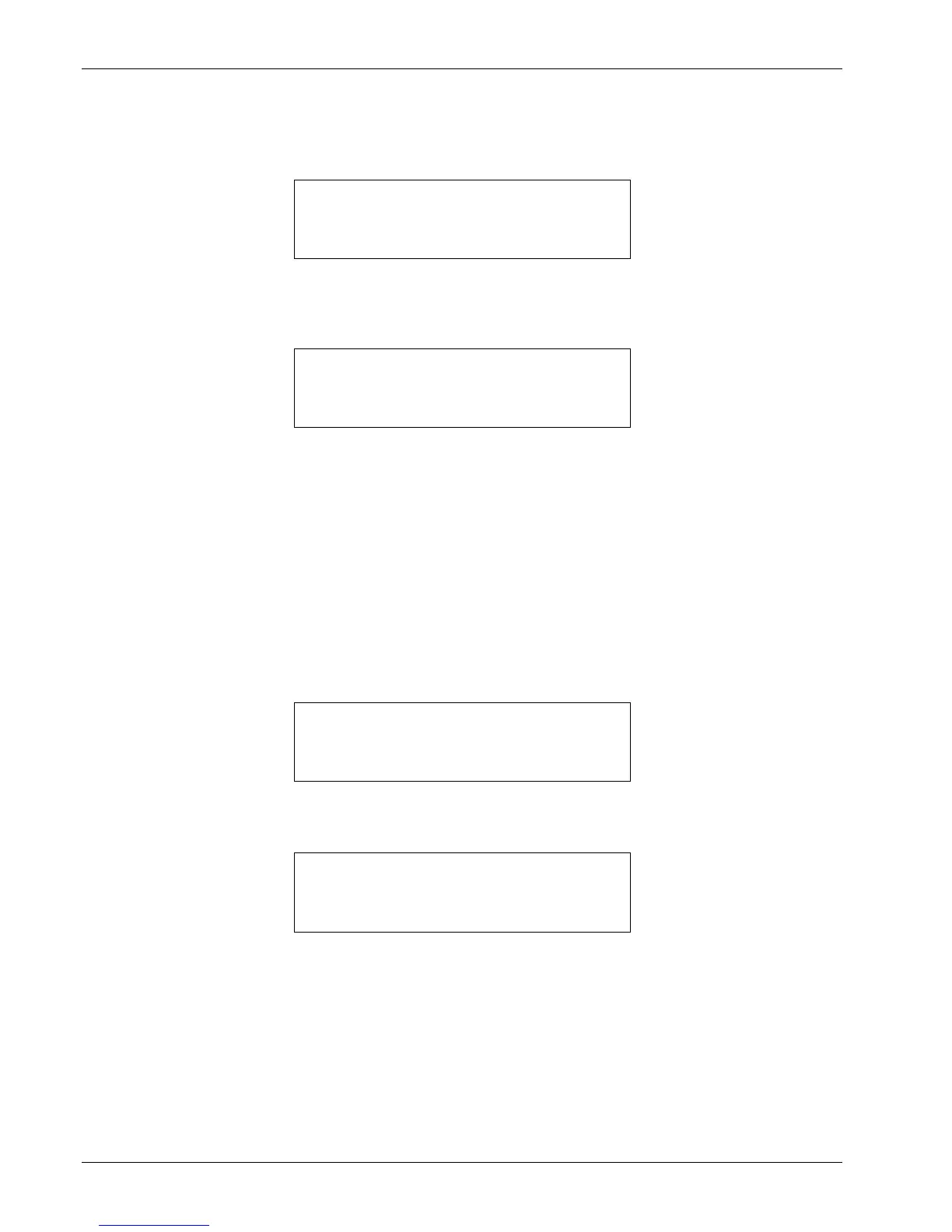
To set the IEEE-488 interface address and terminators, press the Interface key, then press the Enter key until you see
the following screen.
Use the s or t key to increment or decrement the IEEE address to the desired number. The default address is 12.
Press the Enter key to accept the changes or the Escape key to keep the existing setting and return to the normal display.
Press the Enter key again to see the following screen.
Use the s or t key to cycle through the following terminator choices: Cr Lf, Lf Cr, Lf, or EOI, where Cr = Carriage
Return, Lf = Line Feed, and EOI = End Or Identify. The default terminator is Cr Lf. Press the Enter key to accept the
changes and continue to the next screen, or the Escape key to keep the existing setting and return to the normal display.
4.18 DEFAULT VALUES
It is sometimes necessary to reset instrument parameter values or clear out the contents of curve memory. Both are all
stored in nonvolatile memory called NOVRAM but they can be cleared individually. Instrument calibration is not
affected except for Room Temperature Calibration, which should be redone after parameters are set to default values or
any time the thermocouple curve is changed.
To reset the Model 325 parameters to factory default values, press and hold the Escape key until the screen shown below
appears.
Use the s or t key to select Yes or No to reset the NOVRAM. Select Yes to reset all Model 325 parameters to the
defaults listed in Table 4-5. Press the Enter key. The second screen appears as follows.
Use the s or t key to select Yes or No to clear the user curves (in locations 21 – 35) stored in the Model 325. Standard
curves (in locations 1 – 20) are unaffected. Press the Enter key. The instrument performs the operation then returns to the
normal display.


 To Next Page