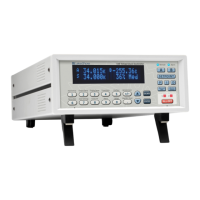
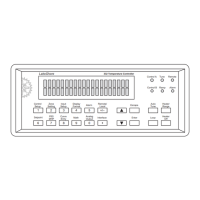
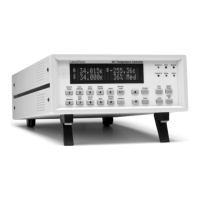
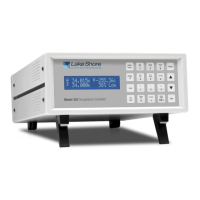
Lake Shore Model 325 Temperature Controller User’s Manual
4-4 Operation
4.2 TURNING POWER ON
After verifying line voltage (Section 3.3), plug the instrument end of the line cord (included with the connector kit) into
the power and fuse assembly receptacle on the instrument rear. Plug the opposite end of the line cord into a properly
grounded, three-prong receptacle. Place the power switch, located next to the line cord receptacle, to the On (l) position.
The instrument initiates the following power up sequence: the instrument alarm sounds once; the display shows the
following startup message.
The normal reading display appears. If the instrument does not complete the sequence or if a general error message
displays, there may be a problem with the line power or the instrument. Individual messages in a reading location
normally indicate that input setup is required.
4.3 DISPLAY FORMAT AND SOURCE (UNITS) SELECTION
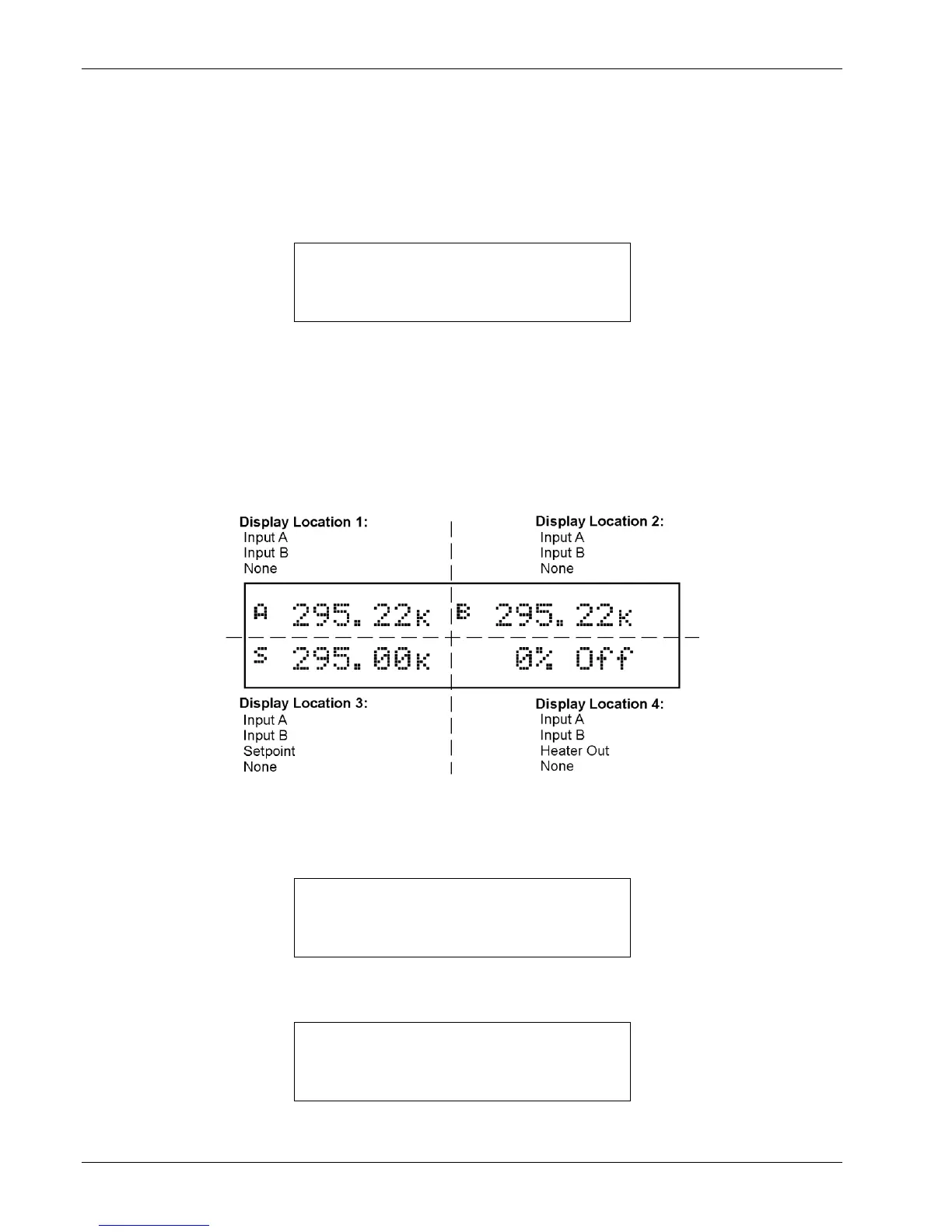
In the normal display, the display is divided into four user-configurable areas that can provide temperature readings,
setpoint display, and heater status. Figure 4-3 illustrates the display location numbering and available selections for each
location. To change Setpoint units and select Heater Out Power or Current, refer to the description of Control Setup in
Section 4.7.
C-325-4-3.bmp
Figure 4-3. Display Format Definition
To configure a display location, press the Display Format key to display the following screen.
Use the s or t key to increment or decrement through Display Locations 1 through 4. For this example, select Display
Location 1, then press the Enter key. You will see the following display


 To Next Page