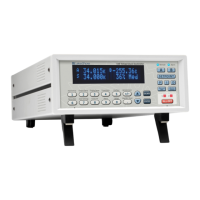
Lake Shore Model 325 Temperature Controller User’s Manual
6-12 Remote Operation
Visual Basic IEEE-488 Interface Program Setup (Continued)
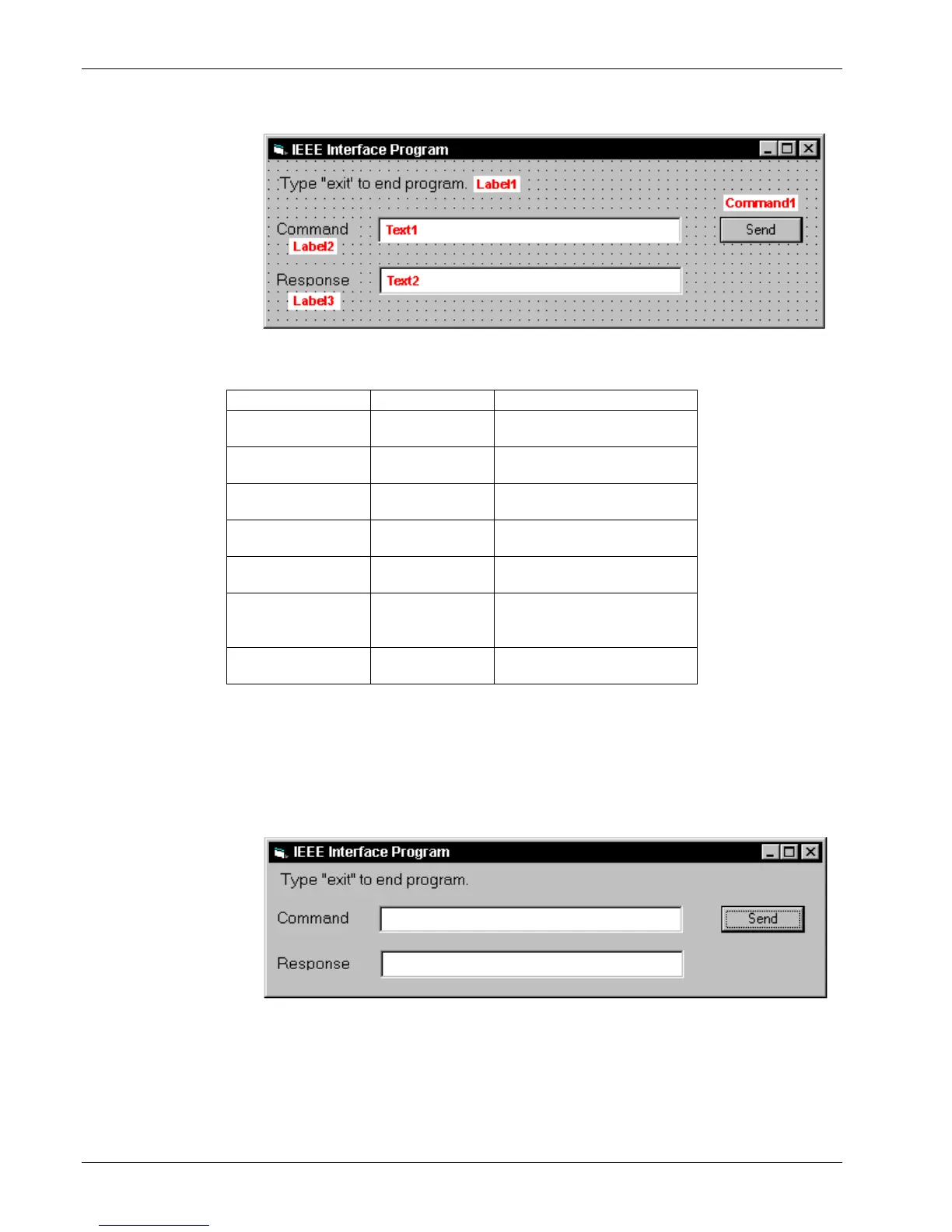
7. In the Properties
window, use the
dropdown list to
select between the
different controls
of the current
project.
8. Set the properties
of the controls as
defined in
Table 6-4.
9. Save the program.
Table 6-4. IEEE-488 Interface Program Control Properties
Type “exit” to end program.
10. Add code (provided in Table 6-5).
a. In the Code Editor window, under the Object dropdown list, select (General). Add the statement: Public gSend
as Boolean
b. Double Click on cmdSend. Add code segment under Private Sub cmdSend_Click( ) as shown in Table 6-5.
c. In the Code Editor window, under the Object dropdown list, select Form. Make sure the Procedure dropdown
list is set at Load. The Code window should have written the segment of code: Private Sub Form_Load( ). Add
the code to this subroutine as shown in Table 6-5.
11. Save the program.
12. Run the program.
The program
should resemble
the window to the
right.
13. Type in a
command or query
in the Command
box as described in
Section 6.1.5.5.
14. Press Enter or select the Send button with the mouse to send command.
15. Type Exit and press Enter to quit.


 To Next Page