35
5 Operating Control and Displays
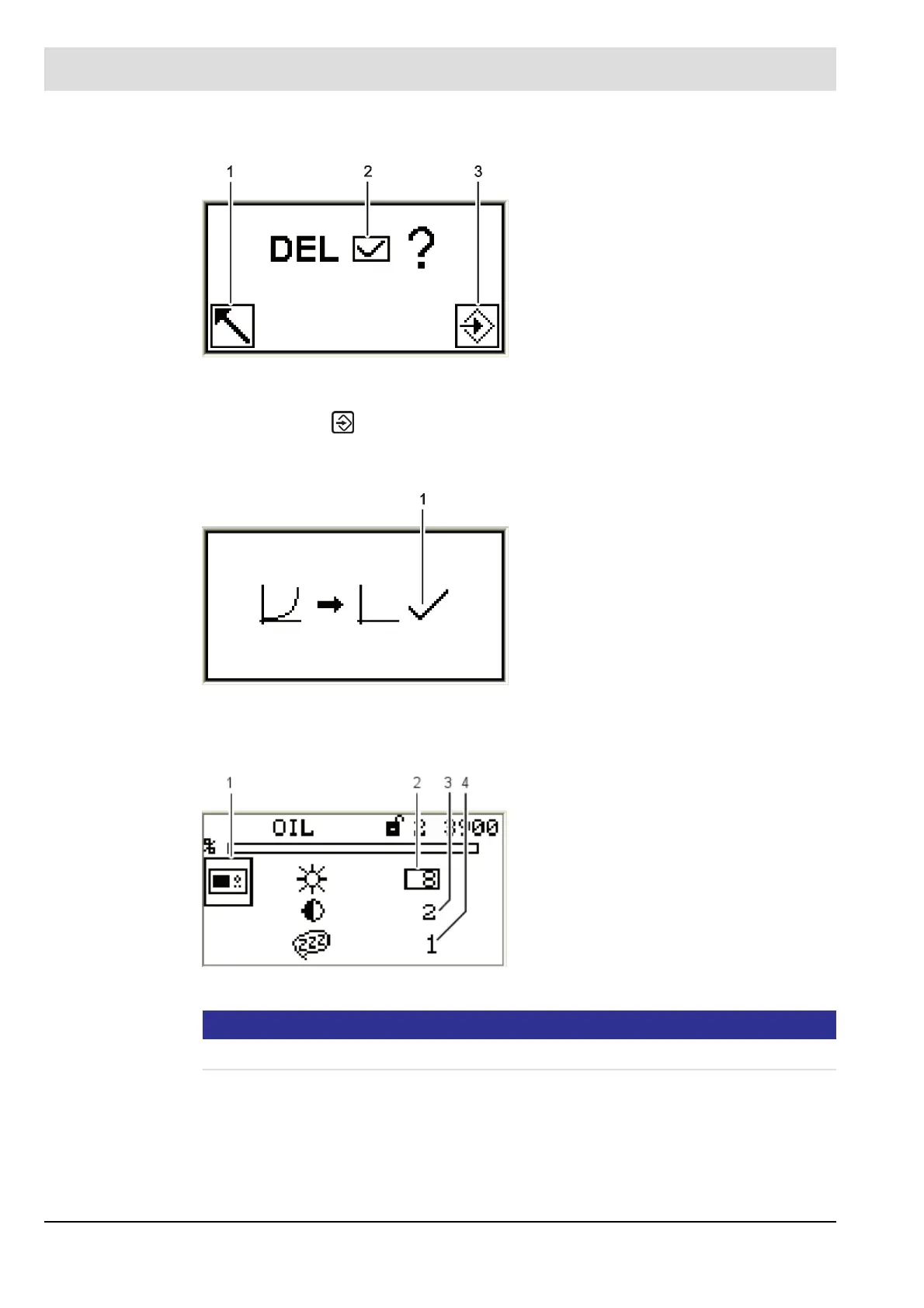
The display shows the confirmation prompt:
2. Press ENTER .
The curve values will be deleted.
The display shows the values deleted menu.
UI300 display settings
NOTICE!
Value= 0 cannot be entered for the screen saver delay!
Fig. 5-43 Confirmation prompt of deleting curves
menu
1 Back to previous menu
2 Deleting values [selected]
3 Proceed with deleting values
Fig. 5-44 Values deleted menu
1 Values deleted
Fig. 5-45 Display settings menu
1 UI300 pictogram
2 Brightness
3 Contrast
4 Delay for screen saver



 To Next Page