124
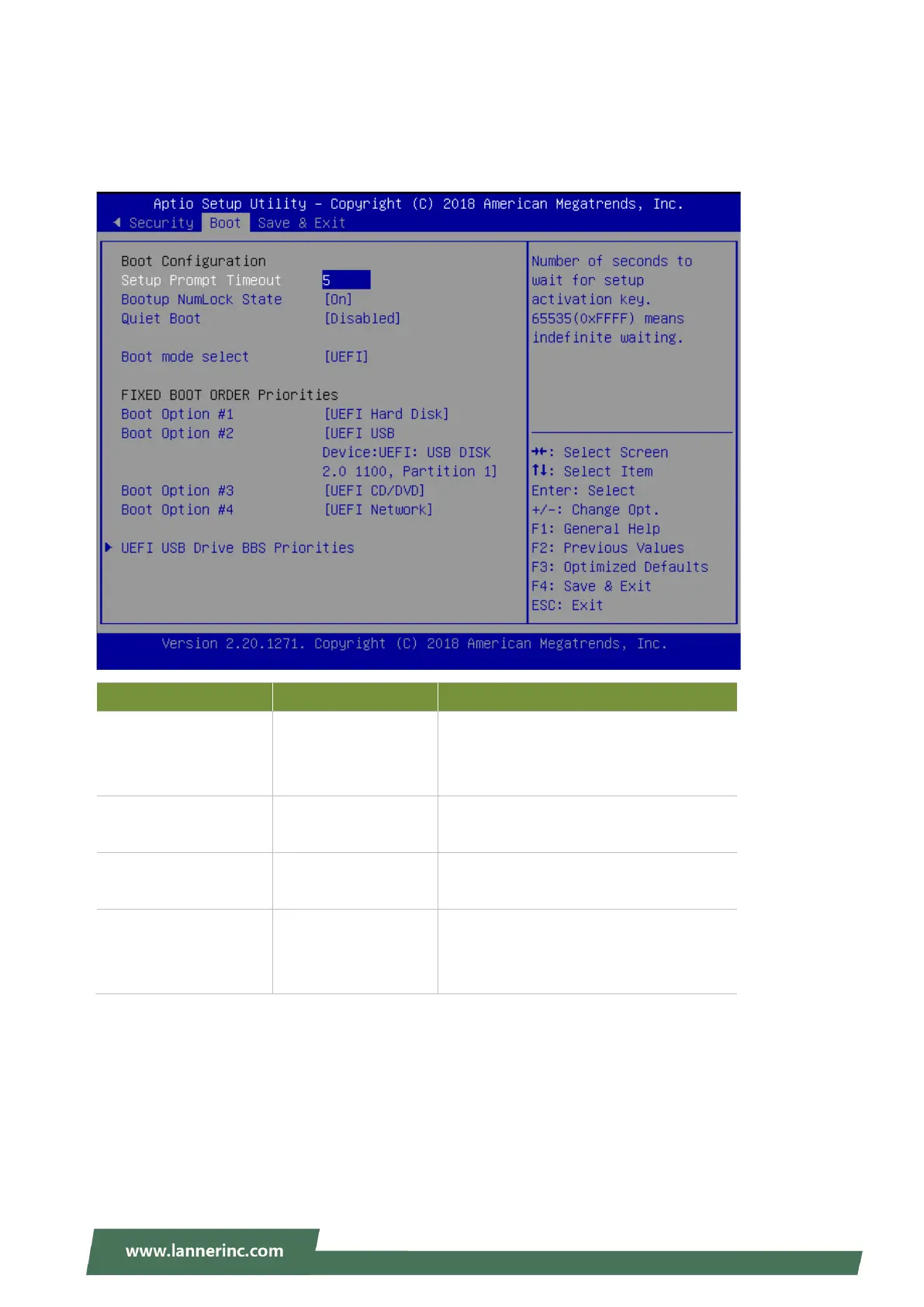
Boot Page
Select the Boot menu item from the BIOS setup screen to enter the Boot Setup screen. Users can select any
of the items in the left frame of the screen.
Feature Options Description
Setup Prompt Timeout 5
The number of seconds to wait for setup
activation key.
65535 means indefinite waiting.
Bootup NumLock State
On
Off
Select the keyboard NumLock state
Quiet Boot
Disabled
Enabled
Enables or disables Quiet Boot option.
Boot mode select
LEGACY
UEFI
DUAL
Select boot mode for LEGACY or UEFI.
Choose boot priority from boot option group.
Choose specifies boot device priority sequence from available Group device.



 To Next Page