NMS045 Reference Manual Preparing Cellular Service for the RV50X 2-8
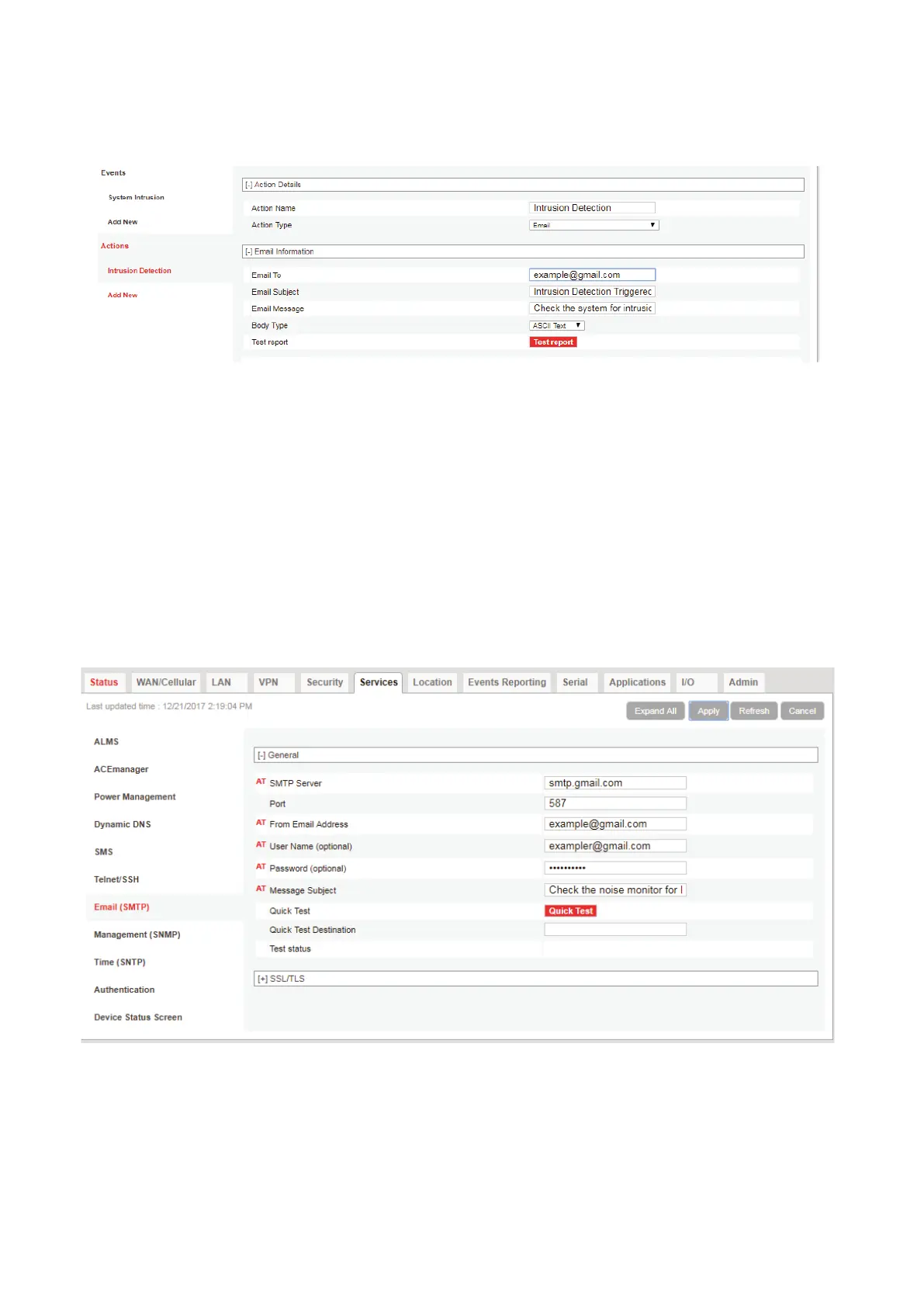
message that will be included in the alert. When finished
click Apply.
FIGURE 2-10 Intrusion Detection Settings
Step 5 Navigate Services Email (SMTP). These settings are to
determine where the emails are coming from.
The following shows an example unsecured Gmail account. Contact
your IT professional for more information on your specific
communication needs.
Step 6 Gmail uses the indicated server and port information for
an unsecured account. You will need a valid email address
and password entered. See Figure 2-11.
FIGURE 2-11 Email Settings
Step 7 To apply settings, click Apply then Reboot.
Step 8 The email feature may still need further security settings
to enable it to function. For this unsecured Gmail account,
open up Gmail and go to My Account Sign-in & security



 To Next Page