NMS045 Reference Manual Configuring LD Settings for the RV50X A-12
b. Select the name of your device, then select Firmware Package.
c. If needed, download and update the firmware according to the
manufacturer's instructions.
d. Log back in when the system is rebooted.
Step 6 Change your password.
Updating Your Password
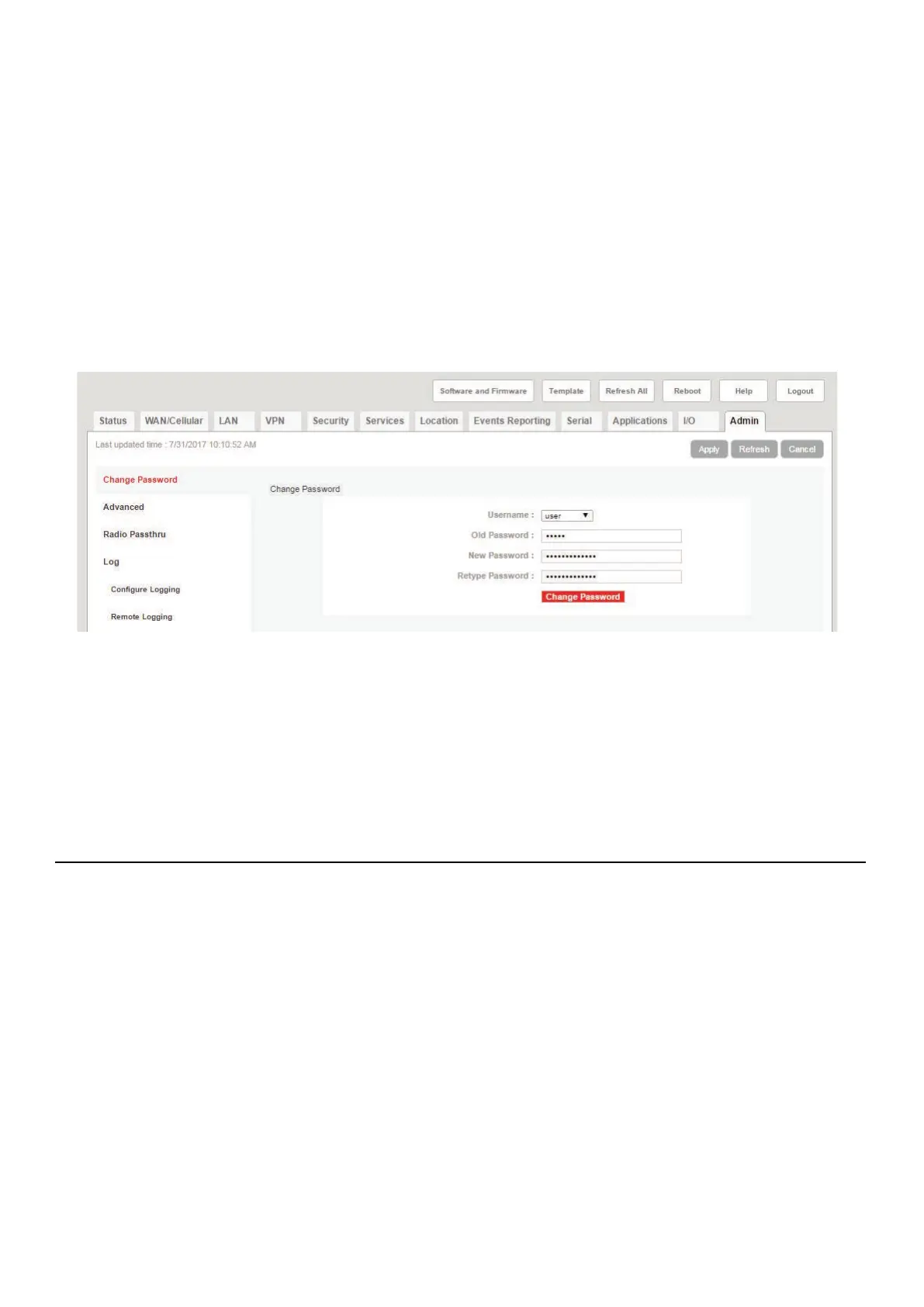
a. Navigate to the Admin tab, and enter the default password (“12345”) in
Old Password.
FIGURE A-8 Admin Tab
b. Enter a unique password in New Password, and again in Retype
Password.
c. Record your password. If you forget it you will need to reset the RV50X to
factory settings and reconfigure.
d. Click Change Password, then click Apply.
A.8.2 Configuring LD Settings Using the Template File
Using the LD Settings Template File is the quickest and easiest way to
configure the gateway. However, if you would prefer to manually
configure it, see A.8.3 Configuring LD Settings Without the Template
File.



 To Next Page