NMS045 Reference Manual Preparing Cellular Service for the RV50X 2-7
2.5.3 Configuring the Intrusion Detection
TAKE NOTE This feature is only
available with the COM-
RV50X-045NA/EU:APAC
Wireless Gateway.
If the RV50X was purchased through Larson Davis and the SIM was
provided to the factory, you can skip to section 2.5.3 "Configuring the
Intrusion Detection".
To configure the gateway for intrusion alerts, follow these steps:
TAKE NOTE The gateway will
need to have the LD settings
loaded. If you purchased the
gateway separately or
performed a factory reset,
you must reload the LD
settings. See “Configuring LD
Settings for the RV50X” on
page A-11.
Step 1 Follow steps 1 through 6 of 2.5.2 "Configuring for Remote
Communication".
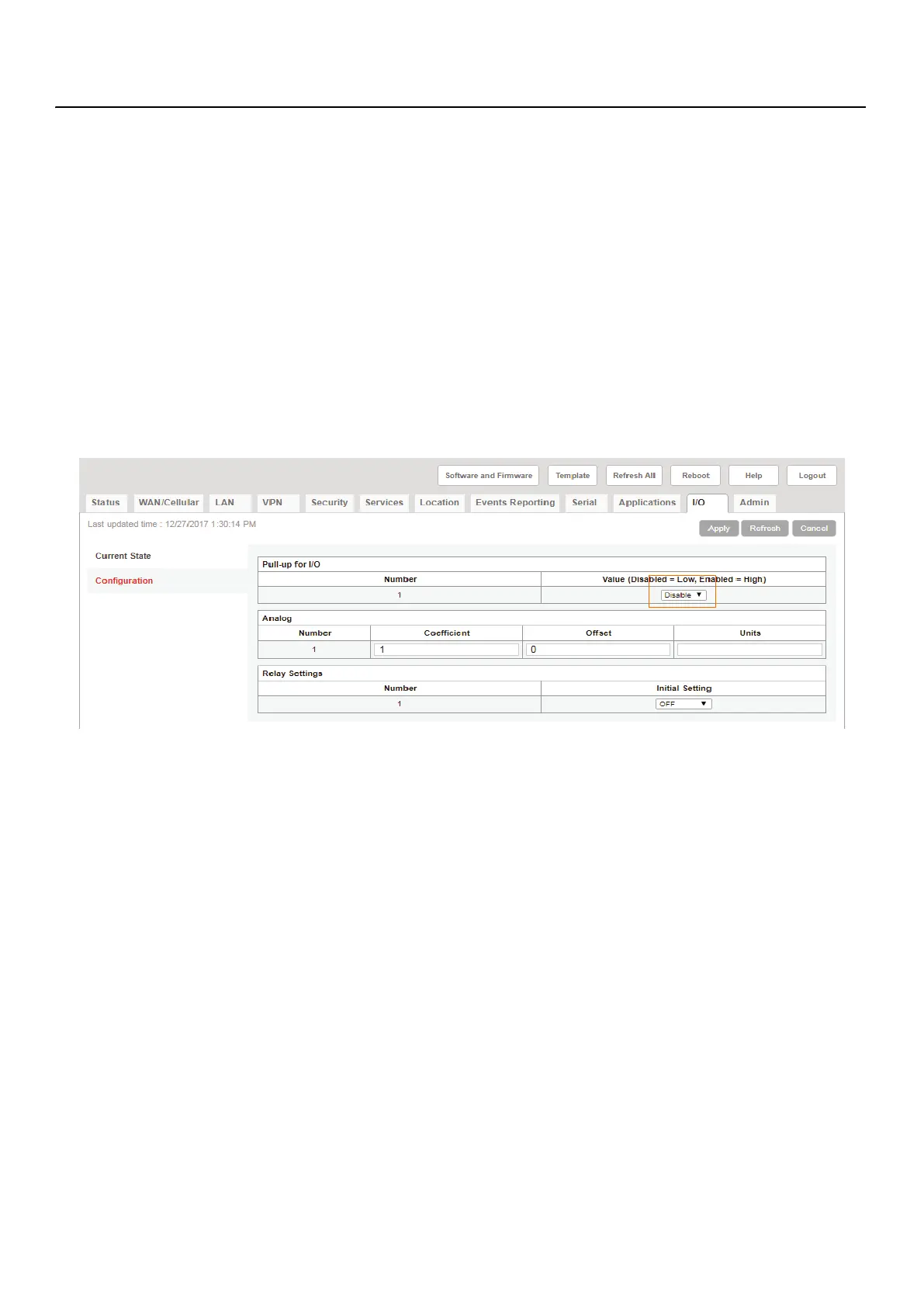
Step 2 Navigate to I/O Configuration and ensure the that Pull-
up for I/O is disable. If you need to set it to Disable, click
Apply.
FIGURE 2-9 I/O Disabled
Step 3 Navigate Events Reporting Intrusion Detection. If
there is not item called Intrusion Detection this may
indicate that the LD Settings have not been loaded. See
A.8 "Configuring LD Settings for the RV50X" on page A-11.
Step 4 The Action Type should be set to Email. Add an email
address to Email To then enter an email subject and



 To Next Page