36
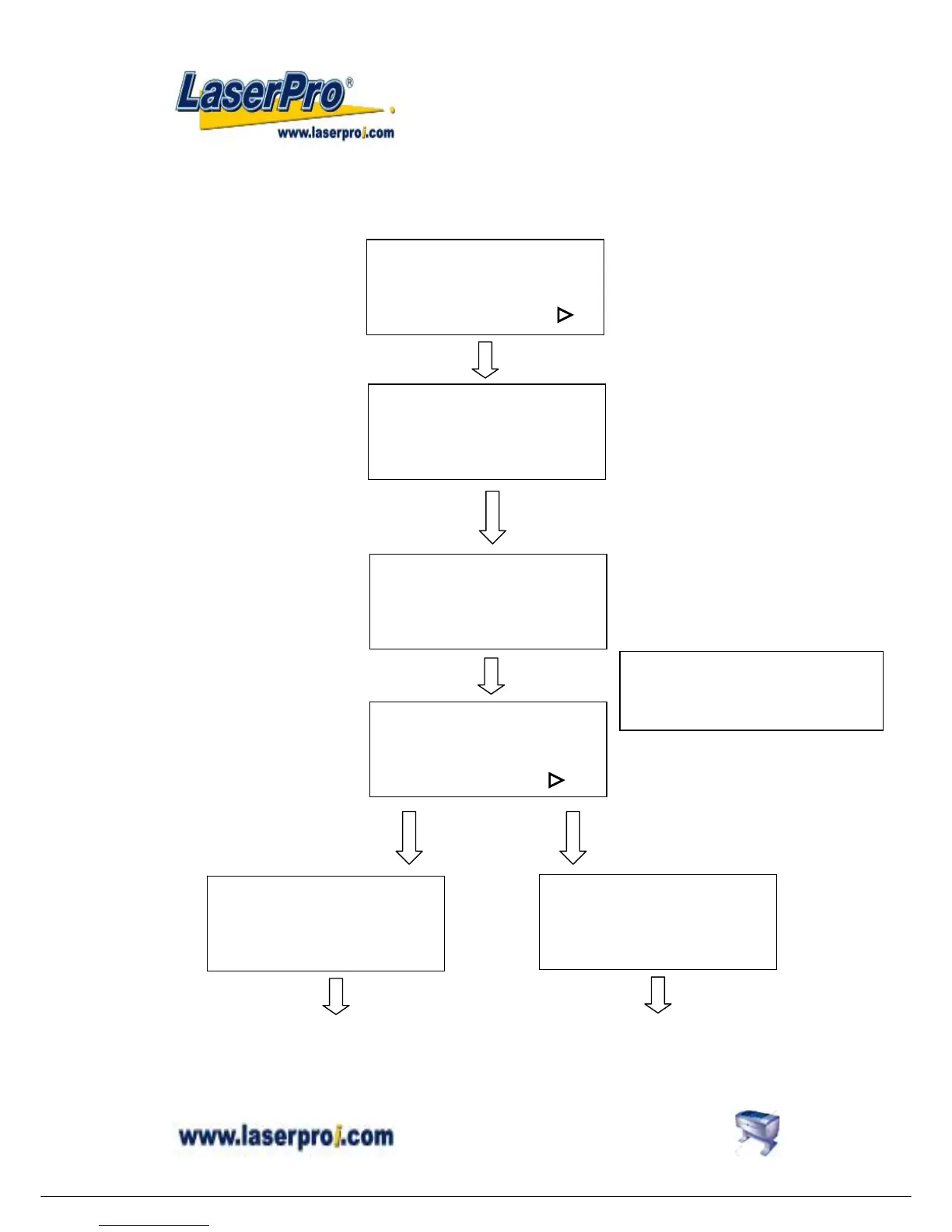
z Select setup #1-16?
You can assign 16 different colors individually for speed and power to achieve a variety of
cutting effects. This function works when your software package can output HPGL plot
without using MERCURY’s driver.
Press POWER key to change Press SPEED key to
Power change speed
Setup # 1 **
+: △ -: ▽
Ok: ENTER
End operation: ESC
Select setup #1-16?
Yes: ENTER
End operation: ESC
Select baud rate? :
Change: △ or ▽
ENTER
Setup # x
+: △ -: ▽
Ok: ENTER
End operation: ESC
Select baud rate?
Yes: ENTER
End operation: ESC
Data bit/parity? :
ENTER
POWER: x x x %
+: △ -: ▽
End operation: ESC
SPEED: x x . x %
+: △ -: ▽
End operation: ESC
ENTER
ENTER
Save the desired cutting power for
not using Mercury’s driver
Save the desired cutting speed for
not using Mercury’s driver
Set Speed and Power first without
operating through Driver


 To Next Page