29
LSI 090 - Rev. 00 - Ed. 04/2018
Setting the softener lter parameters.
To access the menu to set softener lter parameters, press and hold down all three
keys
for 3 seconds.
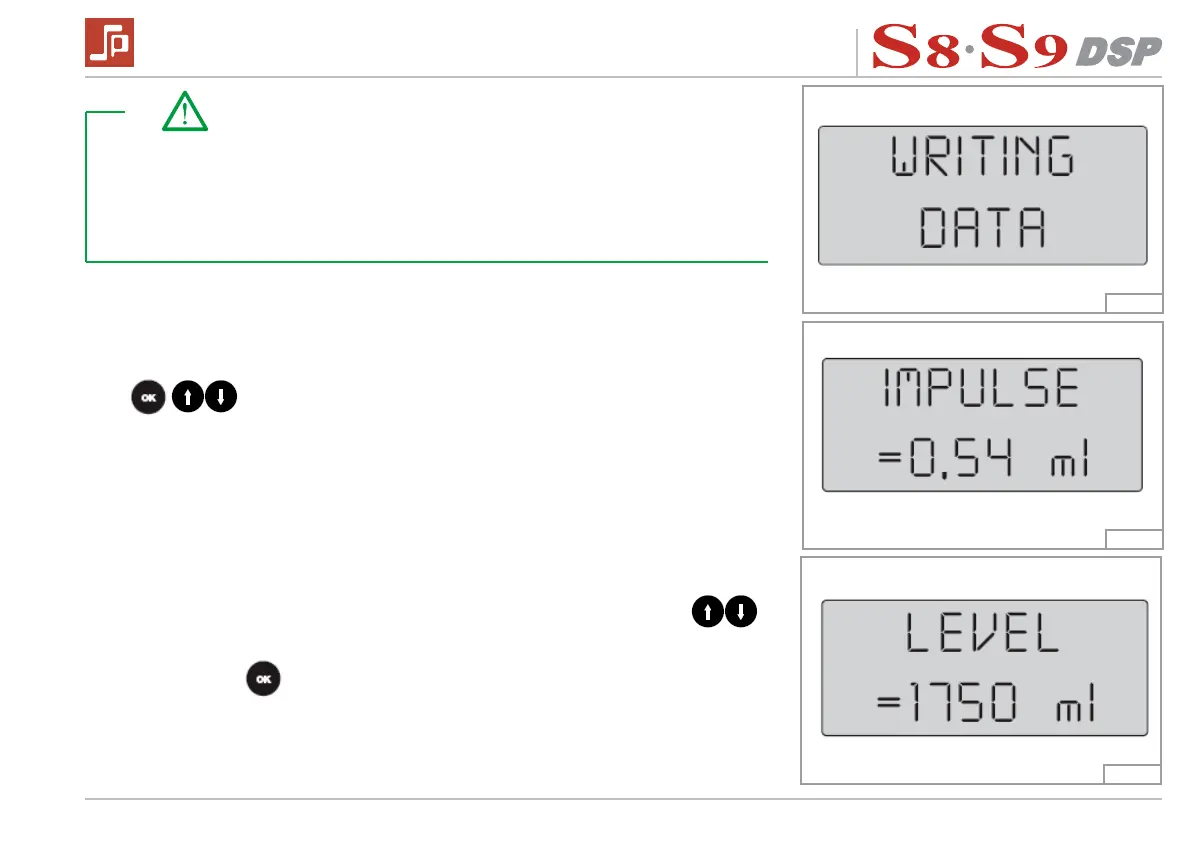
The display will read:
Where “0,54“ is the correspondence between a ow meter pulse and the amount
of water delivered by the group given in millilitres. Pressing the buttons
,
decreases or increases the setting (0.30 ml – 0.90 ml).
Pressing the button
, conrms the setting and the display will read:
Fig. 22
Fig. 23
Fig. 24
Take note!
The visualization is alternatively shown on the display only if both controls have
been enabled, otherwise, only the enabled control is displayed.
The number of cycles is decreased after every 50 solenoid valve activations.
The number of litres for the lter is reduced after every 10 litres of water con-
sumed.


 To Next Page