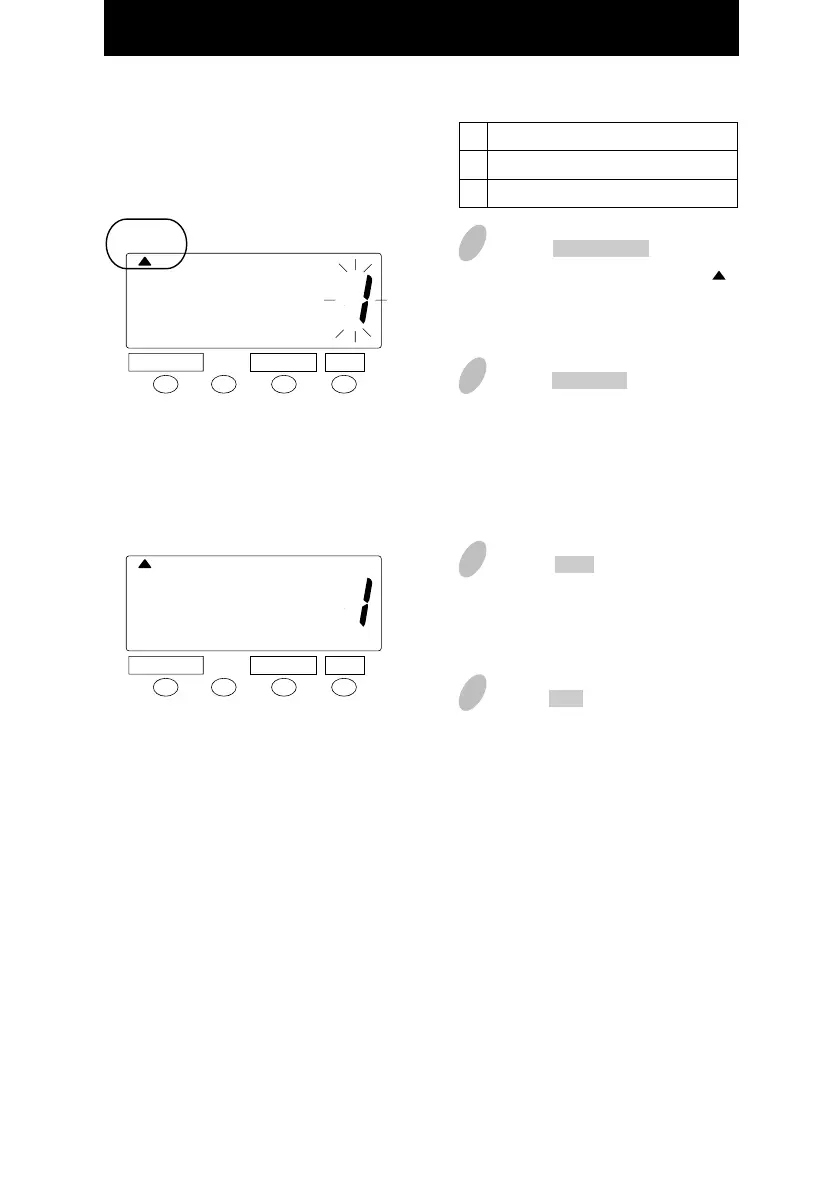
Setting the Display Hours
1
Push the DATE/TIME button for 3
seconds and position the " "
under the "DISPLAY HOURS"
mark.
3
Push the SET button to finish the
setting. At that moment, the display
will change from flashing to steady,
and the setting is now completed.
4
Push the SET button once again.
2
Push the CHANGE button to select
either "AM/PM" or "24 hour". For
example, set 1 if AM/PM hour is
desired.
DATE/ TIME
CHANGE SET
DATE/ TIME
CHANGE SET
Type of hour
AM/PM (12hour)
24 hour
1
2
20
DISPLAY
HOURS
DISPLAY
HOURS
17



 To Next Page