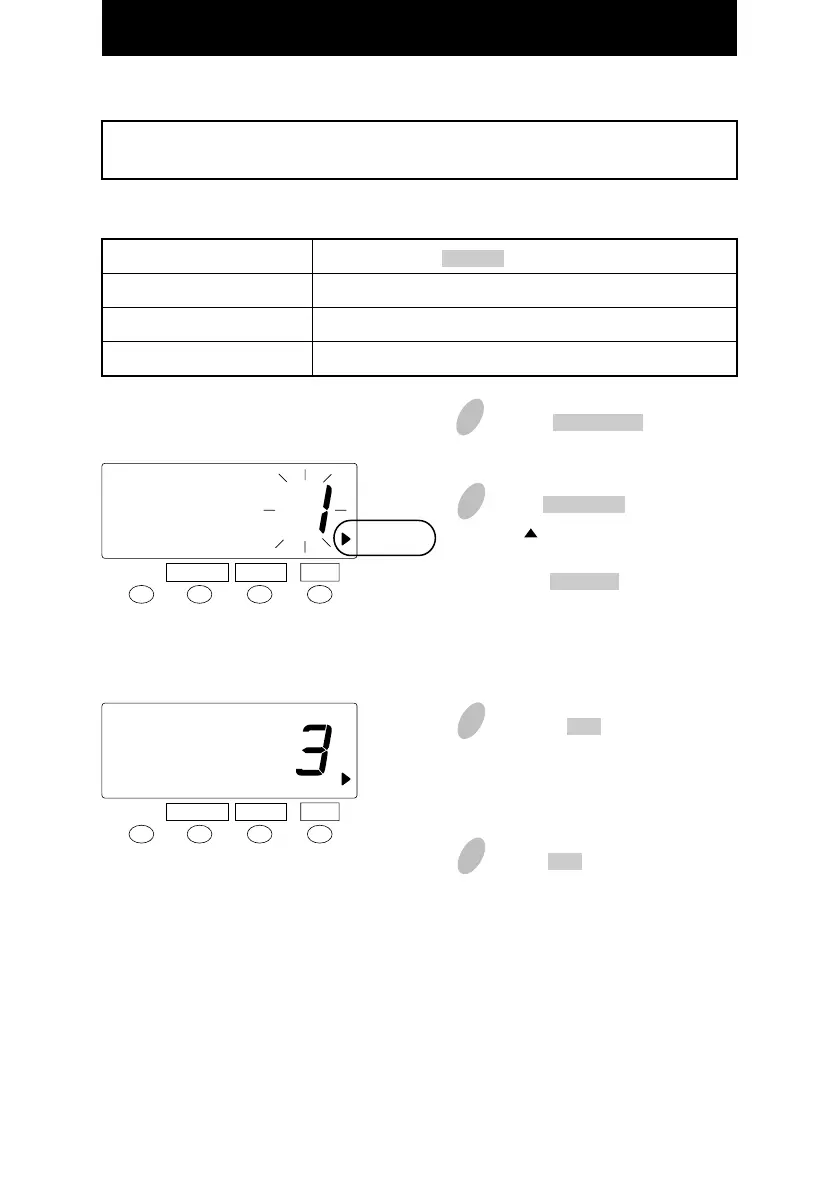
Setting the Print Language
2
Push the
FUNCTION
button to position
the " " next to the "LANGUAGE"
mark.
Push the CHANGE button to set the
number at the desired print language.
For example, set 3 if French is desired.
3
Push the SET button. At that
moment, the display will change
from flashing to steady.
SET
SET
Order Options
1. English
2. Spanish
3. French
The print language can be selected from the following three types.
The language English·Spanish·French can be selected to print "Month" and "the days of
the week".
T
H
JU
JE
3 : 30P
3 : 30P
3 : 30P
1
Push the FUNTCION button for 3
seconds.
LANGUAGE
LANGUAGE
FUNCTION CHANGE
FUNCTION CHANGE
Print Example:Thursday 3:30 p.m.
37
4
Push the SET button once again.
34



 To Next Page