Setting the Button Function
32
Refer to "Functions for the buttons" before setting.
Example
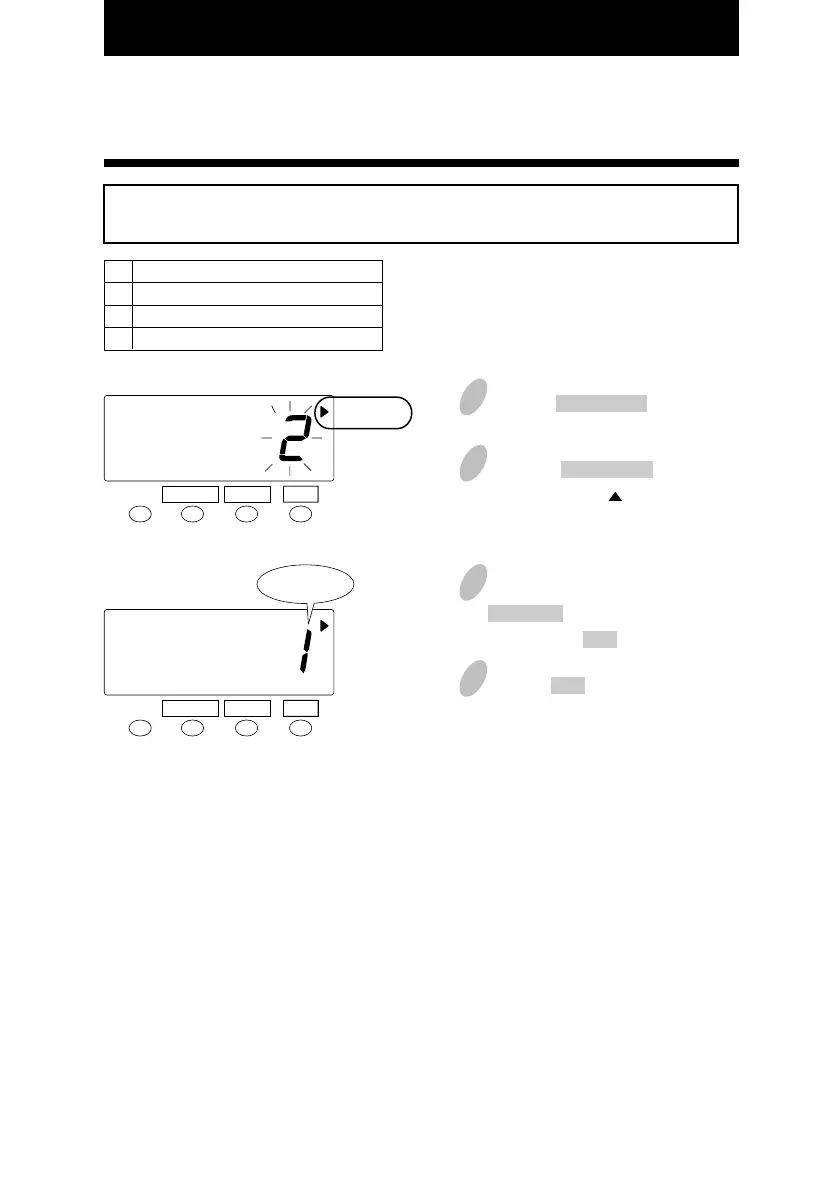
Select "Required" for the button.
3
1
Push the FUNCTION button for 3
seconds.
2
Push the FUNCTION button and
position the " " next to the
"BUTTON FUNCTION" mark.
Order Option
Required
Optional
Disabled
1
2
3
SET
FUNCTION CHANGE
4
BUTTON
FUNCTION
SET
FUNCTION CHANGE
BUTTON
FUNCTION
Required
In the case of the example, push the
CHANGE button to set at "1". And
then push the SET button.
Push the SET button once again.
29



 To Next Page