4
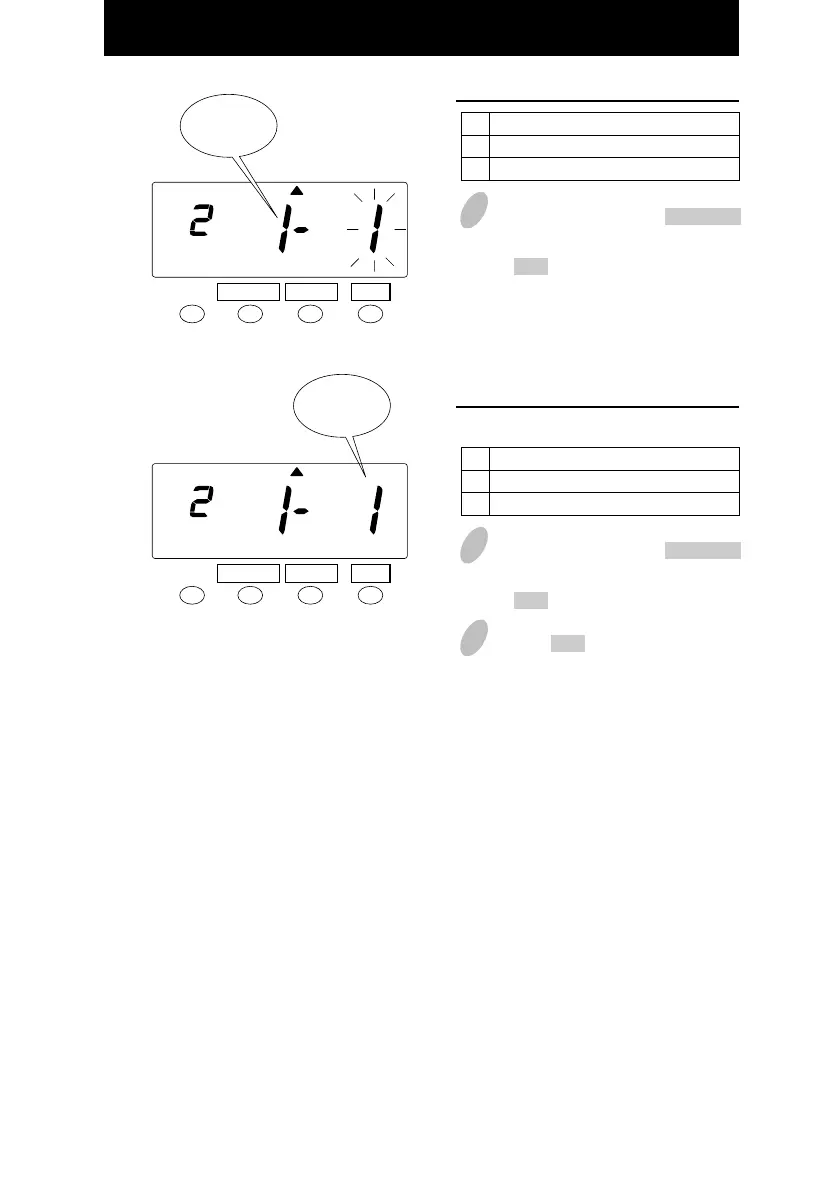
In this case, push the CHANGE
button to set at "1" and then push
the SET button. At that moment, the
flashing of the display will change
to the right-side number.
Order Option
AM/PM
24 hour
1
2
28
Set the "Hour" print format.
SET
FUNCTION CHANGE
PRINT
FORMAT
Hour
Print
format
5
In this case, push the CHANGE
button to set at "1" and then push
the SET button.
Order Option
Regular minutes
Hundredths
1
2
6
Push the SET button once again.
Set the "Minute" print format
for totals only.
SET
FUNCTION CHANGE
PRINT
FORMAT
Minute
Print
format
Punch times only show in minutes.
25



 To Next Page