iCE40 Ultra Breakout Board
Evaluation Board User Guide
© 2014-2020 Lattice Semiconductor Corp. All Lattice trademarks, registered trademarks, patents, and disclaimers are as listed at www.latticesemi.com/legal.
All other brand or product names are trademarks or registered trademarks of their respective holders. The specifications and information herein are subject to change without notice.
14 FPGA-EB-02034-1.2
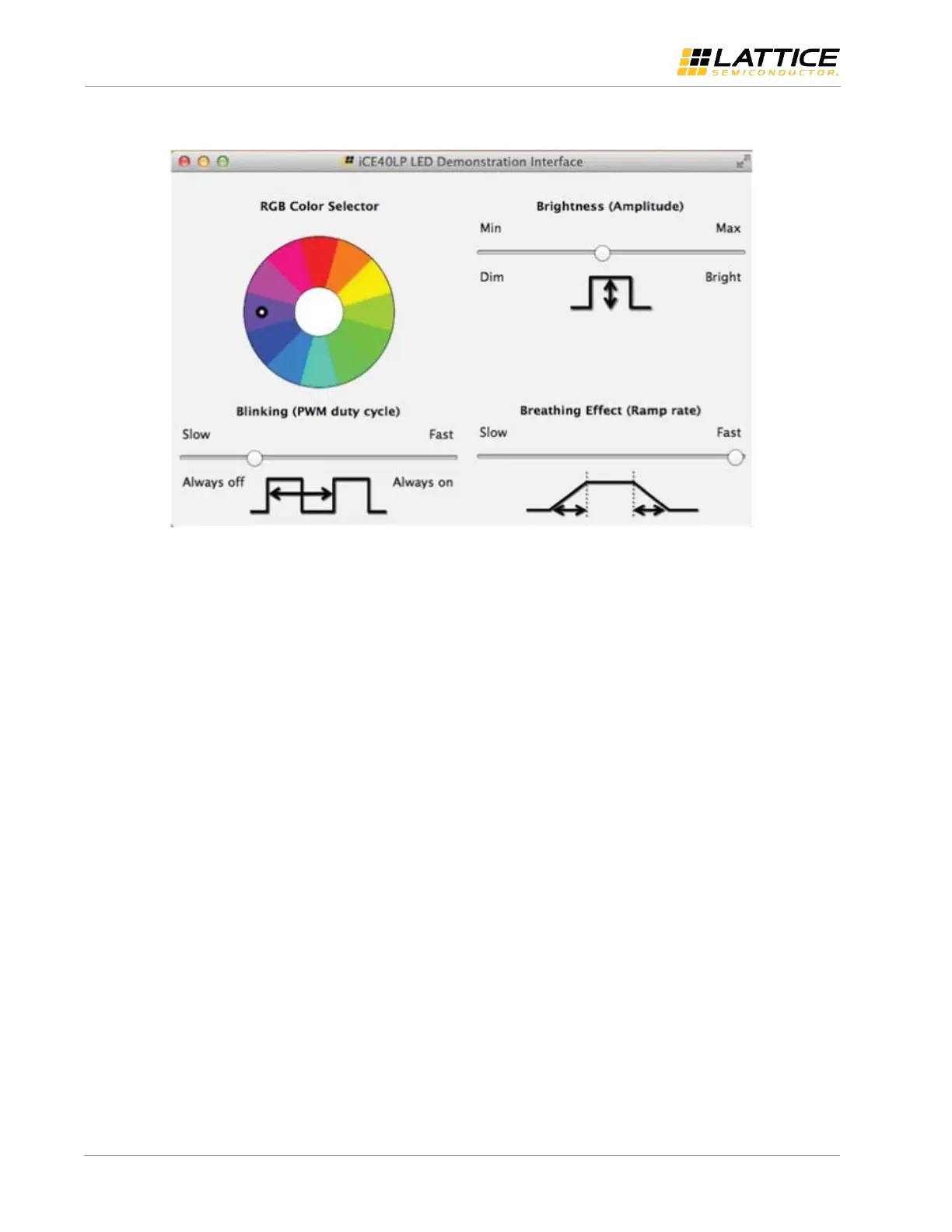
5. Start the RBG user interface on the PC or MAC.
Figure 10.3. iCE40 Ultra LED Demonstration Interface
You can now control the RGB LED on the iCE40 Ultra Breakout Board. You can set the color, brightness, blinking rate as
well as the breathing.



 To Next Page