9
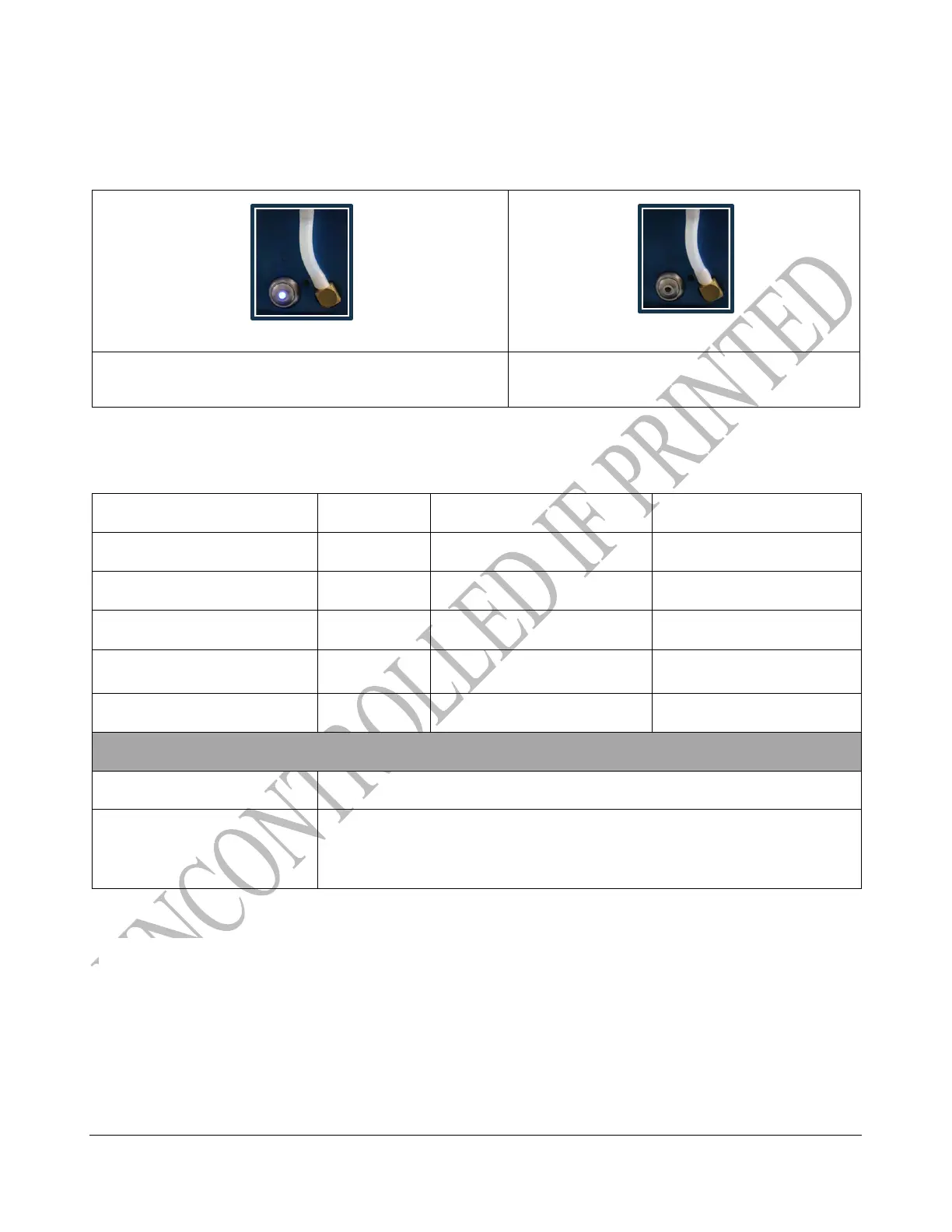
Power Button Indicators
The light pattern provides an indication of the machine’s state so that you can give commands using
the power button.
*Once the battery is fully charged, but connected to a charger then it will cycle between OFF/ON/OFF/ON
and Breathing. This is because once the battery is fully charged it stops charging (even though it is still
plugged in) and the light goes OFF/ON/OFF/ON until the battery is depleted a minimal amount and the
charging process re-begins and the light starts to Breath.
/00O4!P+7&.&O/00O4!P+7&.&!
U1:$(!01&%!N7$#V!%-.#!/00!
"#$%!-1&!(.%.5%.(!1!N1%%.3B!1%!WXEY!*2!5-13;.!1#(!1+%*C1%$5177B!
:*6.3.(!(*6#9!G#!*3(.3!%*!3.&%13%A!B*+!6$77!-1F.!%*!1%%15-!%-.!5-13;.3!
2*3!1%!7.1&%!ZE!C$#+%.&!N.2*3.!:*6.3$#;!N15V!*#9!!



 To Next Page