40
6. Remove the second poly filter disk.
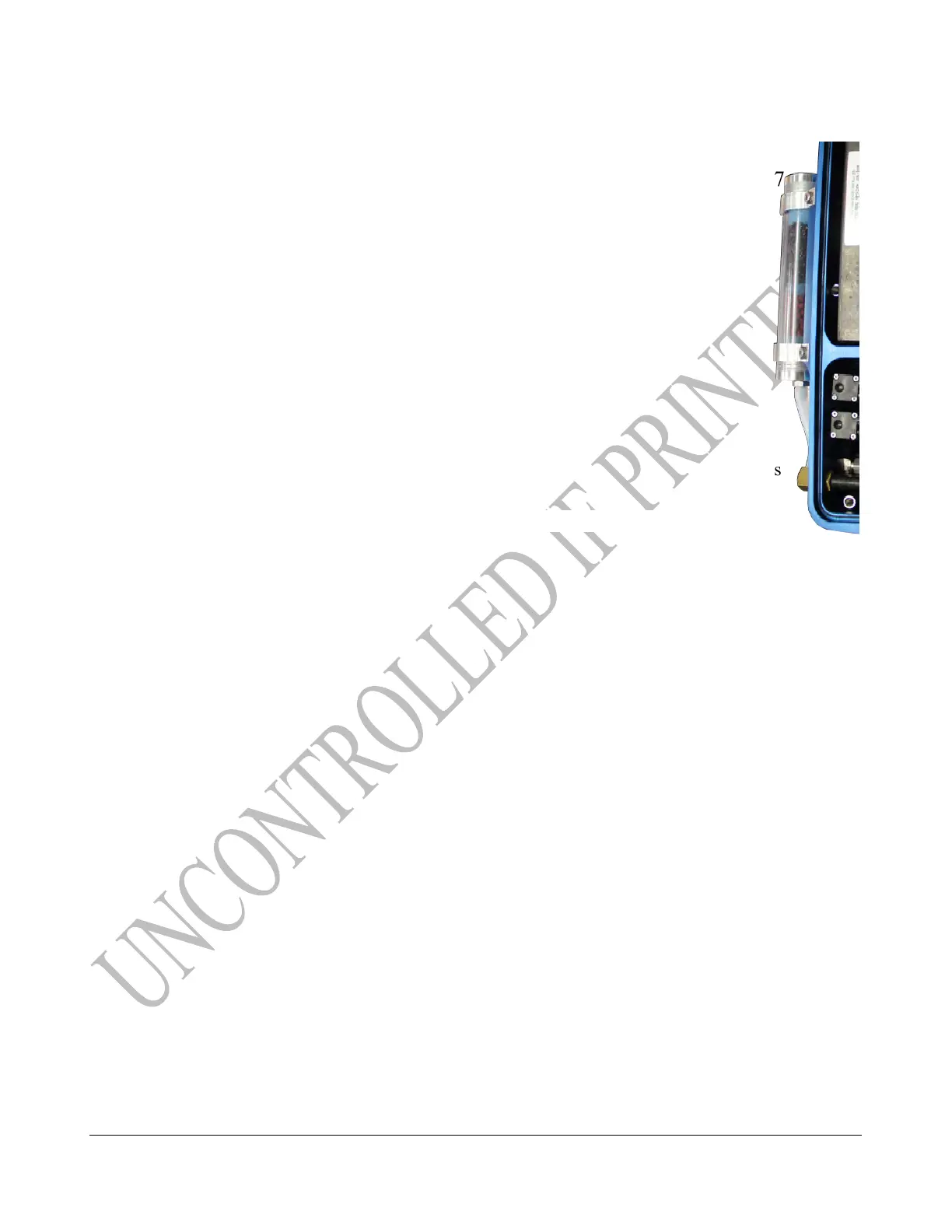
7. Dump the Purafil select (LDAR#42415) out of the scrubber.
8. Leave the third poly filter disk in the bottom of the scrubber chamber.
TECH TIP: Attempting to remove the 3rd filter disk may result in debris being pulled into
your analyzer.
9. Discard the used Poly filter disks, charcoal and Purafil Select*.
10. Pour in the new Purafil Select.
11. Insert one poly filter disk and tamp carefully against the Purafil Select.
12. Pour in the new activated charcoal.
13. Insert the last poly filter disk.
14. Insert and tighten the Scrubber Chamber Cap just finger tight and until no threads
are visible.
*Purafil Select should be disposed of according to local, state, and federal guidelines.



 To Next Page