System Troubleshooting
PHOTON
+
System Guide 36
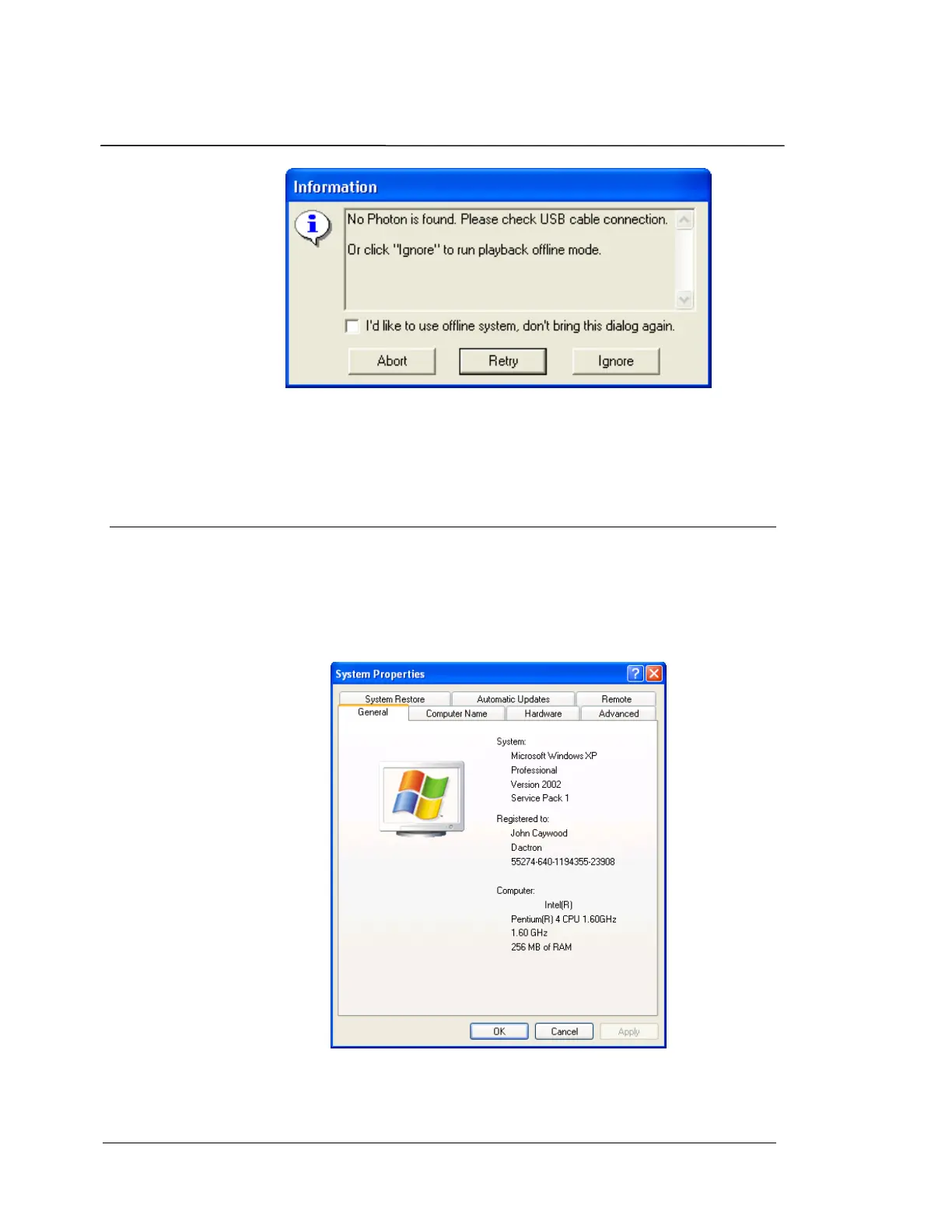
Follow the instructions provided to re-establish communication with the
PHOTON
+
. Selecting “Ignore” will initialize RT Pro Playback, for offline
data analysis.
Check if USB driver is installed correctly
To determine if the driver software has been installed and if the PC
recognizes the
PHOTON
+
, first connect the PHOTON
+
to the PC with a
USB cable. Then go to the Start menu and select Settings, Control
Panels. Double-click on the System control panel to open the System
Properties dialog.
Choose the Hardware tab, and then select the Device Manager button.


 To Next Page